Pocket workshop
Adds 30 craftable workshop machines with material progression, vanilla-style textures and scripted crafting stations
⬇ Download on CurseForge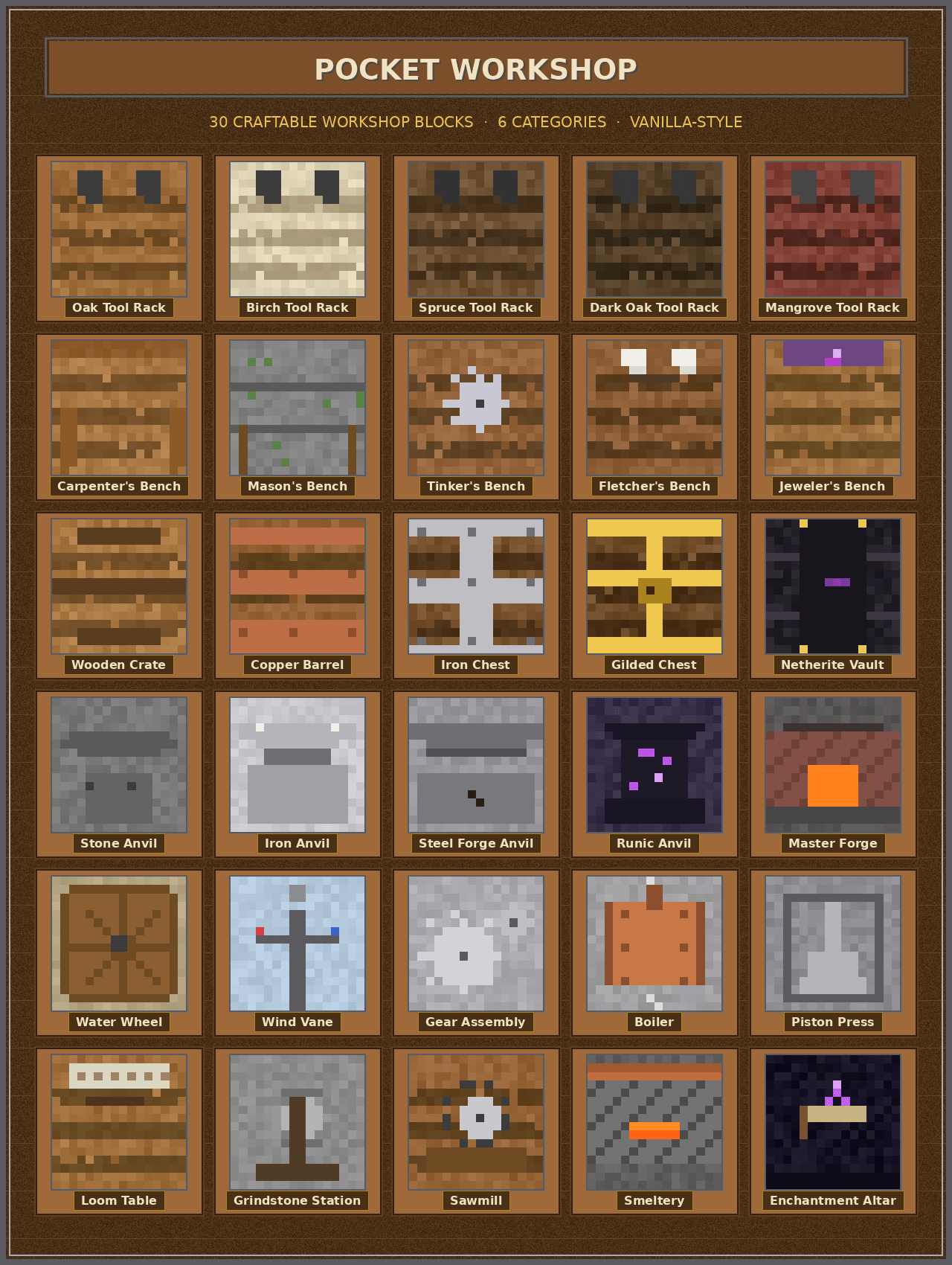
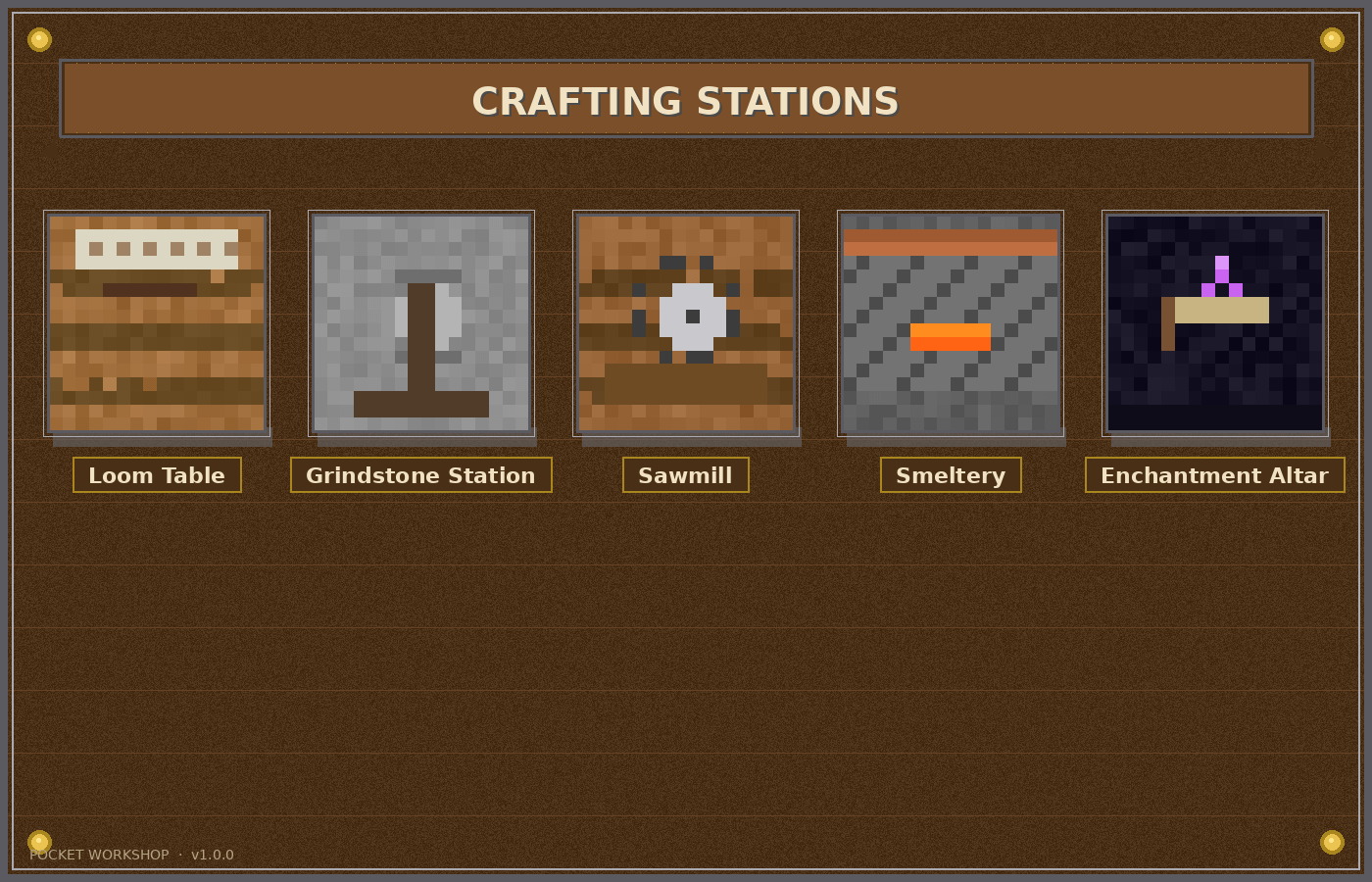
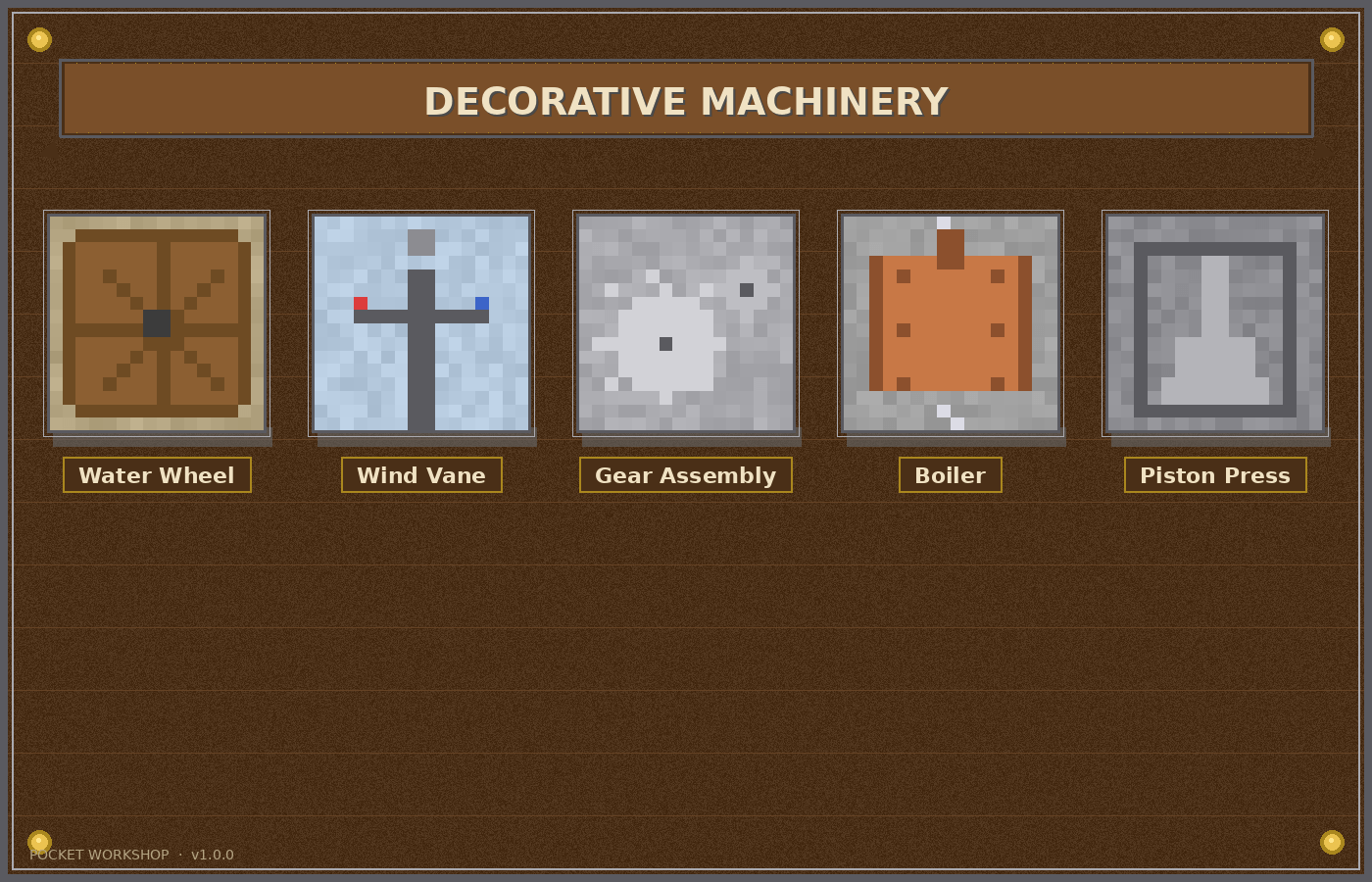
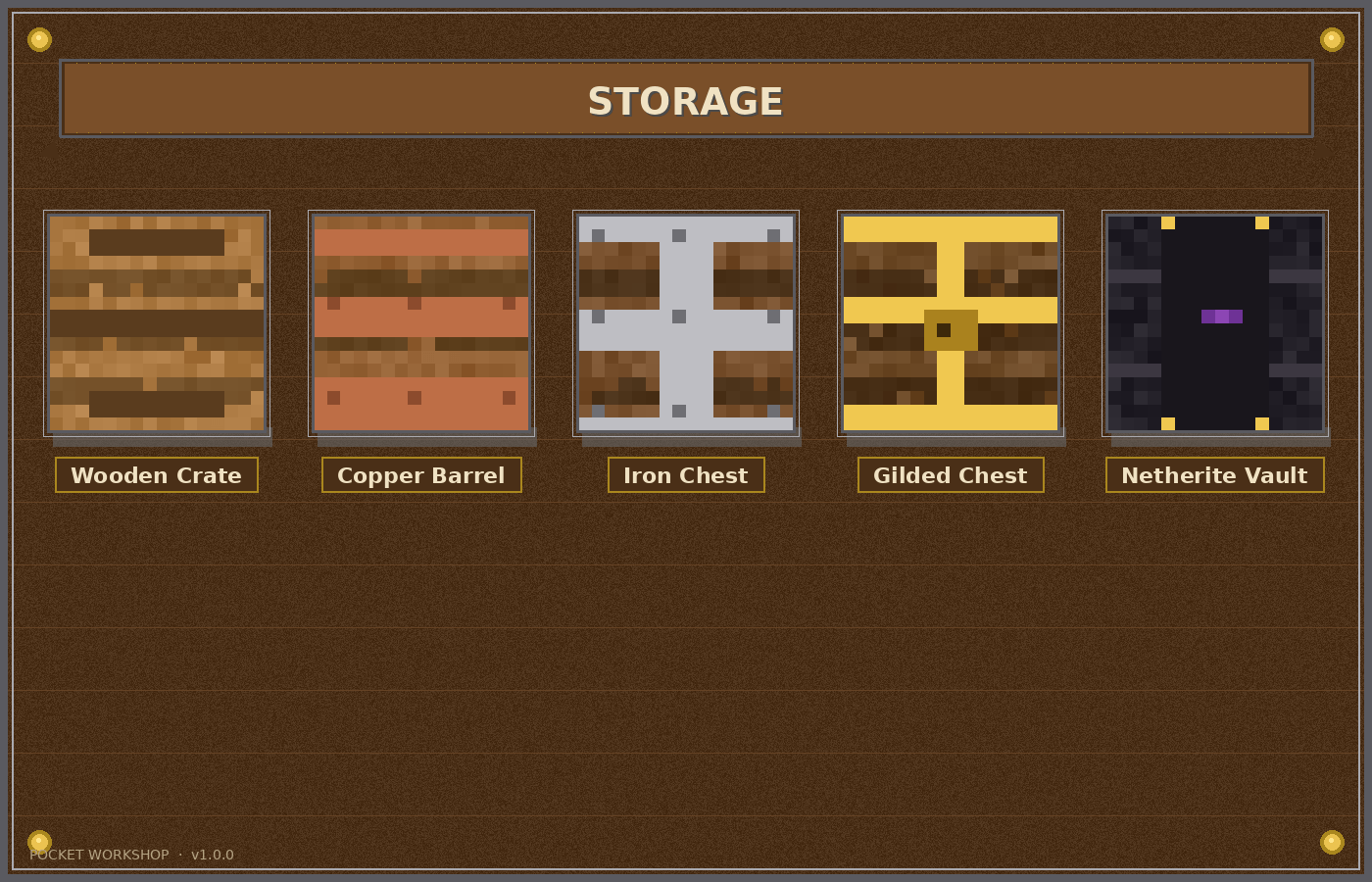
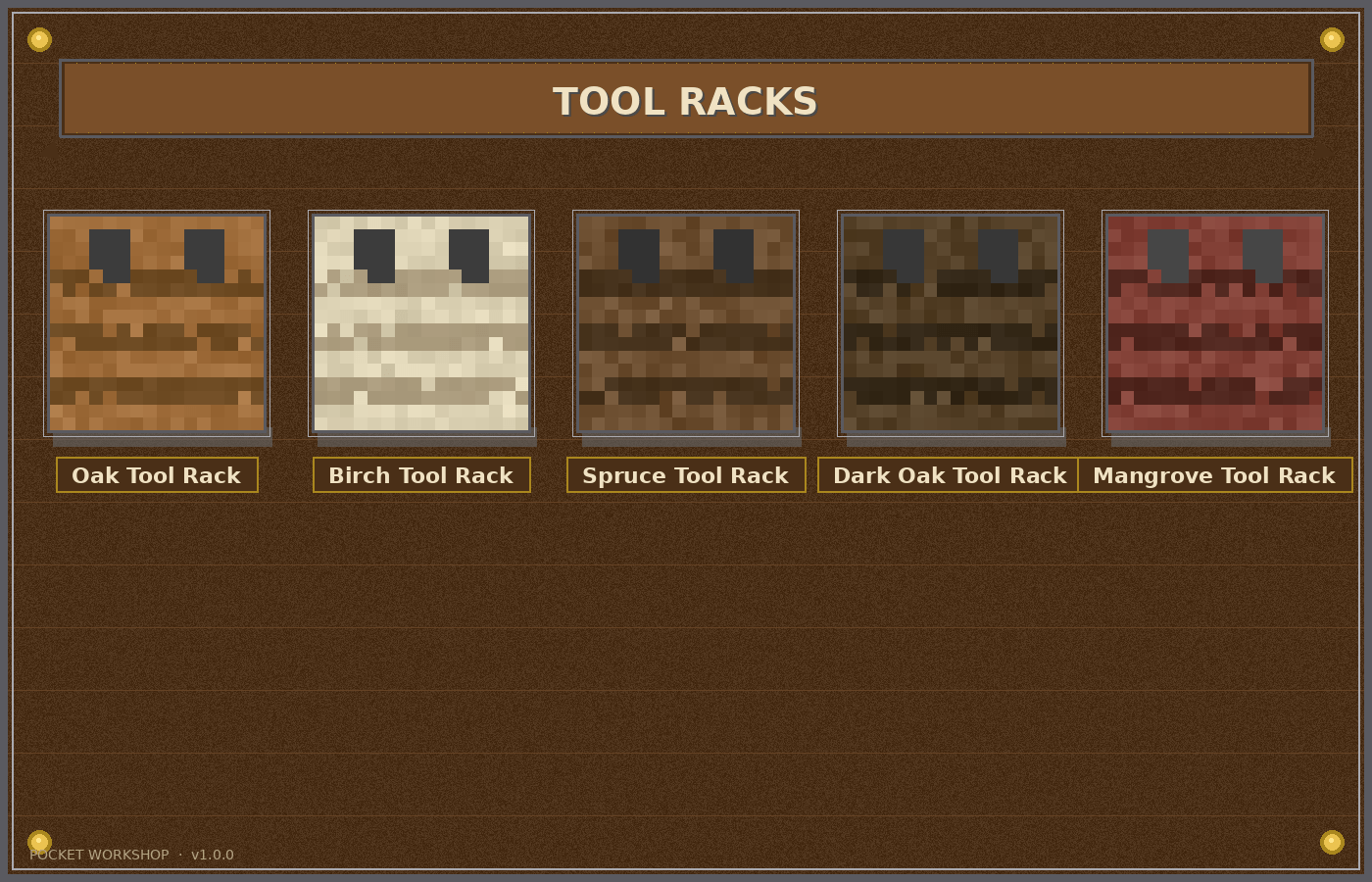
[h1]Pocket Workshop[/h1] A small Bedrock add-on that adds 30 craftable workshop machines.
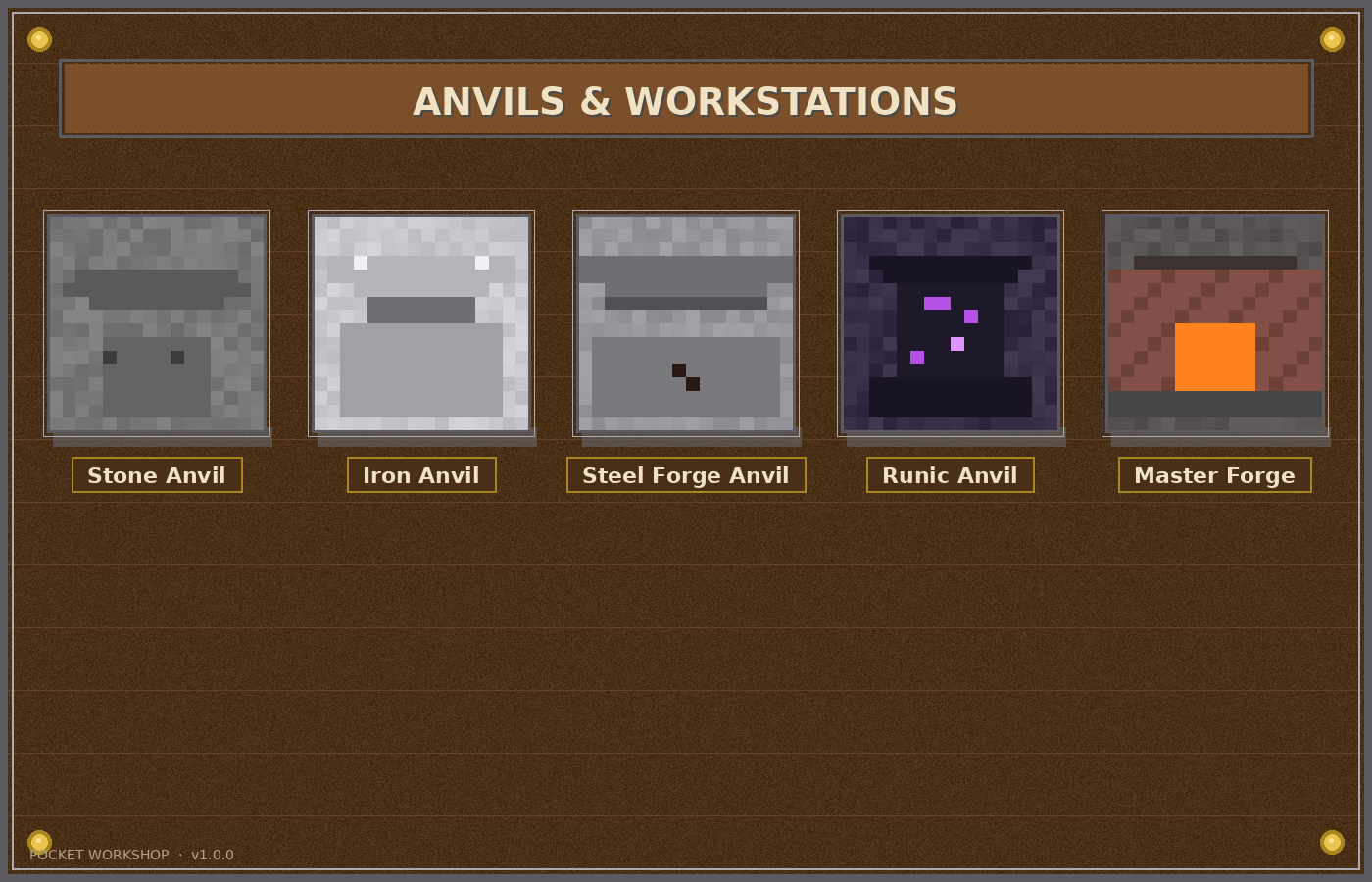
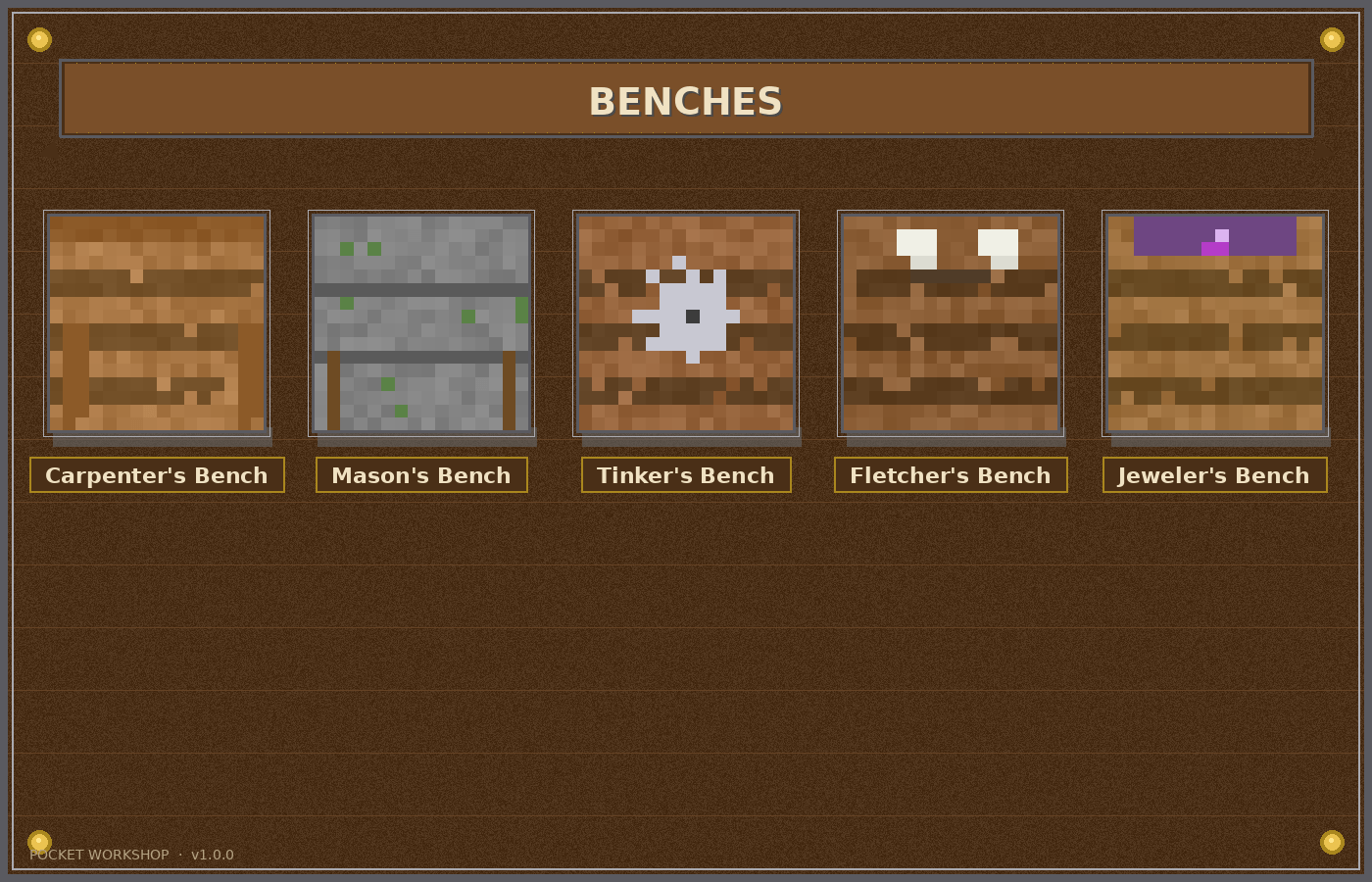
[h2]What's inside[/h2] [list] [] [b]Tool Racks[/b] (5) – Oak, Birch, Spruce, Dark Oak, Mangrove [] [b]Benches[/b] (5) – Carpenter's, Mason's, Tinker's, Fletcher's, Jeweler's [] [b]Storage[/b] (5) – Crate, Copper Barrel, Iron Chest, Gilded Chest, Netherite Vault [] [b]Anvils / Workstations[/b] (5) – Stone, Iron, Steel Forge, Runic, Master Forge [] [b]Decorative Machinery[/b] (5) – Water Wheel, Wind Vane, Gears, Boiler, Piston Press [] [b]Crafting Stations[/b] (5) – Loom Table, Grindstone, Sawmill, Smeltery, Enchantment Altar [/list]
[h2]Material Progression[/h2] Wood → Stone → Copper → Iron → Gold/Amethyst → Netherite
[h2]Features[/h2] [list] [] Right-click any Anvil, Bench, or Crafting Station to open the matching vanilla UI (anvil, furnace, enchanting table, etc.) [] Rune and forge blocks emit light and sparkle with particles [] All 30 blocks are craftable, placeable, and drop themselves when broken [] Vanilla-style 16x16 textures [/list]
[h2]Installation[/h2] Double-click the .mcaddon file. Minecraft imports it automatically. Activate on a world with [b]Beta APIs[/b] experimental toggle ON.
- Edition: Minecraft Bedrock
- File type: .mcpack or .mcaddon
- Minecraft version listed: 26.50
- How to install: Download the .mcpack or .mcaddon file. → Open it — Minecraft imports it. → In your world: Behavior Packs → Available → Activate, then the same under Resource Packs.
- Where to get it: Opens on CurseForge — not every file is mirrored on our own servers.
Install steps are the general flow for this file type — How to install Minecraft Bedrock addons & mods walks through it step by step.
Pocket workshop is a free Minecraft Bedrock addon. Compatible with Minecraft 26.50. Downloaded 2 times (via CurseForge). Download it and open it directly in the game.