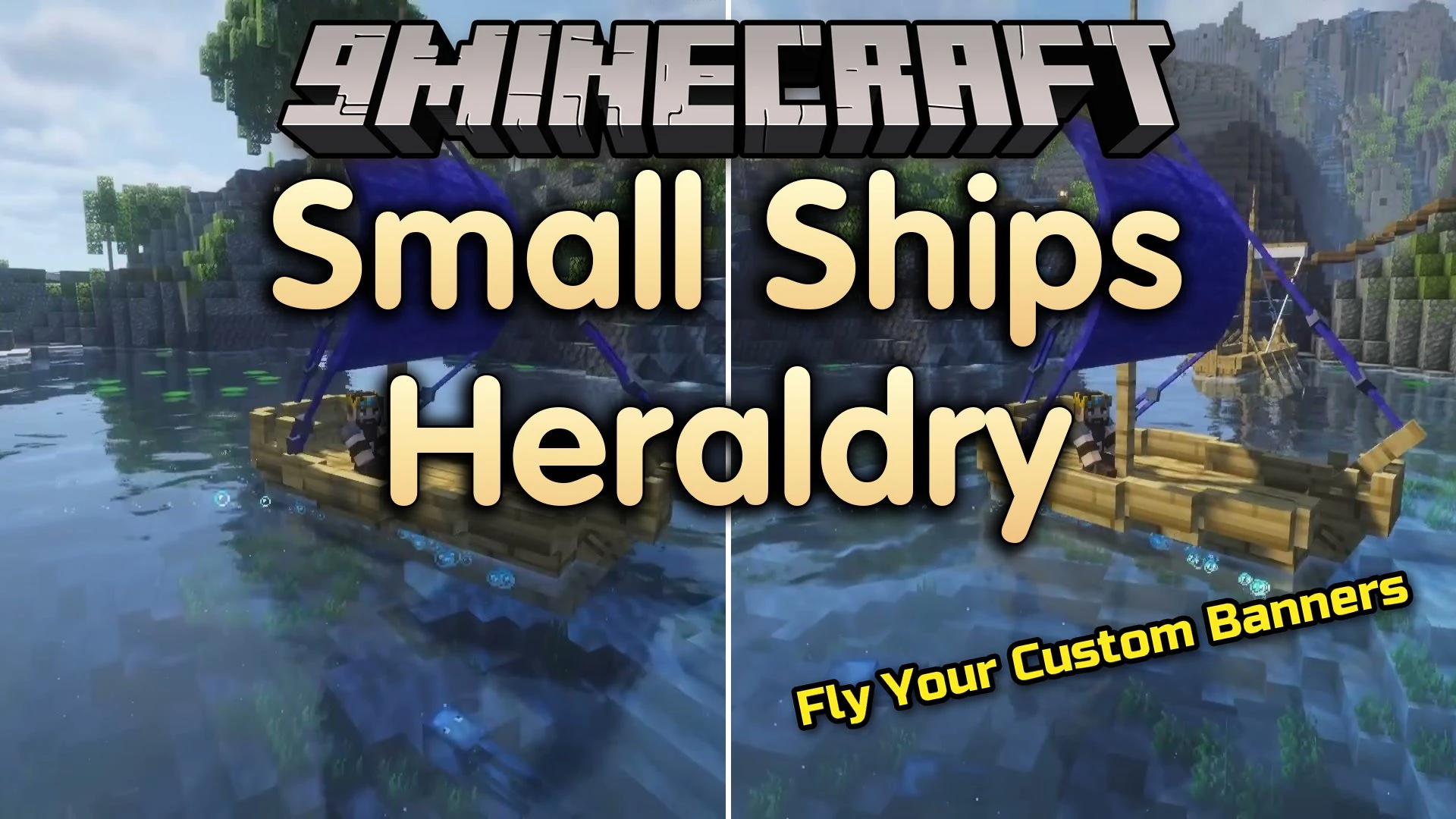


Small Ships Heraldry Mod adds an in-game 3D sail editor for Small Ships. It lets you paint custom sail patterns directly on 3D boat models so you see every detail before spending resources. The mod works with several ship types and gives you complete control over your fleet’s appearance across different sail stages.
Features:
- Draws custom designs directly onto 3D models for the Cog, Brigg, Galley, and Drakkar.
- Provides separate draft layers for each ship type and all five sail stages.
- Includes freehand brush strokes, straight line tools, flood fill, symmetry, and color palettes.
- Allows you to isolate, hide, or select individual sail parts on larger vessels.
- Lets you copy, cut, move, and paste pixel selections across different sail stages.
- Features 3D camera controls to pan, rotate, and zoom around the ship model during editing.
- Saves finished drafts as local files so you can reuse them across different worlds and servers.
- Imports new patterns by dragging file items directly into the editor interface.
- Prints finished designs onto paper inside the Heraldry Table workstation.
- Sneak-use a printed item on a vessel to install or swap the sail artwork.
- Returns the previous pattern item when replacing an existing design on a ship.
- Lets you strip heraldry away using shears while sneaking.
- Allows pattern duplication by placing one print in a crafting grid surrounded by eight pieces of paper.
How to Use:
- Craft and place a Heraldry Table block on the ground.
- Right-click the table to open the 3D editor and pick your ship type.
- Paint your sail artwork using brushes, fills, lines, and symmetry tools.
- Put paper into the Heraldry Table to print the finished design item.
- Hold Shift and right-click your ship with the printed item to apply the custom sails.
Screenshots:


Small Ships Heraldry Mod Download Links
Quick facts
- Edition: Minecraft Java
- File type: .jar
- Minecraft versions listed: 1.21.1, 1.20.1
- How to install: Install the matching mod loader (Forge, Fabric or NeoForge) for your Minecraft version. → Download the .jar. → Put it in the .minecraft/mods folder and launch that loader profile.
- Where to get it: In MC Java Mods, or directly above on this page.
Install steps are the general flow for this file type — How to install Minecraft Java mods & modpacks walks through it step by step.
Verified by MCModsHub
- Downloads as 513172.mcaddon
- Download size: 324 KB
- Download link checked 22 Sept 2026 — working
- Mirrored on our own servers — the download does not depend on the original host
These come from our own check of the pack file, not from the source page.