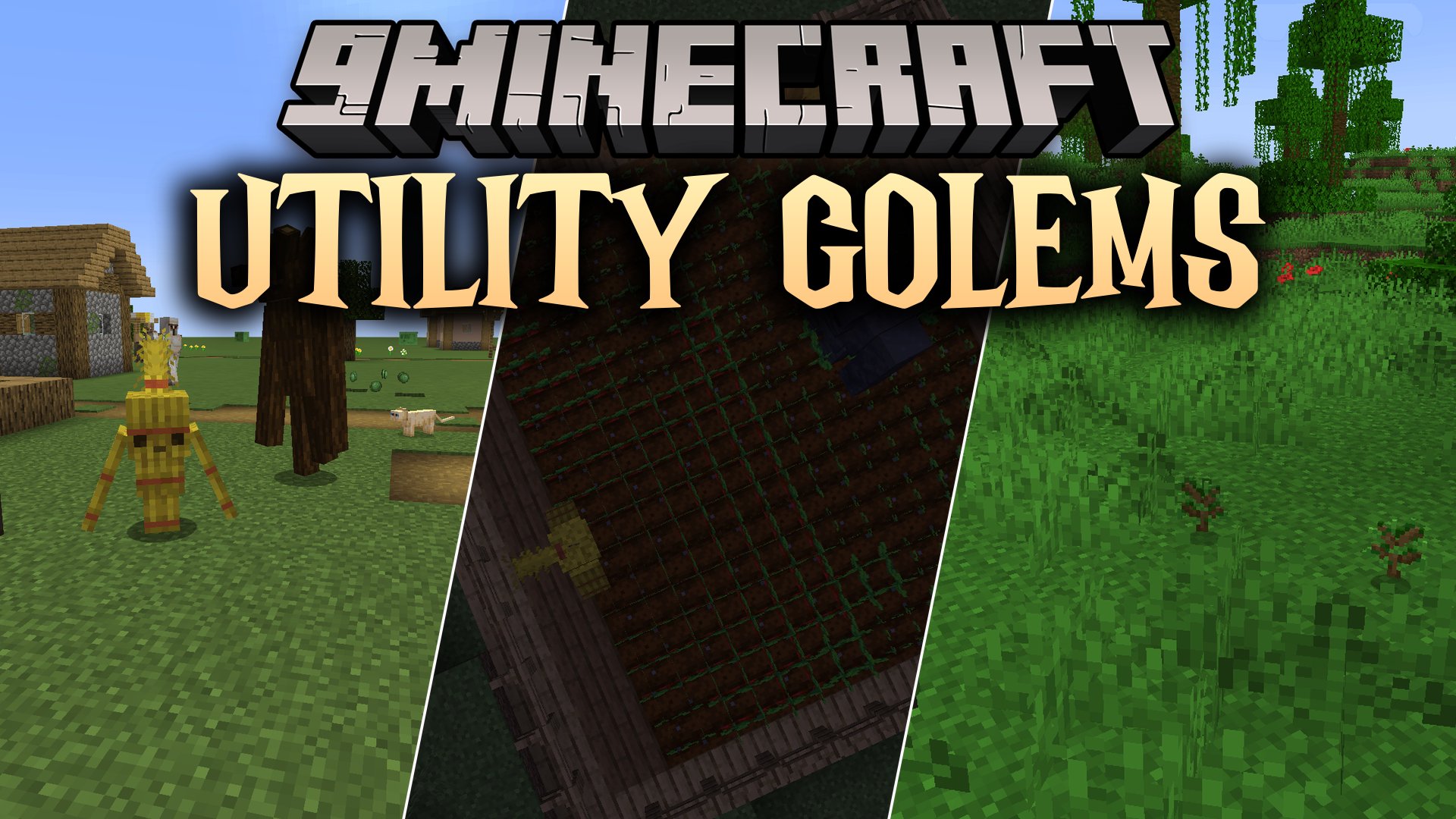


Utility Golems Mod introduces buildable helper golems to handle farming, woodcutting, and item storage in Minecraft. Instead of complicated machines or wiring, this mod uses basic world blocks to create living workers that assist around your base. These helpers interact with nearby chests to keep crops growing, gather tree logs, and collect raw resources without any complex menus.
Features:
- Lets you build functional utility golems directly in the world without natural spawning.
- Automates crop planting, harvesting, and woodcutting using simple mob actions.
- Pulls needed items and deposits collected drops directly into nearby containers.
- Runs entirely without power cables, energy systems, or setup menus.
Hay Golem:
- Build by placing two Hay Bales vertically with a Carved Pumpkin on top.
- Plants seeds on free farmland and speeds up crop growth with bonemeal.
- Takes seeds and bonemeal out of nearby chests automatically.
- Attacks skeletons, collects their bones, and stays immune to arrow shots.
- Heals when you feed it bonemeal, but runs away from cows and sheep.
Mud Golem:
- Build by placing five Mud blocks in an iron golem shape with a Carved Pumpkin on top.
- Harvests fully grown crops and stores the yields into nearby chests.
- Attacks any mob that breaks crops in its farm area.
- Moves slowly and heals when you feed it mud blocks.
Timber Golem:
- Build by placing two matching Log blocks vertically with a Carved Pumpkin on top.
- Chops down matching tree types block by block from the bottom up.
- Replants a fresh sapling at the base of every tree it cuts down.
- Stores all gathered logs into nearby chests.
- Flees from fire and lava, transforming into a Charcoal Golem if it burns too long.
- Heals when you feed it sticks.
Charcoal Golem:
- Forms when a Timber Golem stays on fire for too long.
- Gathers dropped saplings from the ground and withdraws extra saplings from nearby chests.
- Replants standard saplings and places two-by-two sapling squares for giant trees.
- Clears away nearby wild flowers and follows players who hold saplings.
- Acts as a mobile light source when right-clicked with a stick.
- Heals when you feed it charcoal.
How to Use:
- Gather building blocks like Hay Bales, Mud, or wood logs along with a Carved Pumpkin.
- Stack the blocks in the world matching the golem recipe shape.
- Place the Carved Pumpkin on top to bring your golem to life.
- Place a chest filled with seeds, bonemeal, or saplings near the work area so the golem can grab supplies.
- Place an empty chest nearby so the golem can deposit harvested crops and wood logs.
Screenshots:
Utility Golems Mod Download Links
Quick facts
- Edition: Minecraft Java
- File type: .jar
- Minecraft version listed: 1.20.1
- How to install: Install the matching mod loader (Forge, Fabric or NeoForge) for your Minecraft version. → Download the .jar. → Put it in the .minecraft/mods folder and launch that loader profile.
- Where to get it: In MC Java Mods, or directly above on this page.
Install steps are the general flow for this file type — How to install Minecraft Java mods & modpacks walks through it step by step.
Verified by MCModsHub
- Downloads as 513198.mcaddon
- Download size: 243 KB
- Download link checked 22 Sept 2026 — working
- Mirrored on our own servers — the download does not depend on the original host
These come from our own check of the pack file, not from the source page.