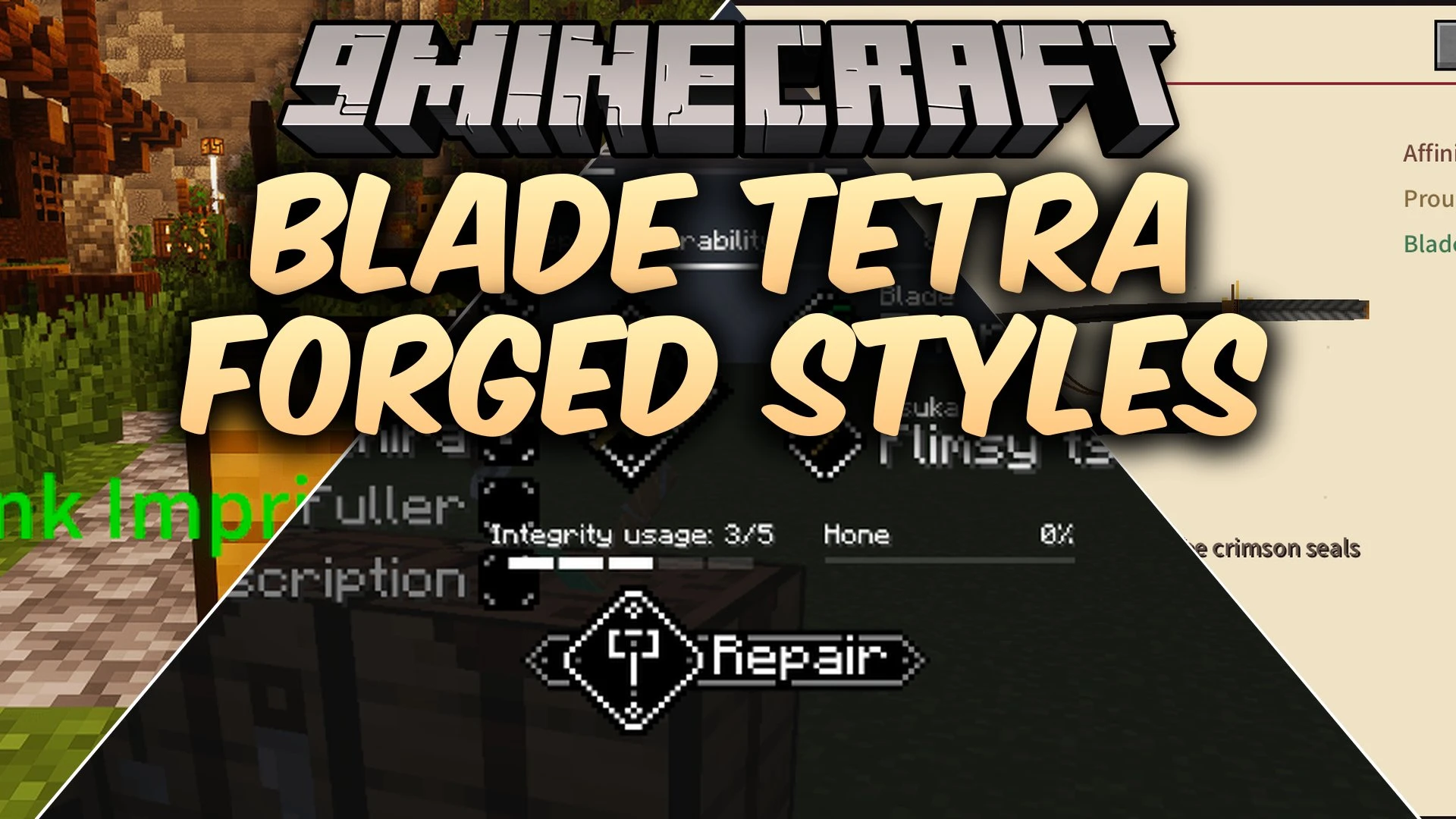


Blade Tetra Forged Styles Mod brings Tetra weapon crafting to SlashBlade: Resharped. It lets you forge custom katanas using different materials, parts, and combat styles. You can hone and repair your sword at a workbench instead of throwing it away for a new one. The mod also features boss fights, special scrolls, and sword soul awakenings.
Features:
- Adds custom SlashBlade weapons that use Tetra crafting and workbench tuning.
- Provides eight part slots including the blade, hilt, guard, scabbard, and soul inscription.
- Includes four combat styles based on your sword setup: Orthodox, Iaido, Rengeki, and Dangaku.
- Lets you repair and hone your katana using Tetra progression systems without losing kill counts.
- Adapts colors, slash effects, and looks based on the materials used.
- Adds forging scrolls and technique notes to unlock advanced sword designs in survival.
- Features four awakened souls that grant powers and can combine with each other.
- Adds the Mikage boss trial with multiple phases, special arena setups, and rewards.
- Lets you imprint named blades onto scrolls to transfer attack and durability bonuses to your custom sword.
Combat Disciplines:
- Orthodox: maintains standard combo attacks suitable for all general battles.
- Iaido: rewards careful positioning, sheathing, and quick-draw timing.
- Rengeki: focuses on rapid chain strikes that build momentum.
- Dangaku: delivers slow, heavy cleaving attacks with broad area control.
How to Use:
- Place a named katana on a blade stand directly above a Tetra workbench.
- Sneak and right-click the workbench while holding a Blank Imprinting Scroll.
- Complete the mini-game trial by observing, tracing, and hammering.
- Place the completed pattern near your workbench to unlock custom fittings and stat bonuses.
- Hold Alt while hovering over your weapon in your inventory to read detailed combat style notes.
Screenshots:
Blade Tetra Forged Styles Mod Download Links
Quick facts
- Edition: Minecraft Java
- File type: .jar
- Minecraft version listed: 1.20.1
- How to install: Install the matching mod loader (Forge, Fabric or NeoForge) for your Minecraft version. → Download the .jar. → Put it in the .minecraft/mods folder and launch that loader profile.
- Where to get it: In MC Java Mods, or directly above on this page.
Install steps are the general flow for this file type — How to install Minecraft Java mods & modpacks walks through it step by step.
Verified by MCModsHub
- Downloads as 513200.mcaddon
- Download size: 10.9 MB
- Download link checked 25 Sept 2026 — working
- Mirrored on our own servers — the download does not depend on the original host
These come from our own check of the pack file, not from the source page.