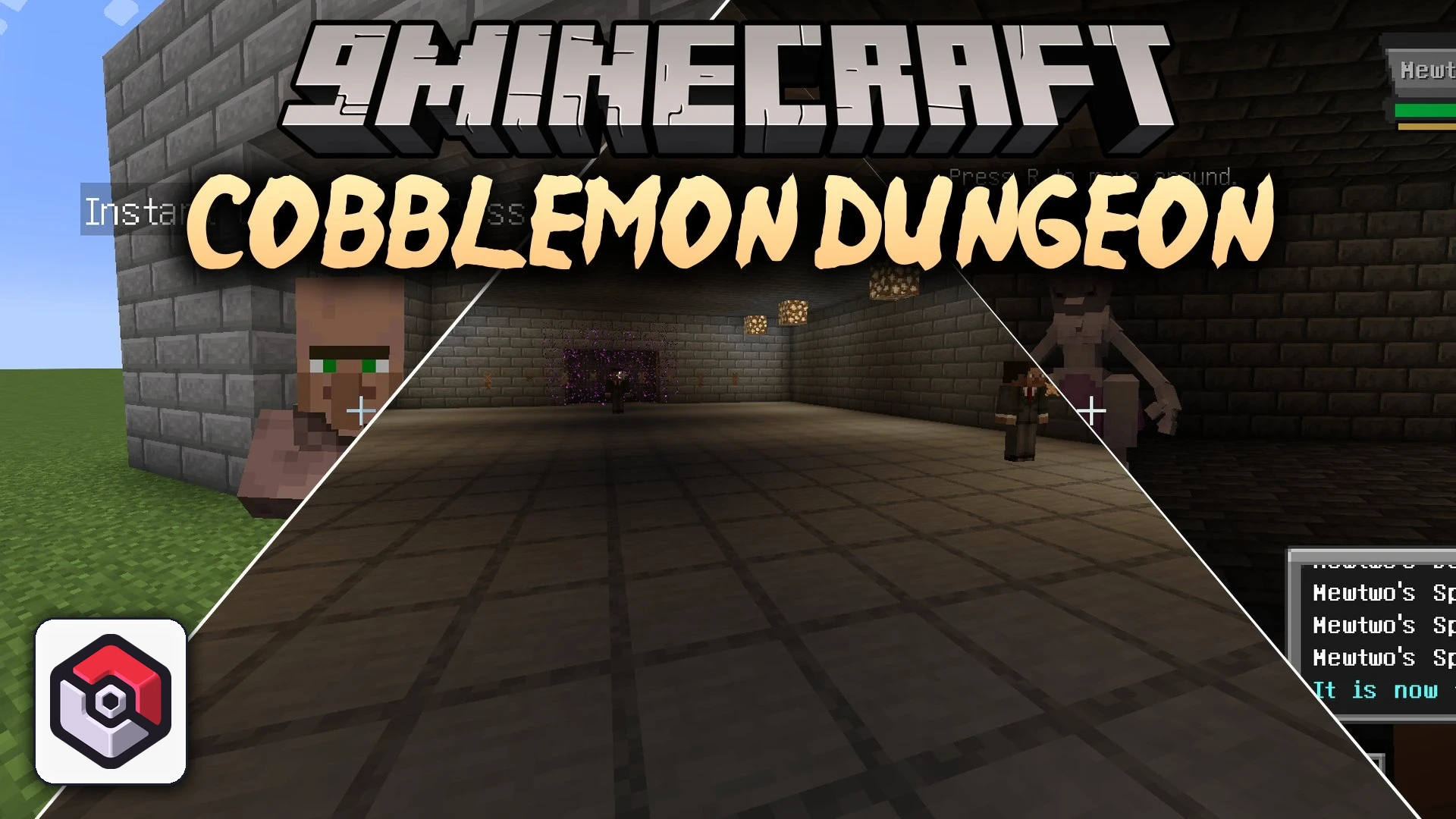


Cobblemon Dungeon Mod extends Cobblemon with in-game tools to create and manage custom dungeon adventures. It lets server owners and builders set up multi-room challenges filled with trainer battles, gates, and powerful boss encounters. Multiple players can explore the same dungeon area at the same time while keeping their battle progress, gate unlocks, and rewards completely separate. Everything can be edited inside the game or fine-tuned using external data files.
Features:
- Lets you build and edit complete dungeon layouts directly inside the game world.
- Allows shared multiplayer spaces where each player keeps their own personal progression.
- Divides builds into functional areas like exploration corridors, miniboss rooms, and boss arenas.
- Controls room access with locked gates that open after meeting battle requirements.
- Adds regular trainer encounters, miniboss fights, and full team trainer bosses.
- Spawns standalone boss Pokémon featuring boosted stats and multiple HP bars.
- Places Join NPCs in your world so players can quickly enter through a clean interface.
- Provides customizable completion rewards, heal limits, and entry cooldowns.
- Offers debug commands that build instant sample dungeons for testing and reference.
- Supports data file editing for advanced party pool and boundary setup.
Boss Encounter Types:
- Trainer Boss: Traditional battles against a trainer holding a full party of Pokémon.
- Single Boss Pokémon: Raid-style fights against one strong Pokémon with increased stats and scaled health gauges.
Commands:
/dungeon list: Lists all available dungeons./dungeon join <id>: Joins the specified dungeon./dungeon leave: Leaves the current dungeon./dungeon set entry <id>: Sets the entry spawn point for a dungeon./dungeon set exit <id>: Sets the exit point after leaving a dungeon./dungeon set healcount <id> <count>: Sets the maximum heal uses allowed inside a dungeon./dungeon set pos1 <id>: Sets the first boundary corner of a dungeon./dungeon set pos2 <id>: Sets the second boundary corner of a dungeon./dungeon area create <dungeon>: Creates a new area inside a dungeon.
<type>/dungeon area setspawn <dungeon>: Sets the spawn point for a specific area.
/dungeon area setpos1 <dungeon>: Sets the first corner of an area boundary.
/dungeon area setpos2 <dungeon>: Sets the second corner of an area boundary.
/dungeon area list <dungeon>: Shows all areas configured for a dungeon./dungeon gate create <dungeon> <gate> <fromArea> <toArea>: Links two areas with a new gate./dungeon gate delete <dungeon> <gate>: Removes an existing gate./dungeon gate setpos1 <dungeon> <gate>: Sets the first position marker for a gate./dungeon gate setpos2 <dungeon> <gate>: Sets the second position marker for a gate./dungeon gate list <dungeon>: Displays all gates inside a dungeon./dungeon pool addcurrent <dungeon> <type> <id> [name]: Adds your current Pokémon party to a dungeon battle pool./dungeon pool remove <dungeon> <type> <id>: Deletes a party entry from a battle pool./dungeon pool list <dungeon> <type>: Lists all parties registered in a pool./dungeon npc create <dungeon> <trainer> <role> <trigger>: Spawns a dungeon trainer NPC./dungeon npc slot create <dungeon>: Creates an encounter slot inside an area.
<slot> <trigger>/dungeon npc join spawn <dungeon>: Places an entry NPC in the world for players to join./dungeon npc join remove <dungeon>: Removes an entry NPC from the world./dungeon debug instanttest: Generates a basic test structure to check room progression./dungeon debug instantbosstest: Generates a sample dungeon centered on boss battles./dungeon reload: Reloads all dungeon configuration files from disk.
How to Use:
- Set the overall dungeon boundaries, entry point, and exit location using setup commands or editor items.
- Create different zones such as explore, miniboss, and boss rooms, setting their individual spawn spots and boundaries.
- Build gates between connected rooms and assign battle win conditions to open them.
- Add Pokémon teams to trainer pools and assign them to NPC slots or boss arenas.
- Spawn a Join NPC at your server hub so players can click it and enter the finished Cobblemon Dungeon Mod challenge.
Screenshots:
Cobblemon Dungeon Mod Download Links
Quick facts
- Edition: Minecraft Java
- File type: .jar
- Minecraft version listed: 1.21.1
- How to install: Install the matching mod loader (Forge, Fabric or NeoForge) for your Minecraft version. → Download the .jar. → Put it in the .minecraft/mods folder and launch that loader profile.
- Where to get it: In MC Java Mods, or directly above on this page.
Install steps are the general flow for this file type — How to install Minecraft Java mods & modpacks walks through it step by step.
Verified by MCModsHub
- Downloads as 513202.mcaddon
- Download size: 488 KB
- Download link checked 22 Sept 2026 — working
- Mirrored on our own servers — the download does not depend on the original host
These come from our own check of the pack file, not from the source page.