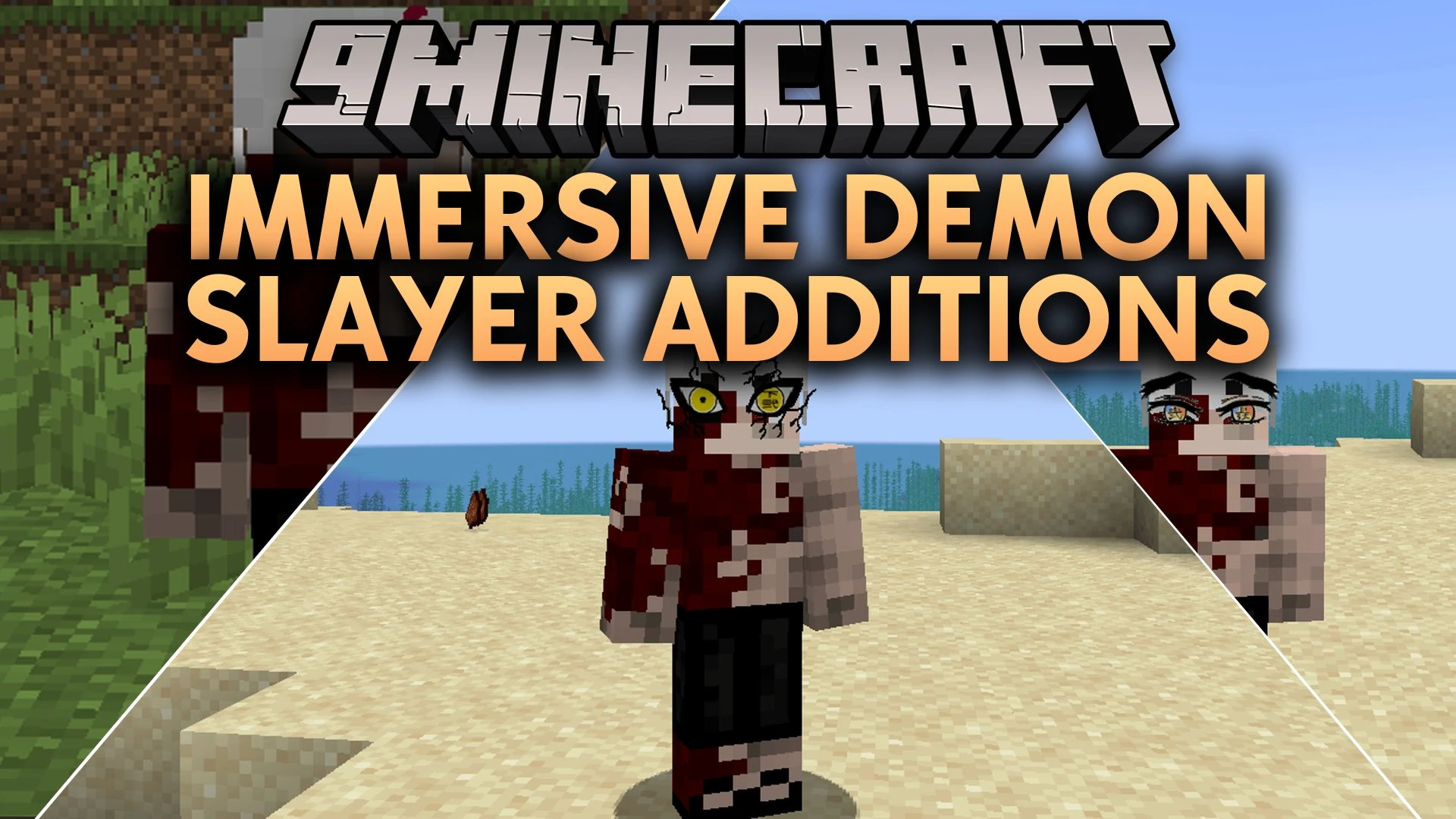


Immersive Demon Slayer Additions Mod adds new visual options and battle mechanics for the Kimetsu no Yaiba mod. It lets players collect demonic eyes from defeated Moon bosses and wear them directly on their character models. The mod introduces ways to unlock anime-accurate forehead marks and look through the world without extra clutter on your screen.
Features:
- Defeated Kizuki bosses drop their eyes as equipable items.
- Adds high-definition eye textures featuring kanji engravings for all twelve demon moons.
- Includes custom facial models and eye styles for both Upper Moons and Lower Moons.
- Players can unlock the Sun Slayer Mark by meeting combat goals and talking to Tanjiro Kamado.
- Includes upgrades for the Demon Slayer Mark to increase visual stages.
- Lets players switch into the Transparent World state using a single key press.
- Custom menu lets you pick your favorite visual style for the Transparent World eyes.
- Plays custom sound effects and shows popup alerts when boss eyes drop.
- Adds physical push-up training to build your character strength.
Upper Moon Eyes:
- Kokushibo: Six glowing demon eyes of the Moon Breathing master.
- Doma: Rainbow gradient eyes with engraved kanji ranks.
- Akaza: Cracked yellow eyes marked with martial arts kanji.
- Zohakuten: Wrathful eyes that come with facial demon veins.
- Gyokko: Grotesque vertical eye placement on the face.
- Gyutaro and Daki: Fierce gaze textures matching the demon siblings.
Lower Moon Eyes:
- Includes authentic eye models for Enmu, Rui, Rokuro, Wakuraba, Mukago, and Kamanue.
How to Use:
- Defeat Upper or Lower Moon bosses in battle to obtain their dropped eyes.
- Equip the eyes in your inventory to apply the facial textures to your character.
- Complete battle requirements and talk to Tanjiro Kamado to unlock your Demon Slayer Mark.
- Press N on your keyboard to toggle the Transparent World visual view.
Screenshots:

Immersive Demon Slayer Additions Mod Download Links
Quick facts
- Edition: Minecraft Java
- File type: .jar
- Minecraft version listed: 1.20.1
- How to install: Install the matching mod loader (Forge, Fabric or NeoForge) for your Minecraft version. → Download the .jar. → Put it in the .minecraft/mods folder and launch that loader profile.
- Where to get it: In MC Java Mods, or directly above on this page.
Install steps are the general flow for this file type — How to install Minecraft Java mods & modpacks walks through it step by step.
Verified by MCModsHub
- Downloads as 513215.mcaddon
- Download size: 2.9 MB
- Download link checked 22 Sept 2026 — working
- Mirrored on our own servers — the download does not depend on the original host
These come from our own check of the pack file, not from the source page.