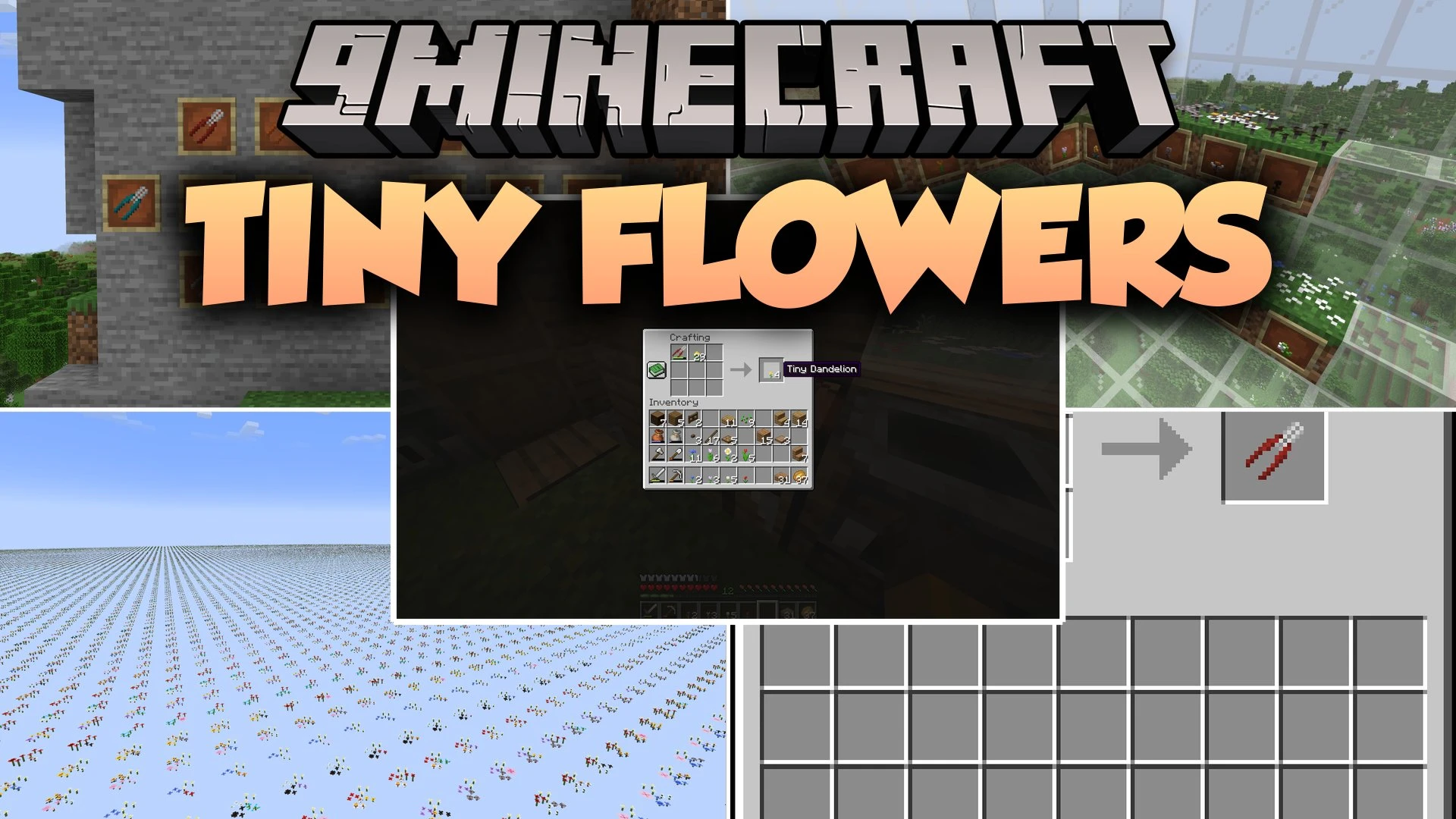


Tiny Flowers Mod adds small, stackable versions of every standard Minecraft flower to the game. You can place up to four tiny blossoms in a single block space just like Pink Petals. It lets you mix different flower types together on grass, dirt, or moss to create custom flowerbeds. Bees still visit these mini plants for honey and breeding. The mod brings fresh decorating options to your gardens, window boxes, and outdoor paths.
Features:
- Florists’ Shears: Craft special colored tools by combining regular shears with any dye.
- Mini Flower Crafting: Cut any standard flower with Florists’ Shears to get four small blossoms.
- Block Stacking: Place up to four tiny flowers in one block space on dirt, grass, or moss.
- Mix and match different flower species in the same block, including Pink Petals.
- Bees can pollinate these small blooms and breed when fed with them.
- Use Florists’ Shears on specific corners of a block to remove individual plants.
- Eyeblossoms open during the night and close during the day automatically.
- Copy exact flower arrangements and directions in Creative mode using Ctrl and Pick Block.
How to Use:
- Combine standard shears with any dye in a crafting grid to make Florists’ Shears.
- Place any regular flower and your shears into a crafting grid to make four tiny flowers.
- Right-click dirt, grass, or moss while holding your tiny flowers to plant them.
- Add up to four tiny flowers to the same block to build a full flowerbed.
- Right-click a specific corner with Florists’ Shears to pick up that individual bloom.
Screenshots:

Tiny Flowers Mod Download Links
Quick facts
- Edition: Minecraft Java
- File type: .jar
- Minecraft version listed: 1.21.1
- How to install: Install the matching mod loader (Forge, Fabric or NeoForge) for your Minecraft version. → Download the .jar. → Put it in the .minecraft/mods folder and launch that loader profile.
- Where to get it: In MC Java Mods, or directly above on this page.
Install steps are the general flow for this file type — How to install Minecraft Java mods & modpacks walks through it step by step.
Verified by MCModsHub
- Downloads as 513218.mcaddon
- Download size: 480 KB
- Download link checked 23 Sept 2026 — working
- Mirrored on our own servers — the download does not depend on the original host
These come from our own check of the pack file, not from the source page.