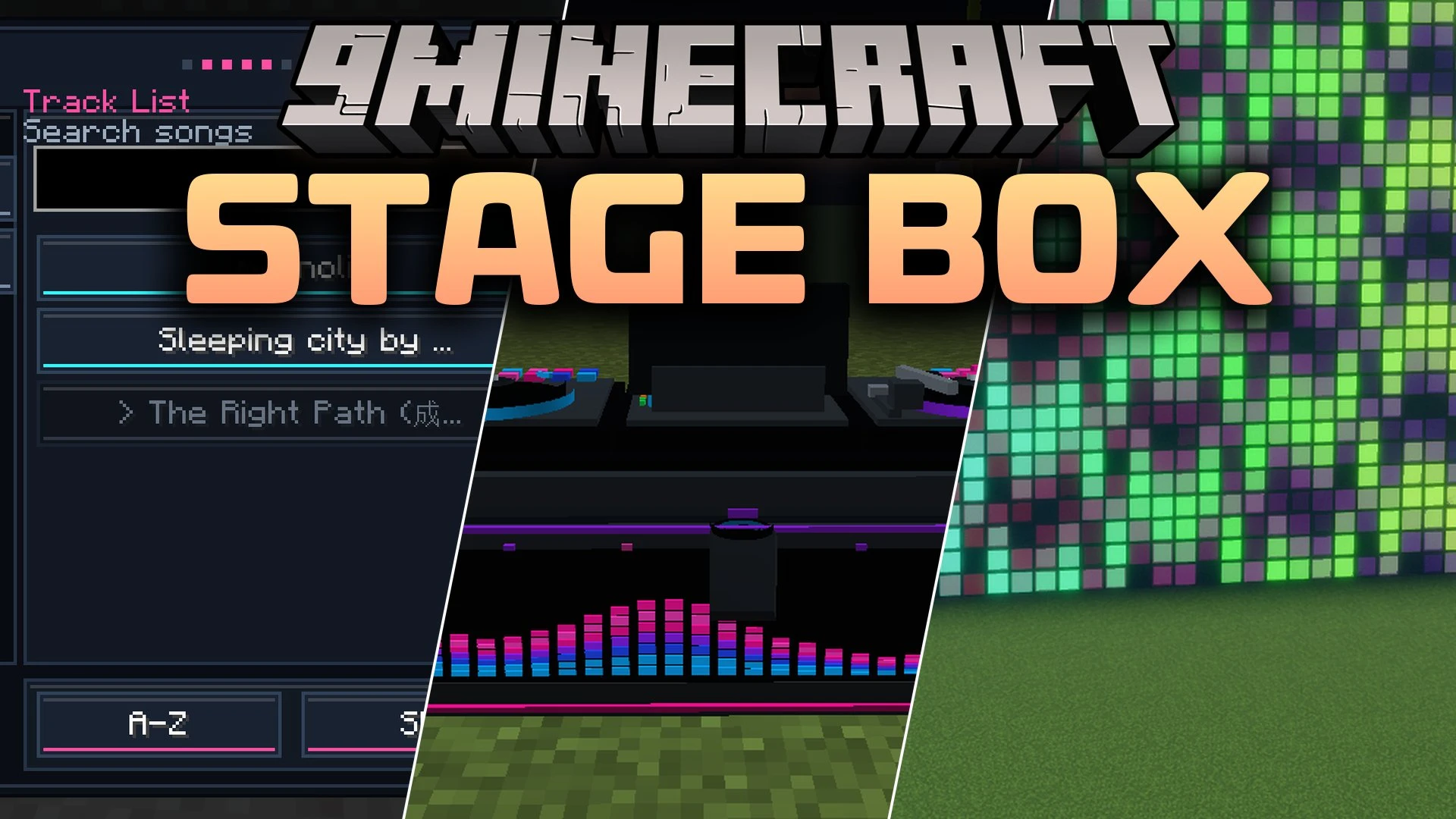


Stage Box Mod equips you with custom audio speakers, stage lighting, visual effects, and DJ equipment to build live concert venues in Minecraft. You can load personal audio tracks, link multiple speakers across a cable network, and run synchronized light shows for parties or roleplay events. The mod turns any space into a working nightclub, festival stage, or karaoke room with moving spotlights, smoke machines, spark fountains, and programmable LED text screens.
Features:
- Plays personal .ogg audio tracks directly from your game configuration folders.
- Organizes sound files into custom playlists using simple subfolders.
- Connects speakers, lights, and stage machinery together through colored cables.
- Shares playback across all linked devices so music stays in sync without audio lag.
- Adds an animated DJ controller block to search songs, control volume, and manage equipment.
- Includes programmable LED screens that display scrolling text and animations.
- Features moving tracking spotlights that follow nearby players around the stage.
- Adds visual spark fountains and smoke machines with customizable output patterns.
- Features pixel light strips with multiple built-in color animations and wave effects.
- Makes nearby vanilla parrots dance whenever speakers play music tracks.
Stage Equipment:
- DJ Controller: Features animated turntables, EQ bars, and color variants to manage playback and network devices.
- Tracking Spotlight: Illuminates players smoothly across stages with fixed or nearest-target modes.
- Smoke Machine: Produces dense fog and haze bursts without causing performance issues.
- Spark Fountain: Fires safe visual sparks in multiple colors like gold, blue, and rainbow.
- LED Screen: Combines linked blocks into single large digital screens for custom text and symbols.
Lighting Modes:
- Laser Modes: Features sweep, pulse, and fan patterns for stage lighting setups.
- Disco Modes: Provides rotate, sparkle, and orbit options for classic dance floor fixtures.
- Pixel Strip Modes: Includes chase, rainbow, wipe, bounce, strobe, and scanner animations.
How to Use:
- Run Minecraft once with the mod installed to create the required folders.
- Place your custom .ogg music files inside the
config/stagebox/musicfolder. - Create subfolders inside the music directory to organize tracks into separate playlists.
- Place a StageBox Speaker or DJ Controller in your world and right-click to open the interface.
- Connect additional speakers, lights, and effects using speaker wire cables.
- Select a track or playlist from the menu to start playing audio across your stage network.
Screenshots:

Stage Box Mod Download Links
Quick facts
- Edition: Minecraft Java
- File type: .jar
- Minecraft versions listed: 1.21.1, 1.20.1
- How to install: Install the matching mod loader (Forge, Fabric or NeoForge) for your Minecraft version. → Download the .jar. → Put it in the .minecraft/mods folder and launch that loader profile.
- Where to get it: In MC Java Mods, or directly above on this page.
Install steps are the general flow for this file type — How to install Minecraft Java mods & modpacks walks through it step by step.
Verified by MCModsHub
- Downloads as 513225.mcaddon
- Download size: 1.0 MB
- Download link checked 22 Sept 2026 — working
- Mirrored on our own servers — the download does not depend on the original host
These come from our own check of the pack file, not from the source page.