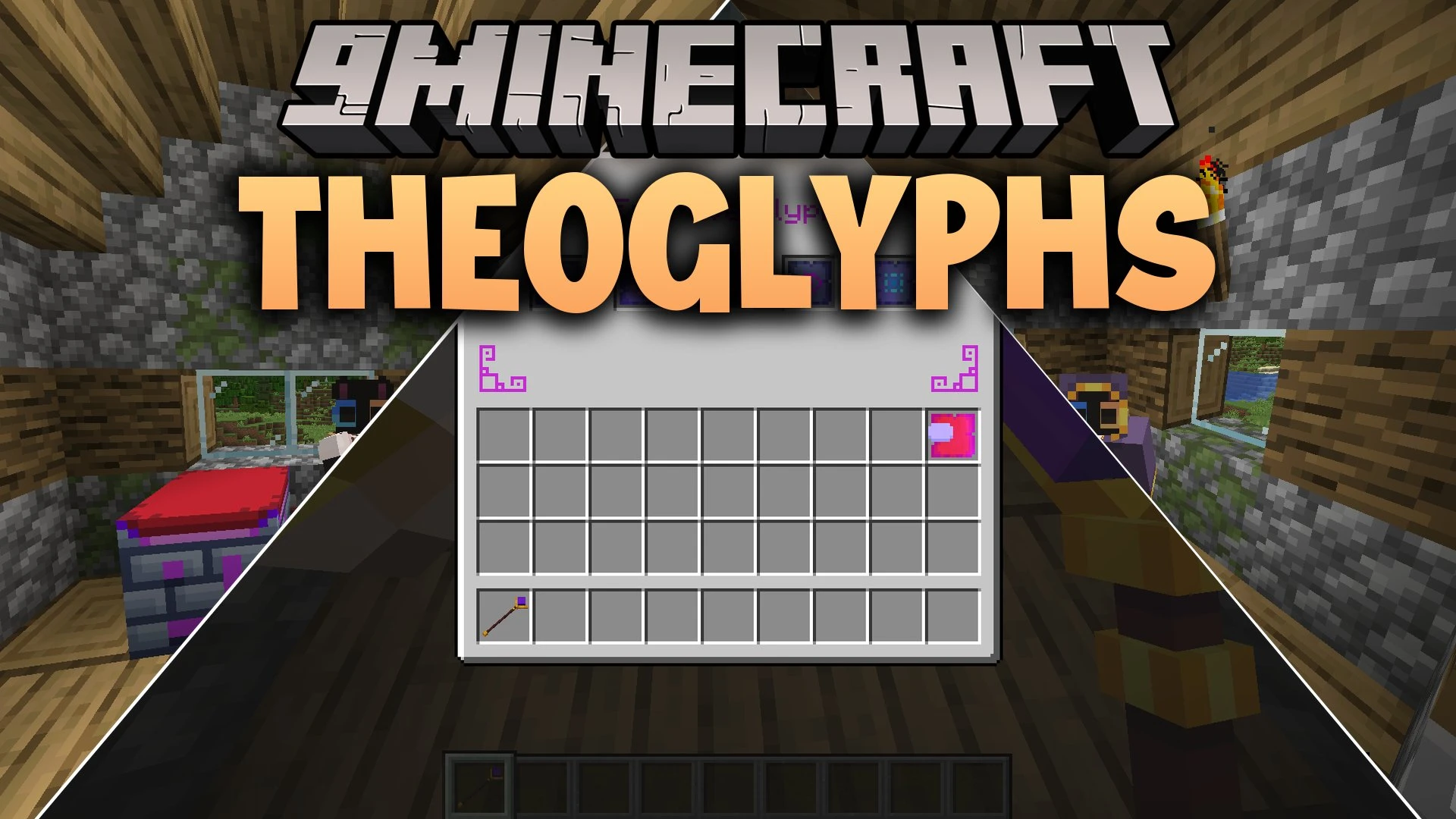


Theoglyphs Mod introduces a simple spellcasting system centered on staves, glyphs, and XP. Players can slot magic glyphs into staves using a dedicated crafting station to unlock attacks, defensive shields, and travel utilities. Amethyst plays a major role across the system, serving as both a core crafting material and a fast source of magical energy.
Features:
- Adds two craftable staves capable of holding distinct spells for battle and survival.
- Includes an Engraving Table used to bind glyphs directly onto your staves.
- Features a full set of robe armor crafted for spellcasters.
- Brings 20 unique glyphs that grant effects like freezing time, dashing, and firing projectiles.
- Provides empty tablets used as bases to craft specific spell glyphs.
- Requires XP to cast spells, linking magic directly to your character progression.
- Adds Charged Amethyst as an essential component for high-tier magical recipes.
Amethyst Mechanics:
- Harvest budding amethyst blocks directly by using tools with the Silk Touch enchantment.
- Drop a falling anvil onto amethyst shards to shatter them into large amounts of XP.
- Grow budding amethyst 50% faster by keeping them in dark areas with light levels under 10.
- Avoid bright direct light on budding blocks to prevent a 50% penalty to their growth speed.
How to Use:
- Craft an Engraving Table and a staff using amethyst and basic materials.
- Inscribe your chosen glyphs onto empty tablets.
- Open the Engraving Table interface and place your staff alongside the glyphs to load your spells.
- Gather XP by crushing amethyst shards under a falling anvil.
- Equip the engraved staff and right-click to cast spells in exchange for XP.
Screenshots:
Theoglyphs Mod Download Links
Quick facts
- Edition: Minecraft Java
- File type: .jar
- Minecraft version listed: 1.21.1
- How to install: Install the matching mod loader (Forge, Fabric or NeoForge) for your Minecraft version. → Download the .jar. → Put it in the .minecraft/mods folder and launch that loader profile.
- Where to get it: In MC Java Mods, or directly above on this page.
Install steps are the general flow for this file type — How to install Minecraft Java mods & modpacks walks through it step by step.
Verified by MCModsHub
- Downloads as 513234.mcaddon
- Download size: 557 KB
- Download link checked 25 Sept 2026 — working
- Mirrored on our own servers — the download does not depend on the original host
These come from our own check of the pack file, not from the source page.