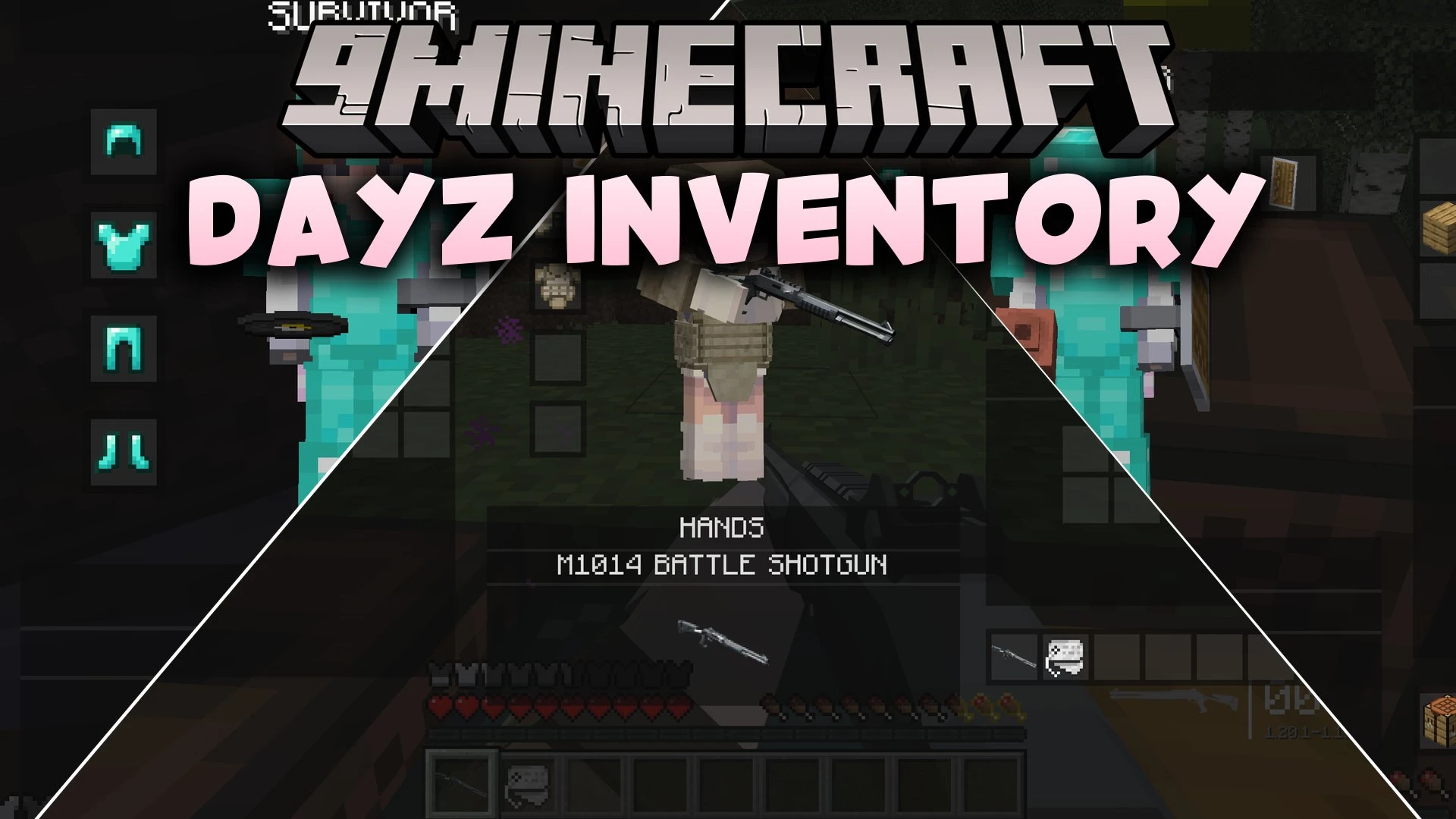


DayZ Inventory Mod replaces standard item collection and storage management with a survival game interface. Players no longer automatically pick up items by walking over them in the world. Instead, you interact with nearby items and container blocks through an organized vicinity menu. The mod also adds a specialized hands slot that mirrors your active hotbar choice.
Features:
- Removes automatic item pickup so players pick up loot deliberately through the menu.
- Scans a three-block radius around your character for dropped items and nearby containers.
- Combines dropped loot and storage blocks like chests and barrels into one scrollable Vicinity column.
- Provides clickable container selectors that open inline slot drawers directly on your screen.
- Shows coordinate tooltips and distance measurements for every nearby container block.
- Mirrors your active hotbar item inside a dedicated translucent Hands panel.
- Renders held items at double scale with an item name banner underneath the header.
- Includes the vanilla two-by-two crafting grid inside the main interface.
- Lets players drag armor and clothing onto the Survivor panel to equip items quickly.
- Detects installed recipe viewers and accessory mods to add custom header buttons.
How to Use:
- Open your inventory screen using the default E key.
- Look at the Vicinity column on the left to view dropped items and nearby storage blocks.
- Click a container selector icon to expand its slot drawer without closing the screen.
- Drag items from the Vicinity panel directly into your inventory or hands slot.
- Drop clothing or armor onto the center Survivor figure to equip gear immediately.
Screenshots:
DayZ Inventory Mod Download Links
Quick facts
- Edition: Minecraft Java
- File type: .jar
- Minecraft version listed: 1.20.1
- How to install: Install the matching mod loader (Forge, Fabric or NeoForge) for your Minecraft version. → Download the .jar. → Put it in the .minecraft/mods folder and launch that loader profile.
- Where to get it: In MC Java Mods, or directly above on this page.
Install steps are the general flow for this file type — How to install Minecraft Java mods & modpacks walks through it step by step.
Verified by MCModsHub
- Downloads as 513237.mcaddon
- Download size: 948 KB
- Download link checked 22 Sept 2026 — working
- Mirrored on our own servers — the download does not depend on the original host
These come from our own check of the pack file, not from the source page.