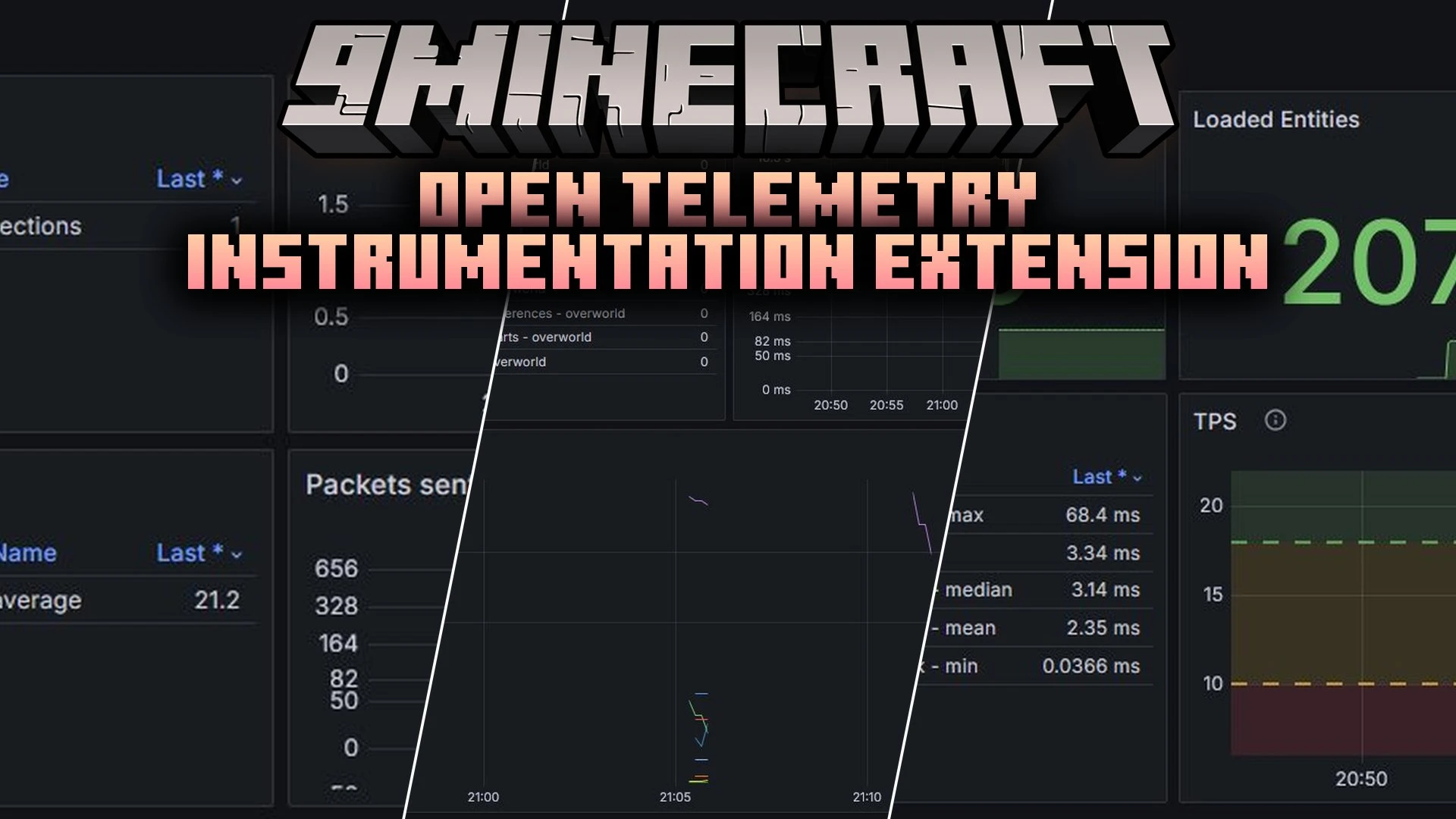


Open Telemetry Instrumentation Extension Mod brings detailed game performance metrics to the OpenTelemetry Java Agent. This mod collects live server data such as tick rates, loaded chunks, and network activity. Server owners can send these statistics to external monitoring tools like Grafana to watch server health in real time.
Features:
- Tracks MSPT and TPS to help you spot server lag instantly.
- Counts loaded chunks and monitors chunk generation rates.
- Records network activity, including active connections, handshakes, and packet traffic.
- Groups entities by type, ground status, and dimension.
- Follows player metrics like online count, player world location, total experience score, and levels.
- Collects runtime details such as Minecraft version and Fabric loader version.
- Connects optionally with the spark mod to gather extra diagnostic details.
- Pauses metric sampling when the server goes idle to save CPU power.
Configuration:
instrumentation-name: Sets the unique scope name for the OpenTelemetry library.strip-identifier-namespaces: Removes default namespaces from identifiers when set to true.metrics.freeze-when-server-paused: Stops sampling specific metrics while the server is paused to save resources.metrics.prefix: Sets the starting text prefix for all game metrics.metrics.counter-suffix: Defines the suffix string added to counter metrics.metrics.enabled-only: Restricts monitoring to only the metrics listed in this setting.metrics.enabled-additionally: Turns on extra metrics that are disabled by default.metrics.disabled: Disables specific metrics from being recorded.metrics.enable-player-details-samplers: Controls whether individual player statistics like experience and levels are tracked.
How to Use:
- Set up an OpenTelemetry collector endpoint or cloud monitoring account.
- Install the OpenTelemetry Java Agent on your server.
- Add the helper extension for Fabric alongside this mod in your server setup.
- Start your server to begin sending telemetry data.
- Import the prebuilt dashboard into Grafana to see your server performance graphs.
Screenshots:
Open Telemetry Instrumentation Extension Mod Download Links
Quick facts
- Edition: Minecraft Java
- File type: .jar
- Minecraft version listed: 1.21.11
- How to install: Install the matching mod loader (Forge, Fabric or NeoForge) for your Minecraft version. → Download the .jar. → Put it in the .minecraft/mods folder and launch that loader profile.
- Where to get it: In MC Java Mods, or directly above on this page.
Install steps are the general flow for this file type — How to install Minecraft Java mods & modpacks walks through it step by step.
Verified by MCModsHub
- Downloads as 513242.mcaddon
- Download size: 298 KB
- Download link checked 22 Sept 2026 — working
- Mirrored on our own servers — the download does not depend on the original host
These come from our own check of the pack file, not from the source page.