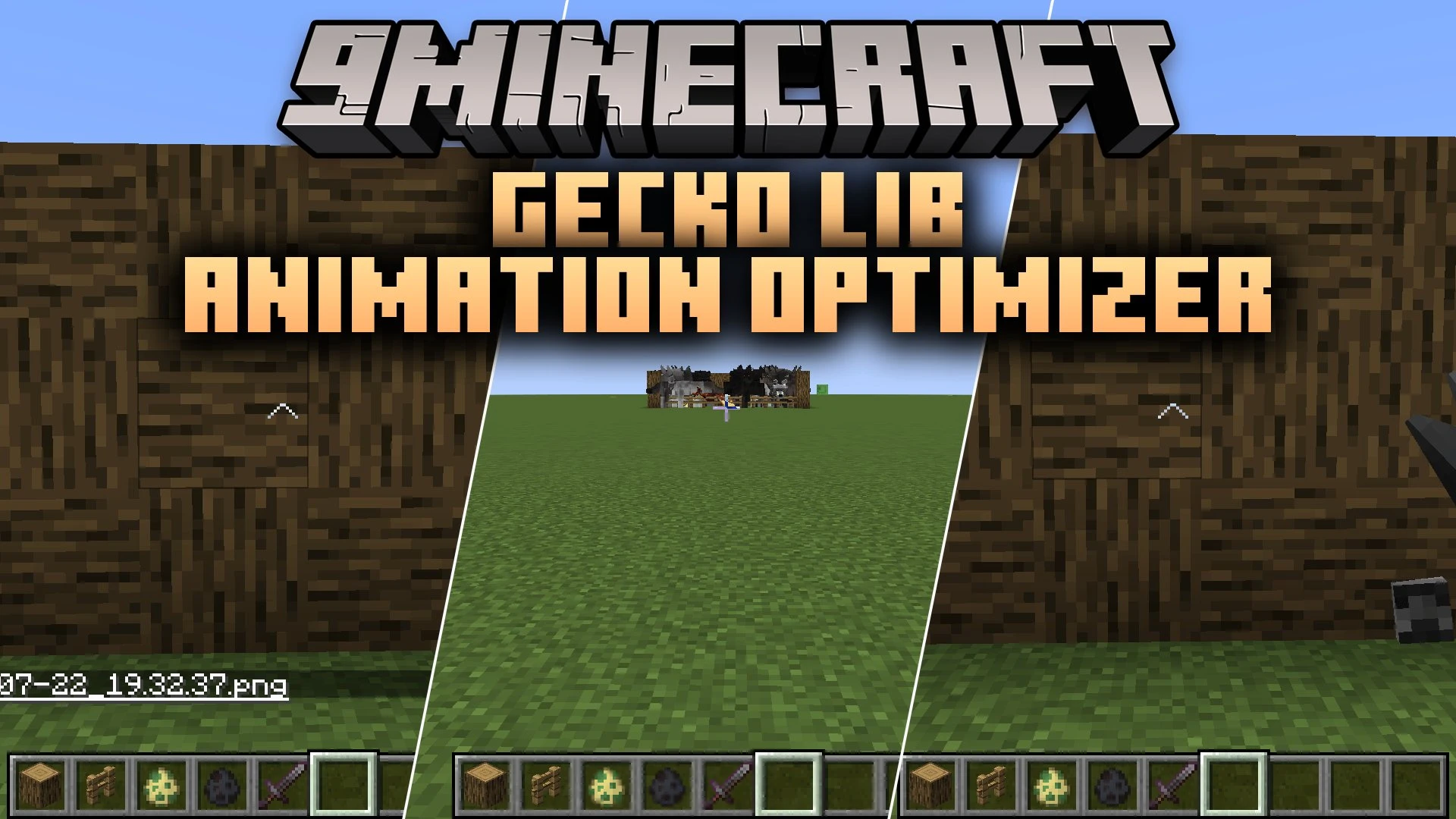


Gecko Lib Animation Optimizer Mod boosts game performance by optimizing how GeckoLib entities render in the world. This client-side mod lowers animation updates for distant mobs and skips rendering creatures hidden outside your camera view. It keeps your frame rates stable when exploring areas filled with custom animated monsters.
Features:
- Slows down animation tick rates for mobs that are far away from your character.
- Stops rendering creatures that stand outside your camera field of view.
- Includes an optional wall occlusion setting to hide mobs behind solid blocks.
- Provides custom blacklist and whitelist filters for normal mobs and bosses.
- Protects boss fights so their animations stay smooth during combat.
- Prevents animation slowdown on whichever mob you look directly at.
- Runs on your game client without needing any server-side setup.
- Lets you adjust settings through an in-game config menu or the configuration file.
Configuration:
config/geckolib_animation_optimizer-client.toml: change animation distances, culling options, and mob whitelist filters.
Screenshots:
Gecko Lib Animation Optimizer Mod Download Links
Quick facts
- Edition: Minecraft Java
- File type: .jar
- Minecraft versions listed: 1.21.1, 1.20.1
- How to install: Install the matching mod loader (Forge, Fabric or NeoForge) for your Minecraft version. → Download the .jar. → Put it in the .minecraft/mods folder and launch that loader profile.
- Where to get it: In MC Java Mods, or directly above on this page.
Install steps are the general flow for this file type — How to install Minecraft Java mods & modpacks walks through it step by step.
Verified by MCModsHub
- Downloads as 513247.mcaddon
- Download size: 16 KB
- Download link checked 22 Sept 2026 — working
- Mirrored on our own servers — the download does not depend on the original host
These come from our own check of the pack file, not from the source page.