ModsJava
Kairo's Color Filters Mod (26.2, 1.20.1) – Fine-Tune Game Lighting
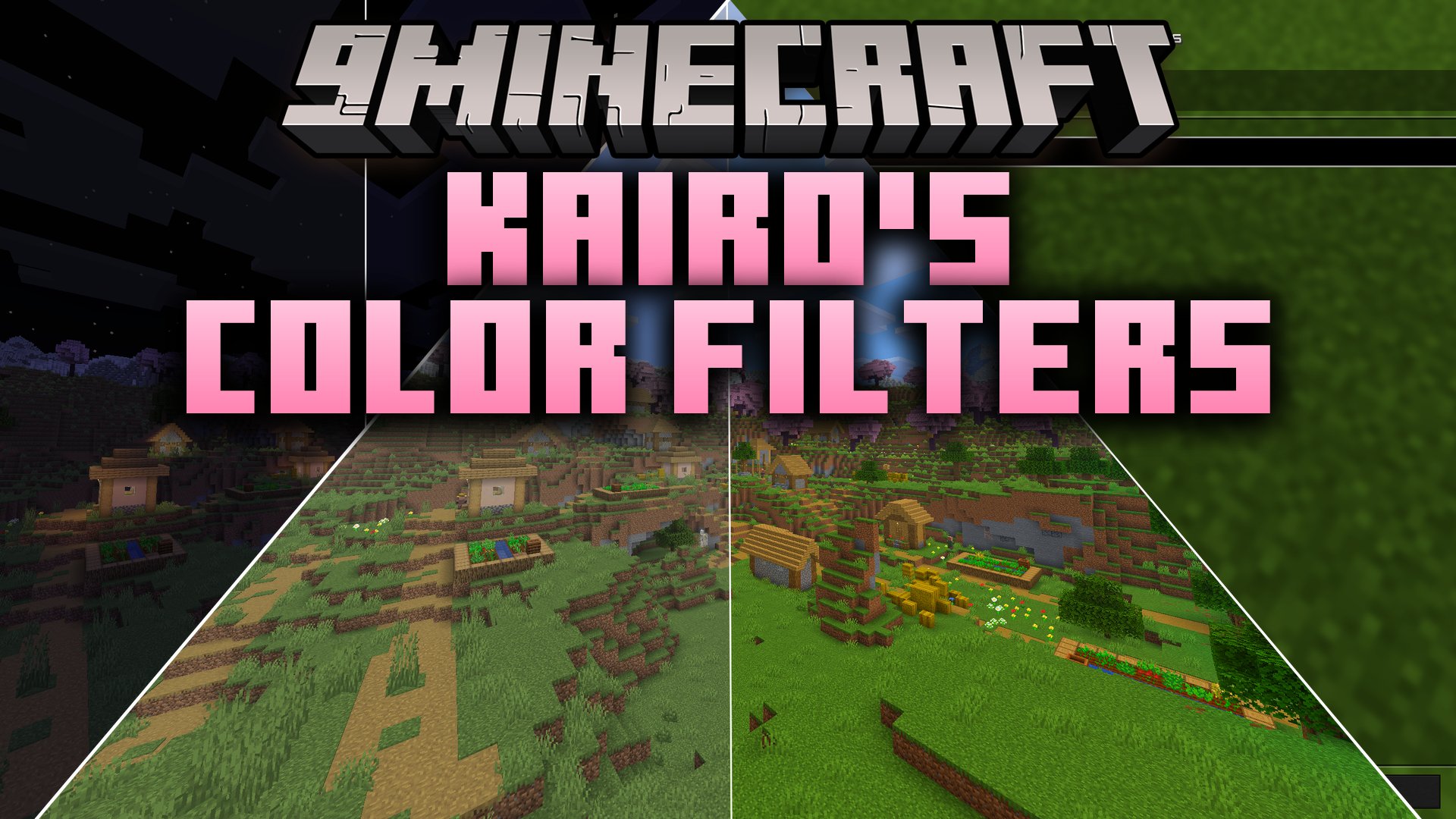
Kairo's Color Filters Mod brings post-processing color adjustments directly into your game without extra background programs. It gives you quick access to…
⬇ Download


Kairo’s Color Filters Mod brings post-processing color adjustments directly into your game without extra background programs. It gives you quick access to vibrance, contrast, brightness, and sharpening sliders directly from an in-game menu. Players can pick ready-made looks or tweak individual values to match their screen setup.
Features:
- Applies post-processing effects on your GPU in a single pass with minimal performance impact.
- Works alongside existing resource packs and standard shader packs.
- Includes a dedicated toggle keybind to switch the effect on or off for quick comparisons.
- Lets you choose between World Only mode to keep your HUD clean or Whole Screen mode for a unified look.
- Provides individual reset buttons and tooltips for every adjustment slider.
Built-in Presets:
- Vibrant: boosts color intensity for a bright look.
- PvP: adjusts tones for clear target visibility during combat.
- Crisp: sharpens block outlines and textures.
- Warm and Cool: shifts the overall temperature of the world.
- Cinematic: darkens shadows for a moodier atmosphere.
- Vanilla: resets all values back to default with one click.
Available Sliders:
- Vibrance: lifts dull colors while keeping already bright tones balanced.
- Saturation, Brightness, and Contrast controls.
- Color Temperature adjustments for warmer or cooler scenes.
- Highlight, Shadow, and Gamma controls.
- Adaptive Sharpness for clearer block details.
How to Use:
- Open the mod settings through Mod Menu or assign the open menu key in Options → Controls.
- Select a preset from the menu or adjust the sliders manually.
- Set the display mode to either World Only or Whole Screen.
- Press the Toggle Color Filters keybind during gameplay to turn the effect on or off instantly.
Screenshots:
Kairo’s Color Filters Mod Download Links
Quick facts
- Edition: Minecraft Java
- File type: .jar
- Minecraft version listed: 1.20.1
- How to install: Install the matching mod loader (Forge, Fabric or NeoForge) for your Minecraft version. → Download the .jar. → Put it in the .minecraft/mods folder and launch that loader profile.
- Where to get it: In MC Java Mods, or directly above on this page.
Install steps are the general flow for this file type — How to install Minecraft Java mods & modpacks walks through it step by step.
Verified by MCModsHub
- Downloads as 513251.mcaddon
- Download size: 342 KB
- Download link checked 22 Sept 2026 — working
- Mirrored on our own servers — the download does not depend on the original host
These come from our own check of the pack file, not from the source page.