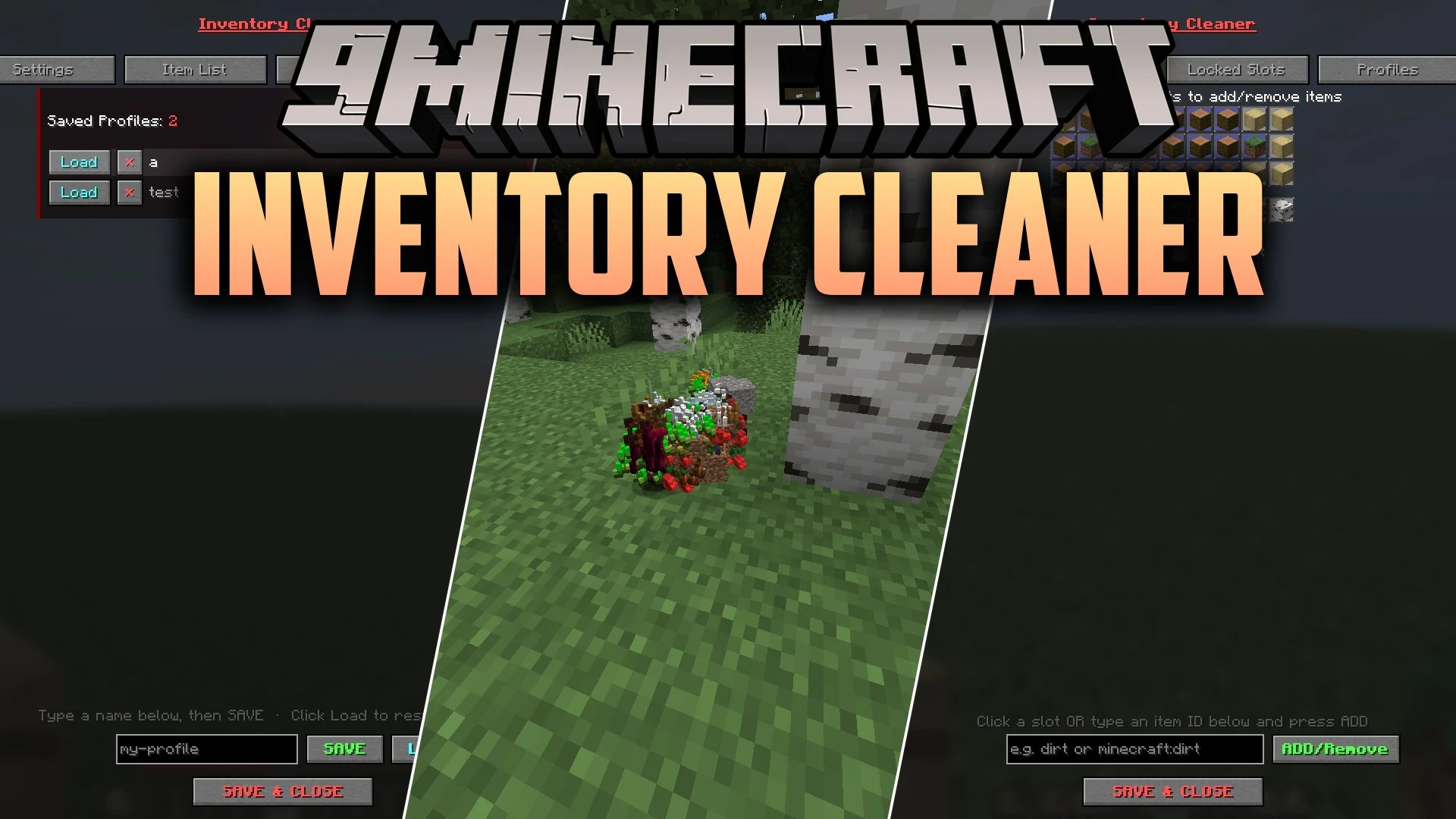


Inventory Cleaner Mod automatically throws unwanted junk items out of your inventory while you play. This mod helps you keep your bags tidy during fast PvP fights or long mining trips without forcing you to stop and sort items manually. You can pick exactly which items to drop and which slots to protect so valuable gear stays safe. It gives you full control through simple chat commands or an in-game menu.
Features:
- Toggleable Cleaning: Lets you turn automatic item dropping on or off with a single key press.
- Slot Locking: Protects specific inventory slots so items in those spots never get thrown away.
- Blacklist and Whitelist Modes: Choose whether the mod drops listed items or protects only listed items.
- Opens your inventory automatically when dropping items to maintain multiplayer server compatibility.
- Adjusts the delay timer between thrown items to match your preferred speed.
- Saves and loads multiple profile setups for different activities like mining or combat.
- Includes an in-game menu on modern versions to manage your item lists and settings.
Commands:
/ic additem <item>: adds an item to the throw list (use underscores for spaces)./ic delitem <item>: removes an item from the throw list./ic lockslot <slot>: locks an inventory slot number to protect its contents./ic unlockslot <slot>: unlocks a previously protected inventory slot./ic list: shows all items on your throw list and all locked slot numbers./ic config save <name>: saves your active item list and locked slots under a profile name./ic config load <name>: loads a saved profile configuration./ic delay seconds <amount>: sets the delay time between throwing items./ic mode WHITELIST: switches to whitelist mode so only unlisted items are dropped./ic mode BLACKLIST: switches to blacklist mode so only listed items are dropped.
Configuration:
inventorycleaner.properties: stores your saved item lists and custom mod settings inside your config folder.
How to Use:
- Open your in-game controls menu and assign a key to toggle the cleaner or open the cleaner menu.
- Set up your list of junk items by typing
/ic additem <item>or choosing them inside the menu. - Lock your essential hotbar slots with
/ic lockslot <slot>so your weapons and tools stay in your pockets. - Press your assigned toggle key to start automatically dropping unwanted items as you gather them.
Screenshots:
Inventory Cleaner Mod Download Links
Quick facts
- Edition: Minecraft Java
- File type: .jar
- Minecraft version listed: 1.20.1
- How to install: Install the matching mod loader (Forge, Fabric or NeoForge) for your Minecraft version. → Download the .jar. → Put it in the .minecraft/mods folder and launch that loader profile.
- Where to get it: In MC Java Mods, or directly above on this page.
Install steps are the general flow for this file type — How to install Minecraft Java mods & modpacks walks through it step by step.
Verified by MCModsHub
- Downloads as 513256.mcaddon
- Download size: 154 KB
- Download link checked 22 Sept 2026 — working
- Mirrored on our own servers — the download does not depend on the original host
These come from our own check of the pack file, not from the source page.