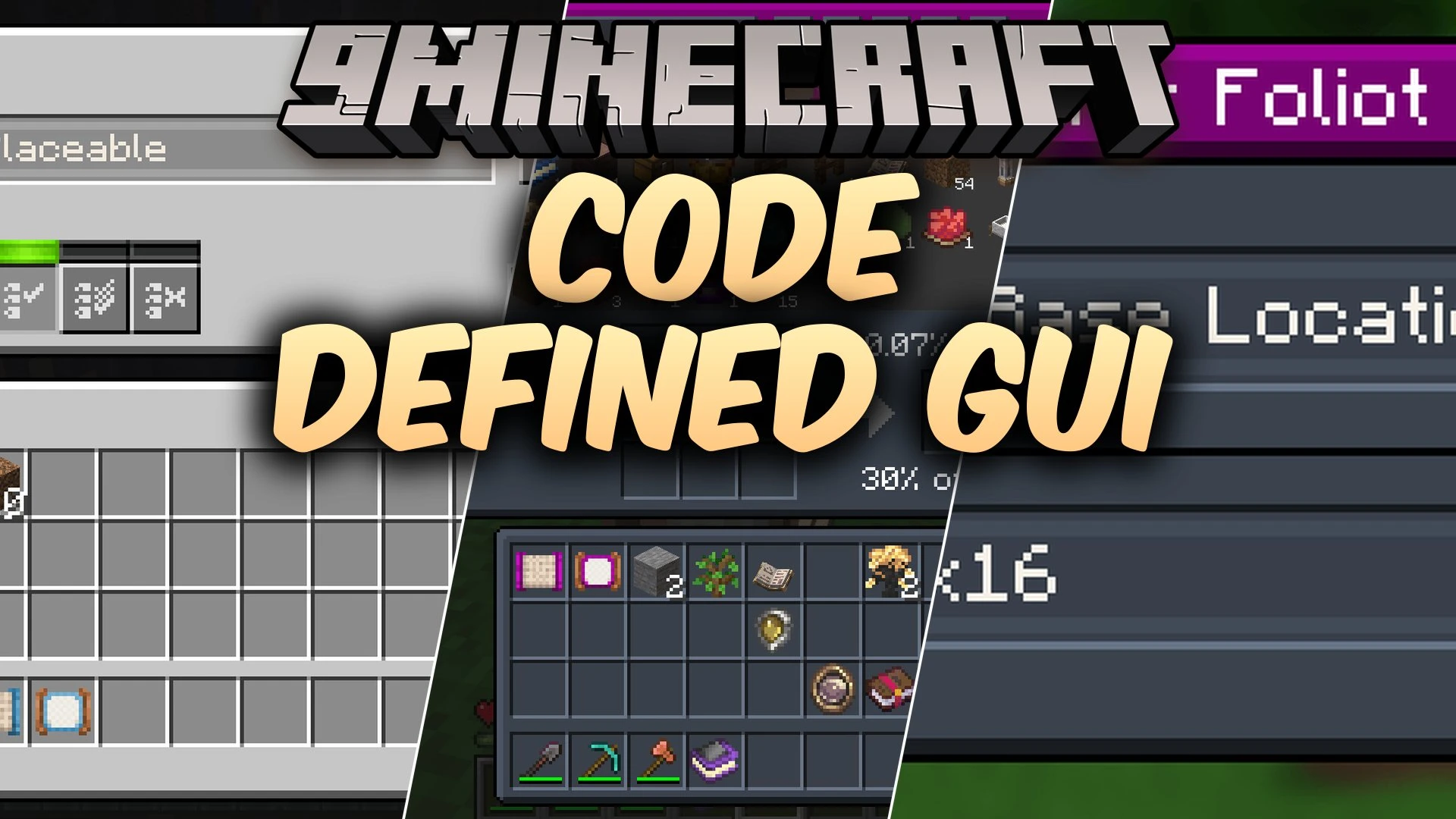


Code Defined Gui Mod helps other mods build in-game menus directly through code. It removes the need to draw full window layouts in separate image editors. This mod speeds up menu creation and lets interfaces change shapes on the fly without extra background art.
Features:
- Lets creators build menu screens using pure code instead of pre-drawn layout images.
- Speeds up testing and design work for brand new menus.
- Includes built-in texture parts and color tinting options to style different screens.
- Permits screen shapes to adjust during gameplay without swapping static background files.
- Ships with example tools like the Attribute Filter and List Filter to show practical setups.
Screenshots:
Code Defined Gui Mod Download Links
Quick facts
- Edition: Minecraft Java
- File type: .jar
- How to install: Install the matching mod loader (Forge, Fabric or NeoForge) for your Minecraft version. → Download the .jar. → Put it in the .minecraft/mods folder and launch that loader profile.
- Where to get it: In MC Java Mods, or directly above on this page.
Install steps are the general flow for this file type — How to install Minecraft Java mods & modpacks walks through it step by step.
Verified by MCModsHub
- Downloads as 513258.mcaddon
- Download size: 374 KB
- Download link checked 22 Sept 2026 — working
- Mirrored on our own servers — the download does not depend on the original host
These come from our own check of the pack file, not from the source page.