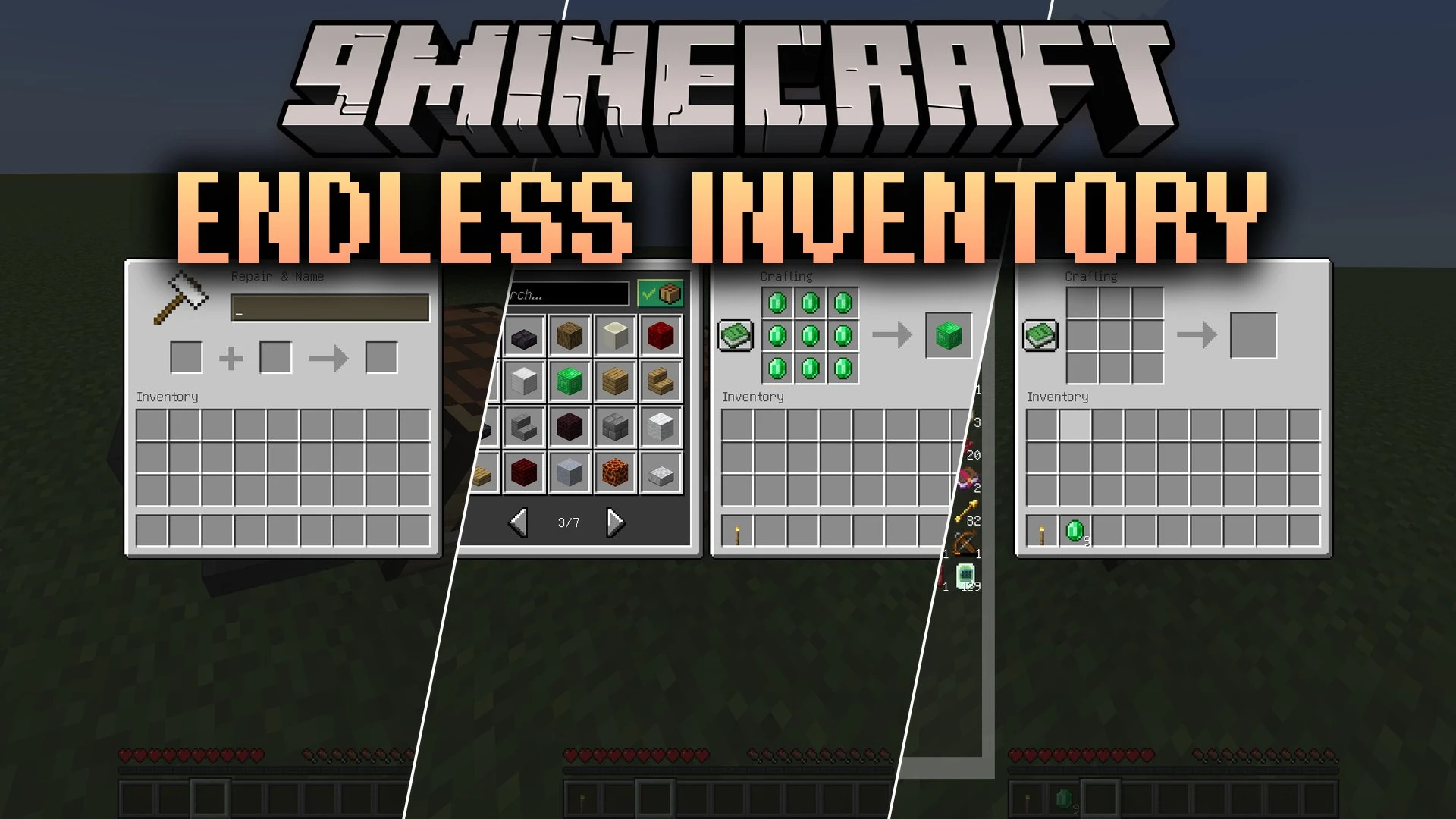


Endless Inventory Mod adds an RPG-style infinite storage system directly to your character. It replaces the hassle of cluttered chests by letting you keep all your gathered blocks, tools, and loot inside a single expandable menu. You can quickly sort, search, and manage thousands of items without worrying about running out of inventory slots.
Features:
- Infinite Player Storage: Gives players an expandable, paginated menu with unlimited slots for storing items and blocks.
- Built-in Crafting Grid: Includes a togglable inner crafting table right inside the storage screen with direct recipe transfer support.
- Item Bookmarks: Lets you pin your favorite items to a dedicated bookmark section for quick retrieval.
- Allows instant access to your storage screen by pressing I or using the EndInv Accessor item.
- Provides search bars and category filters to locate specific tools, armor, or resources quickly.
- Features quick-move shortcuts using Ctrl + Left Click and shift-click prioritizing between crafter, inventory, and pages.
- Supports multiple visual styles including vanilla clipped textures, transparent backgrounds, or custom resource pack textures.
- Includes configurable server modes for per-player storage, global shared storage, or restricted access.
- Features an optional automatic pickup mode that routes mined loot and mob drops straight into your infinite inventory.
- Offers adjustable grid layouts so you can customize row and column sizes to fit your screen resolution.
How to Use:
- Press I on your keyboard or hold the EndInv Accessor item to open your storage screen.
- Use the search box or category tabs at the top to filter your stored items.
- Hover over an item and press A to pin it to your bookmarks tab.
- Click the Crafter button inside the screen to open the built-in crafting grid.
- Hold Ctrl and Left Click on an item to quickly transfer it between your hotbar and the infinite menu.
Commands:
/endinv backup: creates a backup file of the current inventory data./endinv new: creates a new inventory with public, restricted, or private accessibility./endinv ofIndex: displays your current inventory index number./endinv ofIndex <index> open: opens the specified inventory if you have permission./endinv ofIndex <index> setDefault: sets the chosen inventory as your default opening menu./endinv ofIndex <index> setOwner: sets the command user as the owner of the inventory./endinv ofIndex <index> addWhiteList: adds yourself to the access allowlist./endinv ofIndex <index> removeWhiteList: removes yourself from the access allowlist./endinv ofIndex <index> setAccessibility: changes the access level of the inventory./endinv ofIndex <index> remove: deletes the specified inventory after making a backup./endinv ofIndex <index> remove <forceRemove>: forces removal of an inventory even if the backup fails.
Configuration:
config/endless_inventory-client.toml: manages UI layout, background texture modes, column counts, and GUI toggles.config/endless_inventory-server.toml: manages auto-pickup utility, data transfer modes, stack limits, and player creation rules.
Screenshots:
Endless Inventory Mod Download Links
Quick facts
- Edition: Minecraft Java
- File type: .jar
- Minecraft version listed: 1.20.1
- How to install: Install the matching mod loader (Forge, Fabric or NeoForge) for your Minecraft version. → Download the .jar. → Put it in the .minecraft/mods folder and launch that loader profile.
- Where to get it: In MC Java Mods, or directly above on this page.
Install steps are the general flow for this file type — How to install Minecraft Java mods & modpacks walks through it step by step.
Verified by MCModsHub
- Downloads as 513259.mcaddon
- Download size: 712 KB
- Download link checked 22 Sept 2026 — working
- Mirrored on our own servers — the download does not depend on the original host
These come from our own check of the pack file, not from the source page.