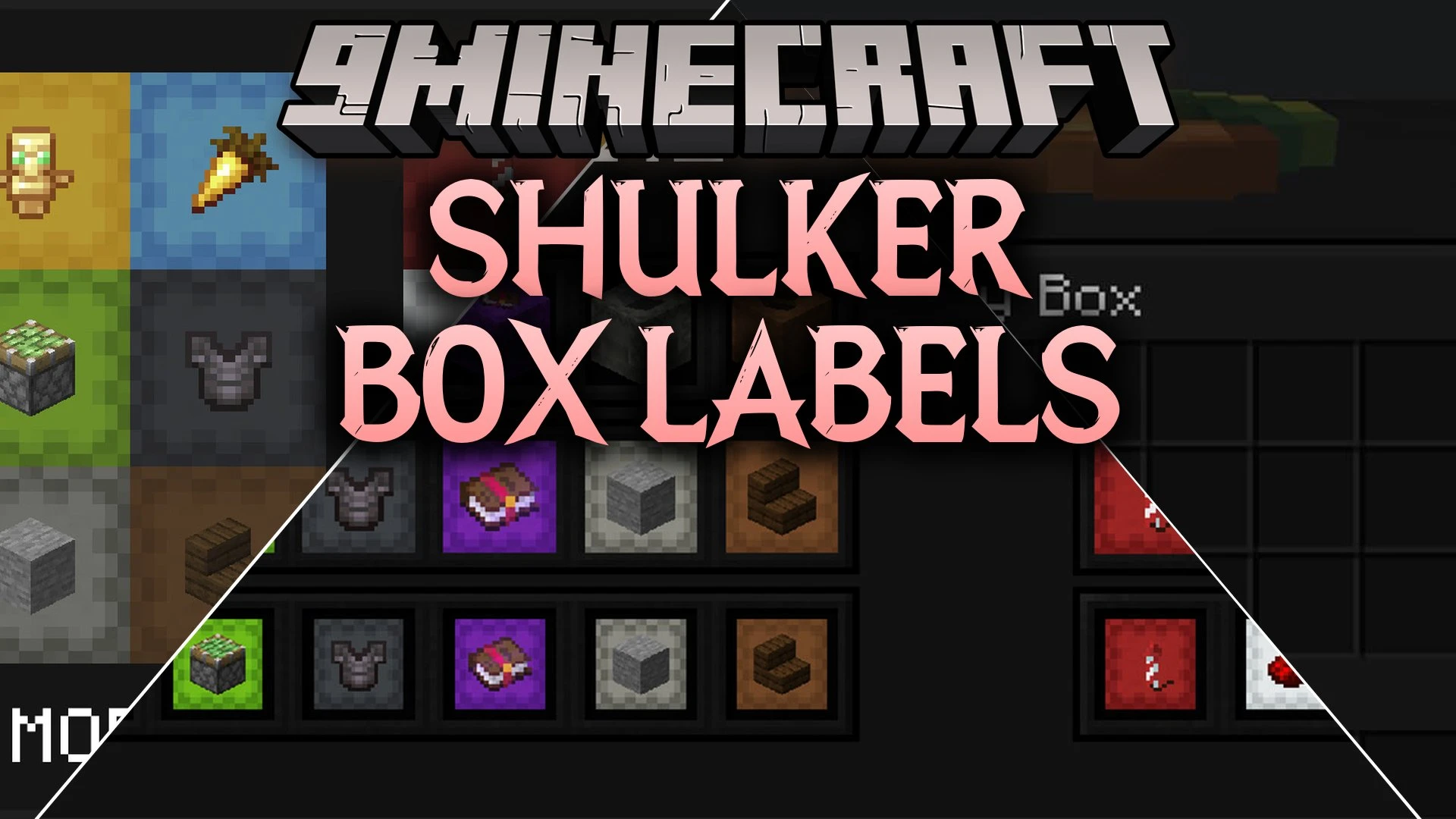


Shulker Box Labels Mod adds visual item tags directly onto your shulker boxes so you can organize your storage with ease. It lets you see what is stored inside any box at a single glance without needing to open it. This mod brings custom display styles for your items in hotbars, inventory slots, and placed blocks in the game world.
Features:
- Adds clear item icons onto the outside of shulker boxes.
- Lets you apply any item as a label using an anvil for one experience level.
- Allows renaming your storage box at the same time you apply an item tag.
- Supports flat or standard box views across your inventory menus and hotbar.
- Offers both 3D and isometric display angles for placed blocks and held items.
- Shows the assigned item icon next to the box title when looking inside the container.
- Works on multiplayer servers while remaining friendly for vanilla clients.
Commands:
/shulker-box-labels config: Opens the in-game settings menu.
How to Use:
- Place an anvil on the ground and open its menu.
- Put your shulker box into the first slot on the left.
- Place the item you want to use as a icon into the second slot.
- Spend one experience level to collect your newly labeled box from the output slot.
- Type
/shulker-box-labels configin the chat window to switch display modes.
Screenshots:
Shulker Box Labels Mod Download Links
Quick facts
- Edition: Minecraft Java
- File type: .jar
- Minecraft version listed: 1.21.11
- How to install: Install the matching mod loader (Forge, Fabric or NeoForge) for your Minecraft version. → Download the .jar. → Put it in the .minecraft/mods folder and launch that loader profile.
- Where to get it: In MC Java Mods, or directly above on this page.
Install steps are the general flow for this file type — How to install Minecraft Java mods & modpacks walks through it step by step.
Verified by MCModsHub
- Downloads as 513260.mcaddon
- Download size: 173 KB
- Download link checked 22 Sept 2026 — working
- Mirrored on our own servers — the download does not depend on the original host
These come from our own check of the pack file, not from the source page.