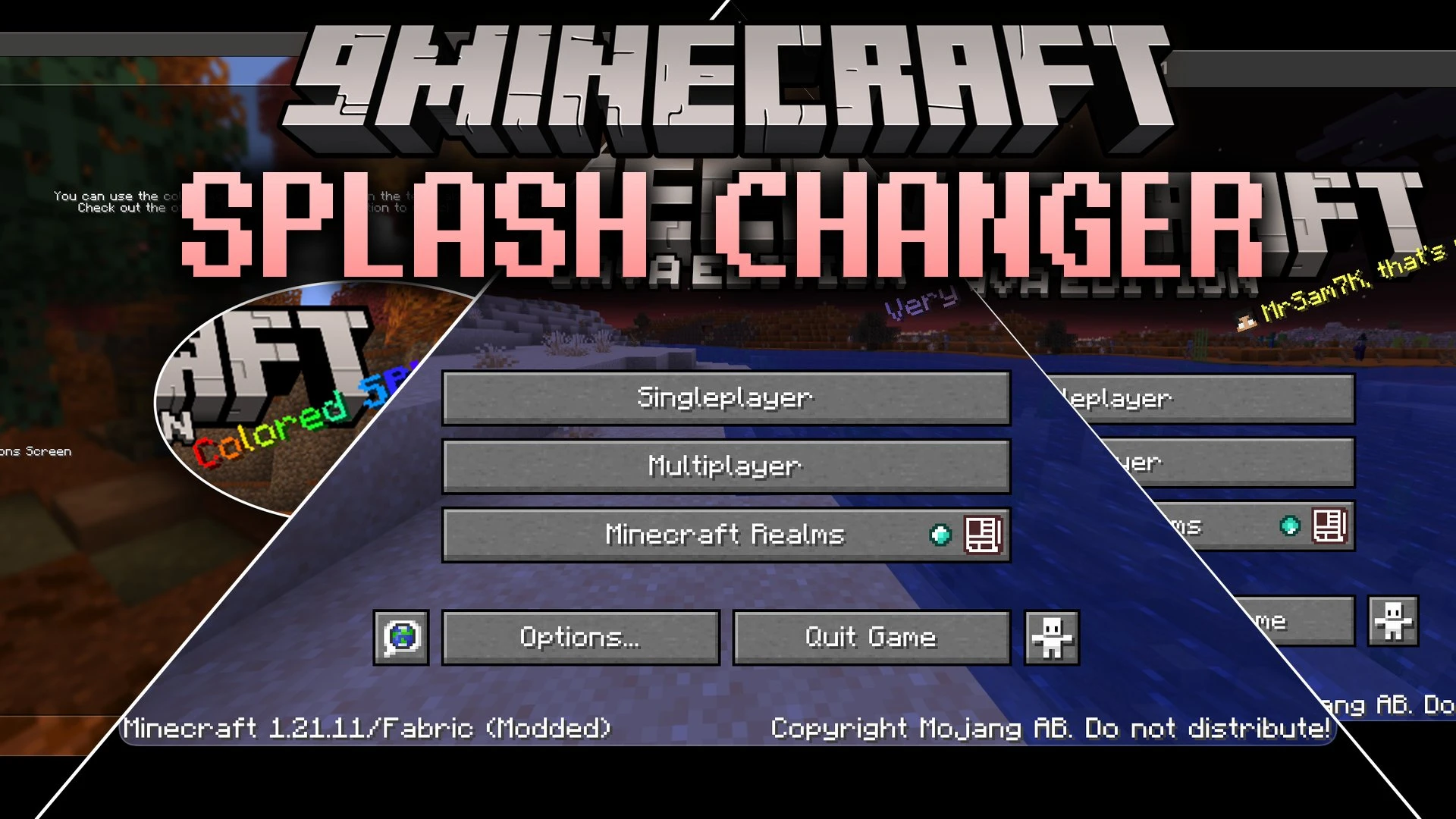


Splash Changer Mod puts you in full control of the yellow splash lines on the main menu. You can write your own custom messages, style them with colorful tags, or bring back classic phrases from older versions of the game. It even lets you insert your own player name or hide the splash text entirely for a cleaner start screen.
Features:
- Write your own custom lines that appear randomly on the main title screen.
- Supports MiniMessage formatting to add gradients, rainbow colors, and custom styles.
- Use the
%nameplaceholder to display your current player name inside splashes. - Restore nostalgic splash lines from Minecraft 1.0 and 1.8 releases.
- Hide the splash text completely if you prefer a minimal title screen look.
- Click directly on the splash text on the main menu to open the settings menu.
How to Use:
- Launch the game and look at the main menu.
- Hover over and click the yellow splash text or open the settings via Mod Menu.
- Enter your custom phrases and apply color tags like gradients or rainbow text.
- Save your settings to see your custom splash lines on the title screen.
Screenshots:
Splash Changer Mod Download Links
Quick facts
- Edition: Minecraft Java
- File type: .jar
- Minecraft version listed: 1.20.1
- How to install: Install the matching mod loader (Forge, Fabric or NeoForge) for your Minecraft version. → Download the .jar. → Put it in the .minecraft/mods folder and launch that loader profile.
- Where to get it: In MC Java Mods, or directly above on this page.
Install steps are the general flow for this file type — How to install Minecraft Java mods & modpacks walks through it step by step.
Verified by MCModsHub
- Downloads as 513261.mcaddon
- Download size: 1010 KB
- Download link checked 23 Sept 2026 — working
- Mirrored on our own servers — the download does not depend on the original host
These come from our own check of the pack file, not from the source page.