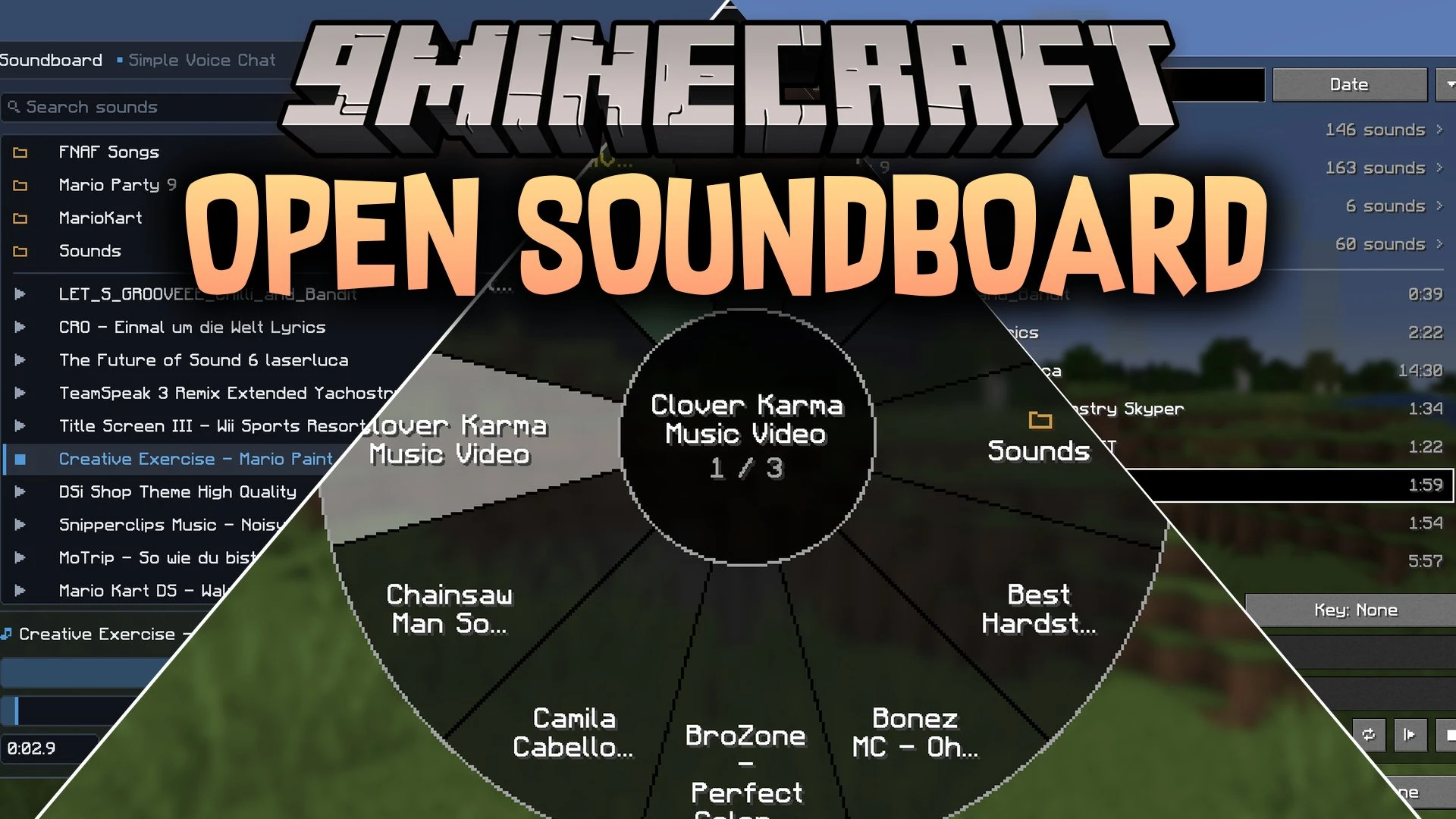


Open Soundboard Mod brings a soundboard system to Simple Voice Chat and Plasmo Voice. It lets players broadcast MP3 audio files directly into voice chat or listen to them locally. You can organize tracks in folders, set up custom hotkeys, and grab new audio clips using a built-in search tool without leaving the game.
Features:
- Press the U key to open the main soundboard screen.
- Organizes sound files into nested folders with clickable path links and favorites.
- Includes playback controls with pause, stop, timeline scrubbers, and custom start points.
- Provides separate volume sliders for local listening and the outgoing voice chat channel.
- Assigns custom key combinations or a sound wheel to trigger sound clips instantly.
- Downloads online audio clips directly in-game and extracts MP3 files in the background.
- Runs in solo worlds for local fun or across multiplayer voice servers.
How to Use:
- Drop your .mp3 files into the .minecraft/opensoundboard folder or download them in-game.
- Join a server with Simple Voice Chat or Plasmo Voice, or start a singleplayer world.
- Press U on your keyboard to open the soundboard menu.
- Double-click any listed track to start playing audio immediately.
Screenshots:
Open Soundboard Mod Download Links
Quick facts
- Edition: Minecraft Java
- File type: .jar
- Minecraft version listed: 1.21.1
- How to install: Install the matching mod loader (Forge, Fabric or NeoForge) for your Minecraft version. → Download the .jar. → Put it in the .minecraft/mods folder and launch that loader profile.
- Where to get it: In MC Java Mods, or directly above on this page.
Install steps are the general flow for this file type — How to install Minecraft Java mods & modpacks walks through it step by step.
Verified by MCModsHub
- Downloads as 513262.mcaddon
- Download size: 281 KB
- Download link checked 22 Sept 2026 — working
- Mirrored on our own servers — the download does not depend on the original host
These come from our own check of the pack file, not from the source page.