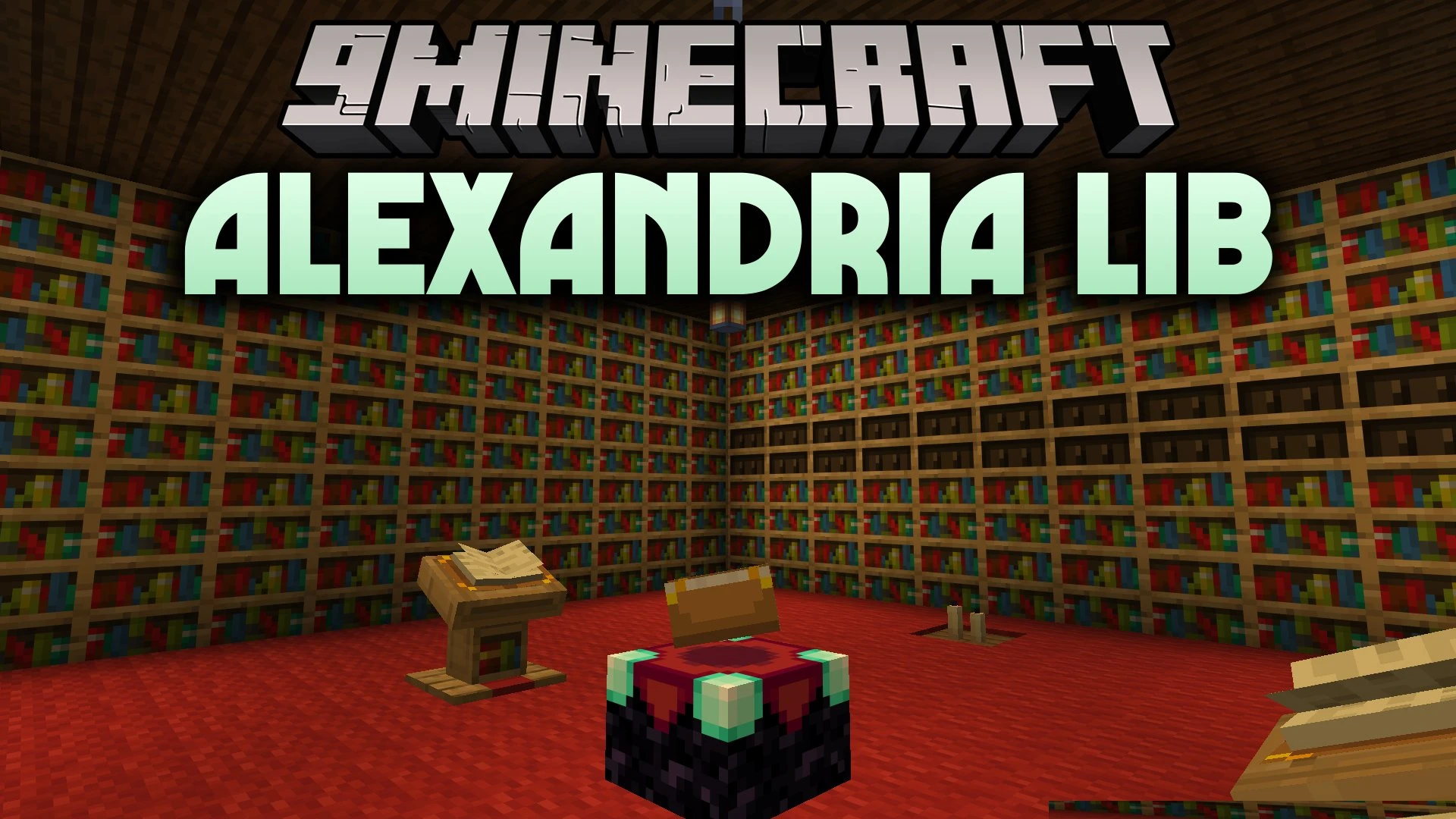

Alexandria Lib Mod provides shared code and core tools for other Minecraft mods to work properly. This mod sits in the background and acts as a central base so other add-ons do not have to repeat the same code. It does not add new blocks, items, or mobs on its own. Instead, this library helps your mod setup run clean and stable when other mods rely on it.
Features:
- Provides a shared set of helper tools and APIs for other mods.
- Reduces duplicate code across multiple mods in your game folder.
- Helps your mod setup stay clean, light, and easy to manage.
- Serves as a required base for mods built on top of its code.
- Runs quietly in the background without changing regular survival gameplay.
Alexandria Lib Mod Download Links
Quick facts
- Edition: Minecraft Java
- File type: .jar
- Minecraft version listed: 1.21.1
- How to install: Install the matching mod loader (Forge, Fabric or NeoForge) for your Minecraft version. → Download the .jar. → Put it in the .minecraft/mods folder and launch that loader profile.
- Where to get it: In MC Java Mods, or directly above on this page.
Install steps are the general flow for this file type — How to install Minecraft Java mods & modpacks walks through it step by step.
Verified by MCModsHub
- Downloads as 513265.mcaddon
- Download size: 67 KB
- Download link checked 22 Sept 2026 — working
- Mirrored on our own servers — the download does not depend on the original host
These come from our own check of the pack file, not from the source page.