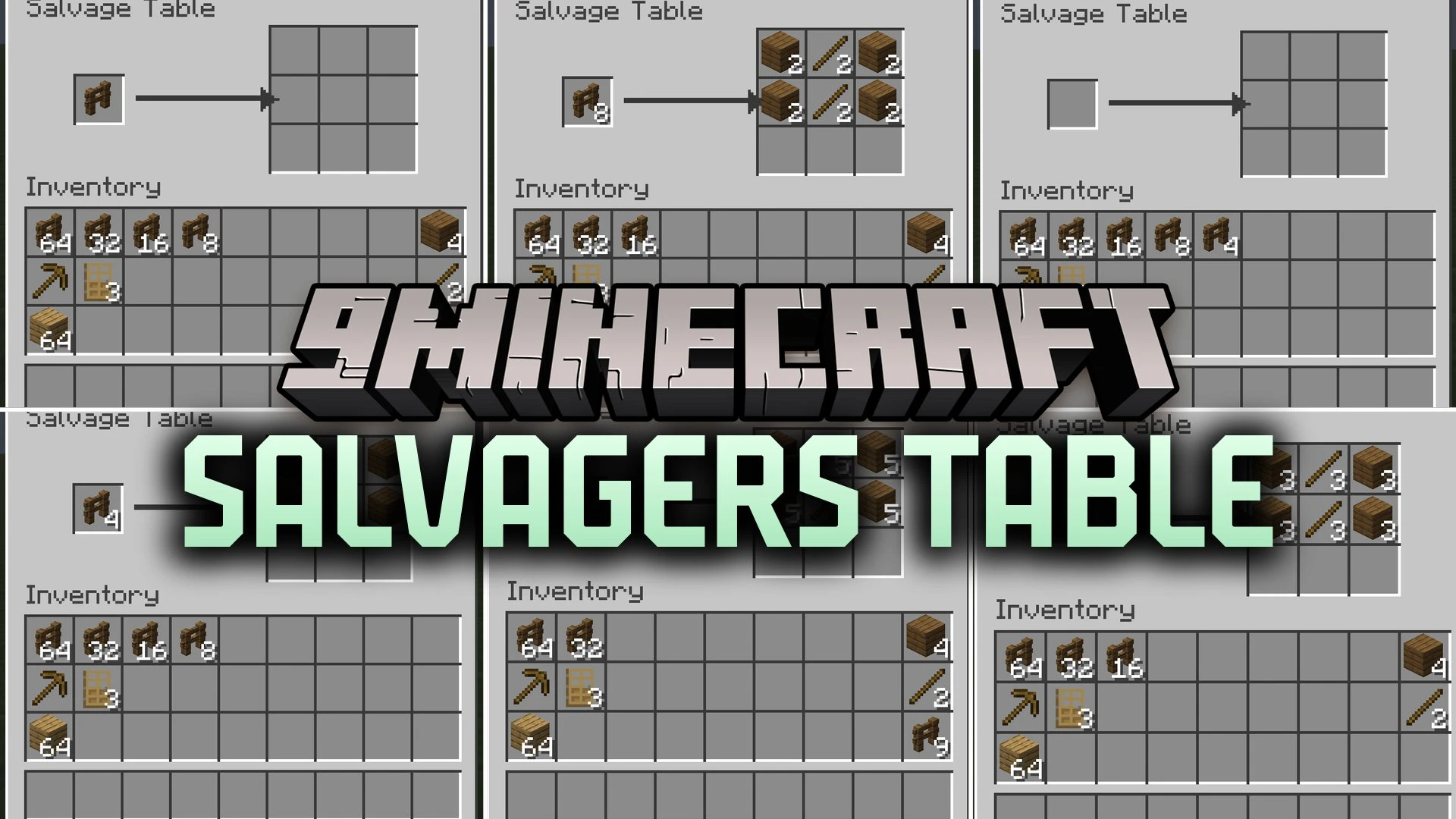


Salvagers Table Mod introduces a useful workstation block that breaks crafted items back down into their original ingredients. It reads standard crafting table recipes to safely reverse your finished gear, blocks, and tools. When you put an item in the input slot with the correct stack size, the table reconstructs the recipe pattern in a preview grid. Taking any returned item completes the uncrafting process and gives your materials back.
Features:
- Adds the Salvage Table block made from one crafting table and four iron ingots.
- Reverses shaped and shapeless recipes directly inside a 3×3 grid layout.
- Shows a preview of all returned ingredients before you commit to taking them.
- Consumes the input item only after you take the first item out of the grid.
- Returns your item unharmed if you close the menu without taking anything.
- Works automatically with custom crafting recipes added by datapacks and other mods.
- Prevents exploits by ignoring items with multiple recipes or leftover byproducts.
How to Use:
- Craft a Salvage Table by combining one crafting table with four iron ingots.
- Place the Salvage Table in your world and right-click to open its menu.
- Place the crafted item stack into the single input slot.
- Check the 3×3 output grid to preview your original ingredients.
- Click and remove items from the grid to finalize the breakdown and collect your materials.
Screenshots:

Salvagers Table Mod Download Links
Quick facts
- Edition: Minecraft Java
- File type: .jar
- How to install: Install the matching mod loader (Forge, Fabric or NeoForge) for your Minecraft version. → Download the .jar. → Put it in the .minecraft/mods folder and launch that loader profile.
- Where to get it: In MC Java Mods, or directly above on this page.
Install steps are the general flow for this file type — How to install Minecraft Java mods & modpacks walks through it step by step.
Verified by MCModsHub
- Downloads as 513296.mcaddon
- Download size: 41 KB
- Download link checked 22 Sept 2026 — working
- Mirrored on our own servers — the download does not depend on the original host
These come from our own check of the pack file, not from the source page.