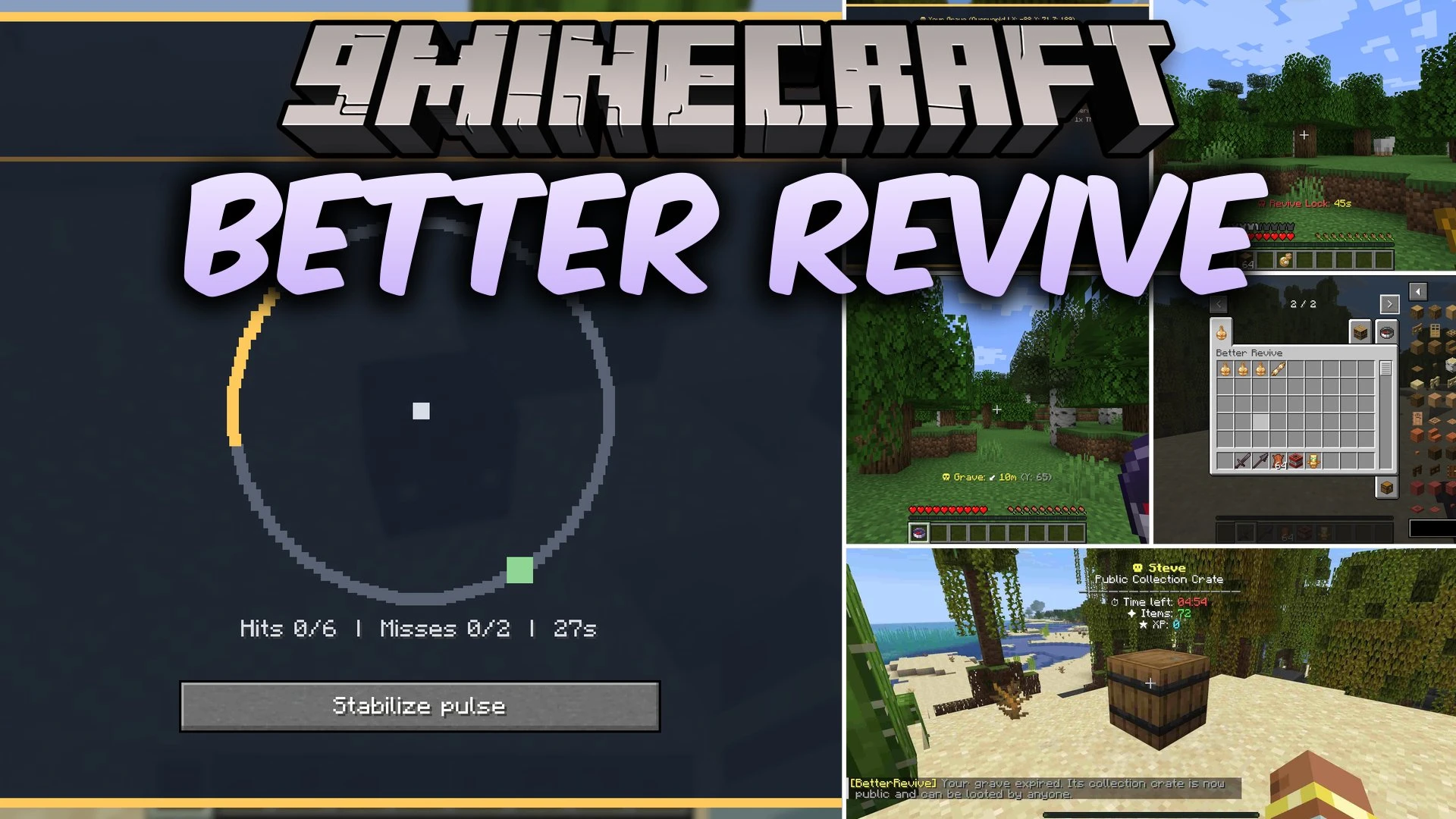


Better Revive Mod transforms player death into a rescue opportunity with protected graves, recovery tools, and cooperative revive mechanics. When you take fatal damage from revivable causes, you drop into a downed state rather than seeing an instant game-over screen. Your inventory, armor, offhand items, and experience points remain safe inside a placed grave block while you wait for teammates to help. Friends can bring you back into the fight using special brewed potions or by passing a skill-based minigame.
Features:
- Downed State System: Enters a downed state upon death instead of forcing an immediate respawn, letting players observe nearby surroundings while waiting for rescue.
- Protected Graves: Stores equipment, main inventory, offhand slots, and experience points safely in a grave block without replacing occupied terrain.
- Life Pulse Minigame: Provides a manual revival option that tests reaction times by timing needle clicks inside target zones without needing potions.
- Adds three craftable tiers of splash Revive Potions that heal varying amounts of health and reduce recovery debuffs.
- Players can choose to skip waiting and respawn immediately while leaving their grave in the world for later recovery.
- Downed players must actively accept or decline incoming revive requests from specific helpers.
- Applies a configurable revive lock cooldown after successful revivals to prevent endless repeated saves.
- Includes a Grave Compass to track death locations across dimensions.
- Adds a Revive Scroll item to teleport directly back to distant grave sites.
- Unlocks public collection crates for everyone once grave protection timers run out.
- Full multiplayer support where downed states and graves survive server restarts.
Revive Potion Tiers:
| Potion | Brewing Recipe | Revived Health | Status Effects |
|---|---|---|---|
| Revive Potion I | Splash Potion + Golden Apple | 1 Heart | Slowness, Hunger, Weakness (30s) |
| Revive Potion II | Revive Potion I + Honeycomb | 3 Hearts | Slowness, Hunger, Weakness (15s) |
| Revive Potion III | Revive Potion II + Blaze Rod | 5 Hearts | No negative effects |
How to Use:
- Brew Revive Potions in a Brewing Stand using splash potions, golden apples, honeycombs, and blaze rods.
- Throw a Revive Potion near the grave of a downed teammate to send them a revival offer.
- Interact with a teammate’s grave with an empty hand to start the Life Pulse minigame if you have no potions.
- Click when the moving needle enters the highlighted target zone during Life Pulse to complete the rescue.
- Use the Grave Compass in your hand to track the direction and distance back to your lost items if you chose to respawn.
Screenshots:

Better Revive Mod Download Links
Quick facts
- Edition: Minecraft Java
- File type: .jar
- Minecraft version listed: 1.20.1
- How to install: Install the matching mod loader (Forge, Fabric or NeoForge) for your Minecraft version. → Download the .jar. → Put it in the .minecraft/mods folder and launch that loader profile.
- Where to get it: In MC Java Mods, or directly above on this page.
Install steps are the general flow for this file type — How to install Minecraft Java mods & modpacks walks through it step by step.
Verified by MCModsHub
- Downloads as 513300.mcaddon
- Download size: 1.5 MB
- Download link checked 25 Sept 2026 — working
- Mirrored on our own servers — the download does not depend on the original host
These come from our own check of the pack file, not from the source page.