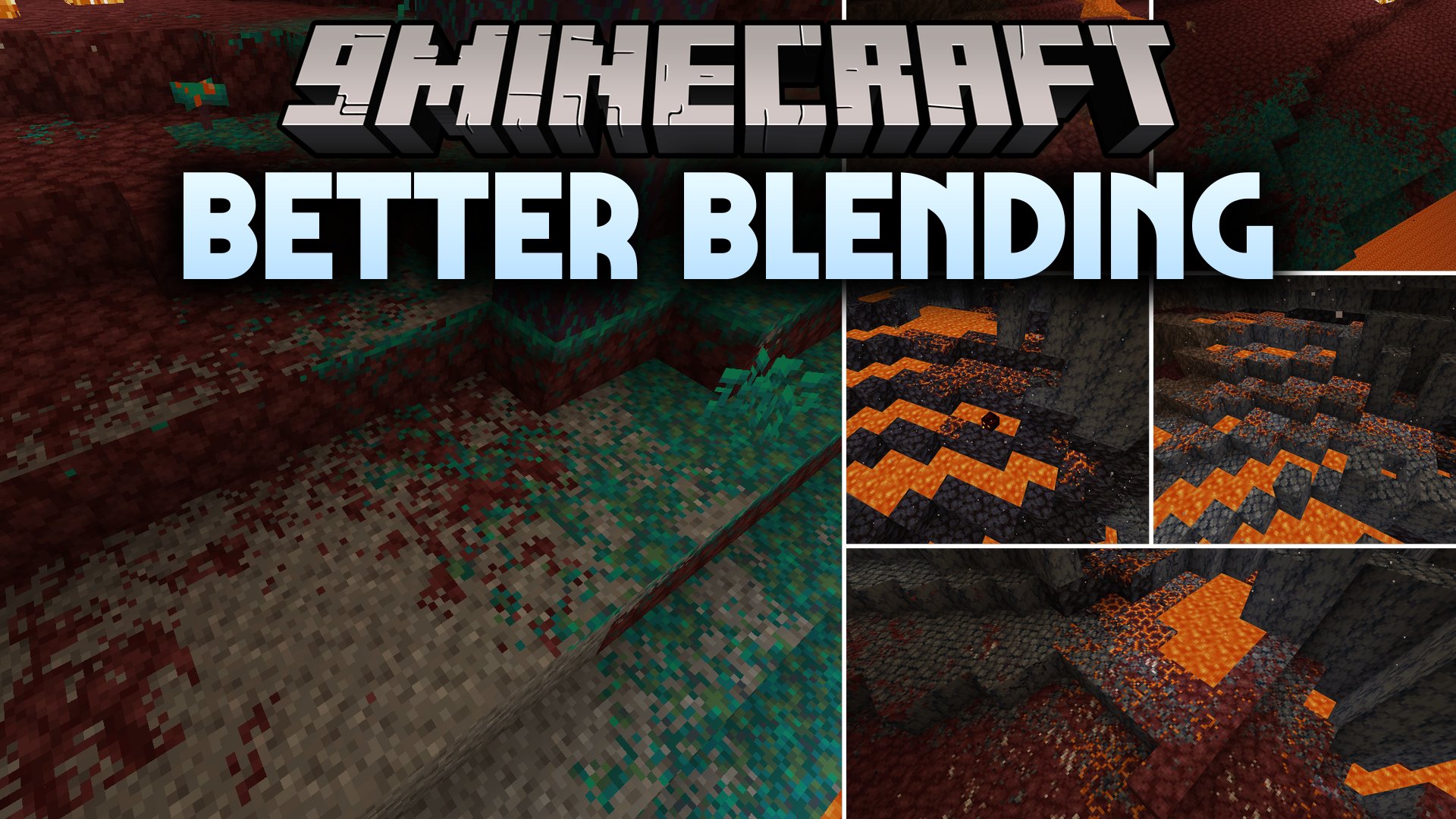


Better Blending Mod softens the harsh borders between neighboring blocks across your worlds. Grass fades smoothly into dirt, sand blends gently into stone, and cave walls look much more natural without losing the classic blocky look. It works entirely on your client without needing shader packs or server-side changes.
Features:
- Softens texture borders across flat ground, steep cliffs, cave walls, and ceilings.
- Works across the Overworld, the Nether, the End, and custom modded dimensions.
- Includes local blending to smooth edges between neighboring blocks.
- Offers regional blending to spread soft transitions across wider areas.
- Keeps original biome colors intact on tinted surfaces like grass blocks.
- Lets you exclude specific blocks from the blending effect whenever you want.
- Aligns blended textures to Minecraft’s pixel grid to keep the original retro style.
- Runs entirely on the client, meaning you can join any server without issues.
Configuration:
config/better-blending.json: edit this file to adjust blending strength, block exclusions, and dimension settings.
Screenshots:

Better Blending Mod Download Links
Quick facts
- Edition: Minecraft Java
- File type: .jar
- Minecraft version listed: 1.20.1
- How to install: Install the matching mod loader (Forge, Fabric or NeoForge) for your Minecraft version. → Download the .jar. → Put it in the .minecraft/mods folder and launch that loader profile.
- Where to get it: In MC Java Mods, or directly above on this page.
Install steps are the general flow for this file type — How to install Minecraft Java mods & modpacks walks through it step by step.
Verified by MCModsHub
- Downloads as 513304.mcaddon
- Download size: 107 KB
- Download link checked 22 Sept 2026 — working
- Mirrored on our own servers — the download does not depend on the original host
These come from our own check of the pack file, not from the source page.