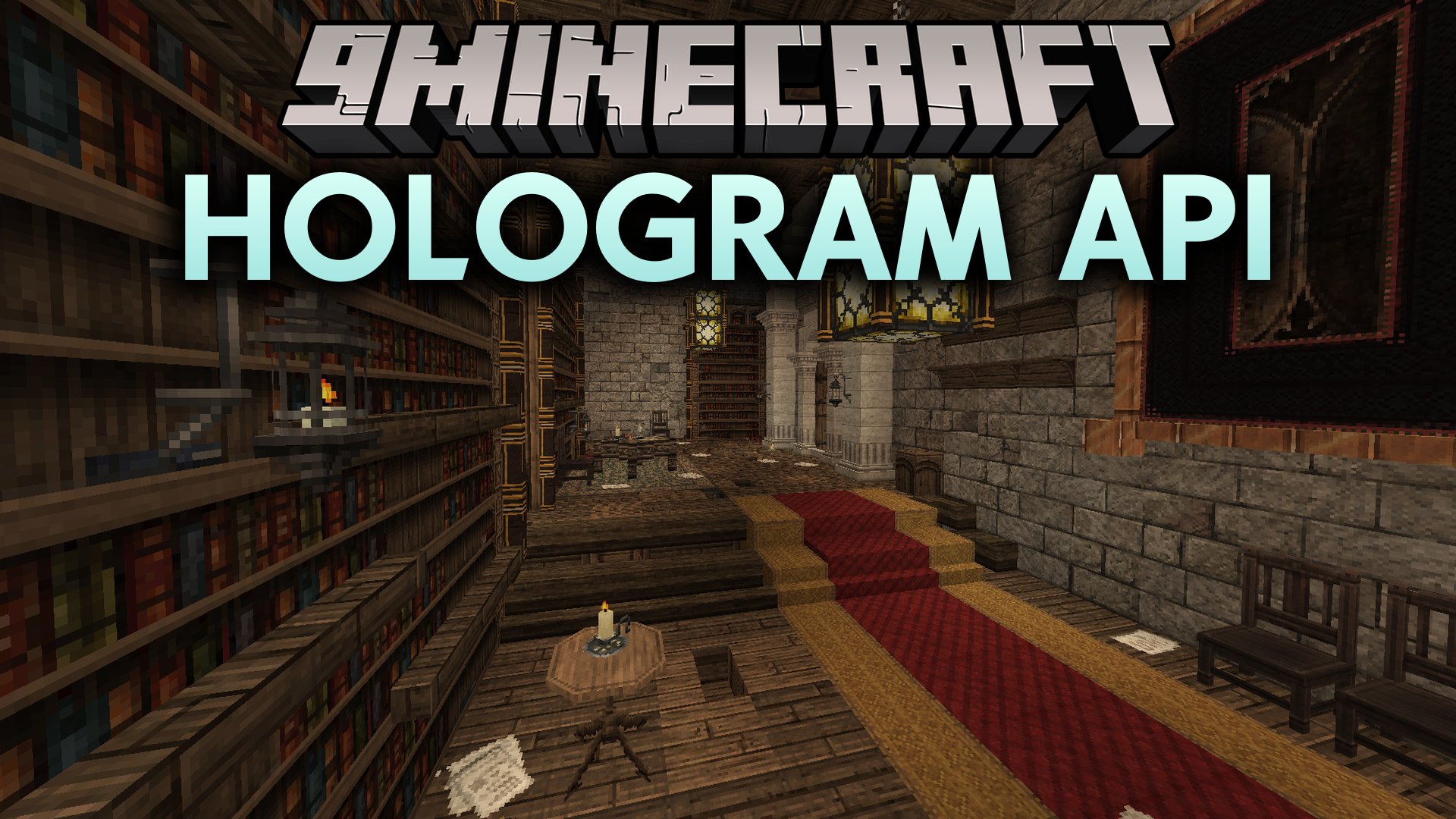

Hologram API Mod adds client-sided floating text rendering directly inside your Minecraft world. It serves as a lightweight foundation for creating floating damage numbers, health indicators, and custom world labels. The mod lets projects create text elements with custom lifetimes, scale, and render distances. It also includes support for tick-based animations like rising text effects.
Features:
- Renders floating text directly in the game world on the client side.
- Supports tick updates so text can rise, float, or change over time.
- Lets you adjust text scale, text shadows, and maximum render distance.
- Controls how long text stays visible with built-in lifetime settings.
- Powers floating health bars and combat damage indicators.
How to Use:
- Add the library file to your project dependencies using
modApi files("<your file path>"). - Create a standard Minecraft text component with your chosen color and styling.
- Spawn a hologram at target coordinates using the creation method.
- Set values for lifetime, text shadow, scale, and render distance.
- Attach an update loop to animate the position on every tick.
Hologram API Mod Download Links
Quick facts
- Edition: Minecraft Java
- File type: .jar
- Minecraft version listed: 1.20.1
- How to install: Install the matching mod loader (Forge, Fabric or NeoForge) for your Minecraft version. → Download the .jar. → Put it in the .minecraft/mods folder and launch that loader profile.
- Where to get it: In MC Java Mods, or directly above on this page.
Install steps are the general flow for this file type — How to install Minecraft Java mods & modpacks walks through it step by step.
Verified by MCModsHub
- Downloads as 513308.mcaddon
- Download size: 69 KB
- Download link checked 22 Sept 2026 — working
- Mirrored on our own servers — the download does not depend on the original host
These come from our own check of the pack file, not from the source page.