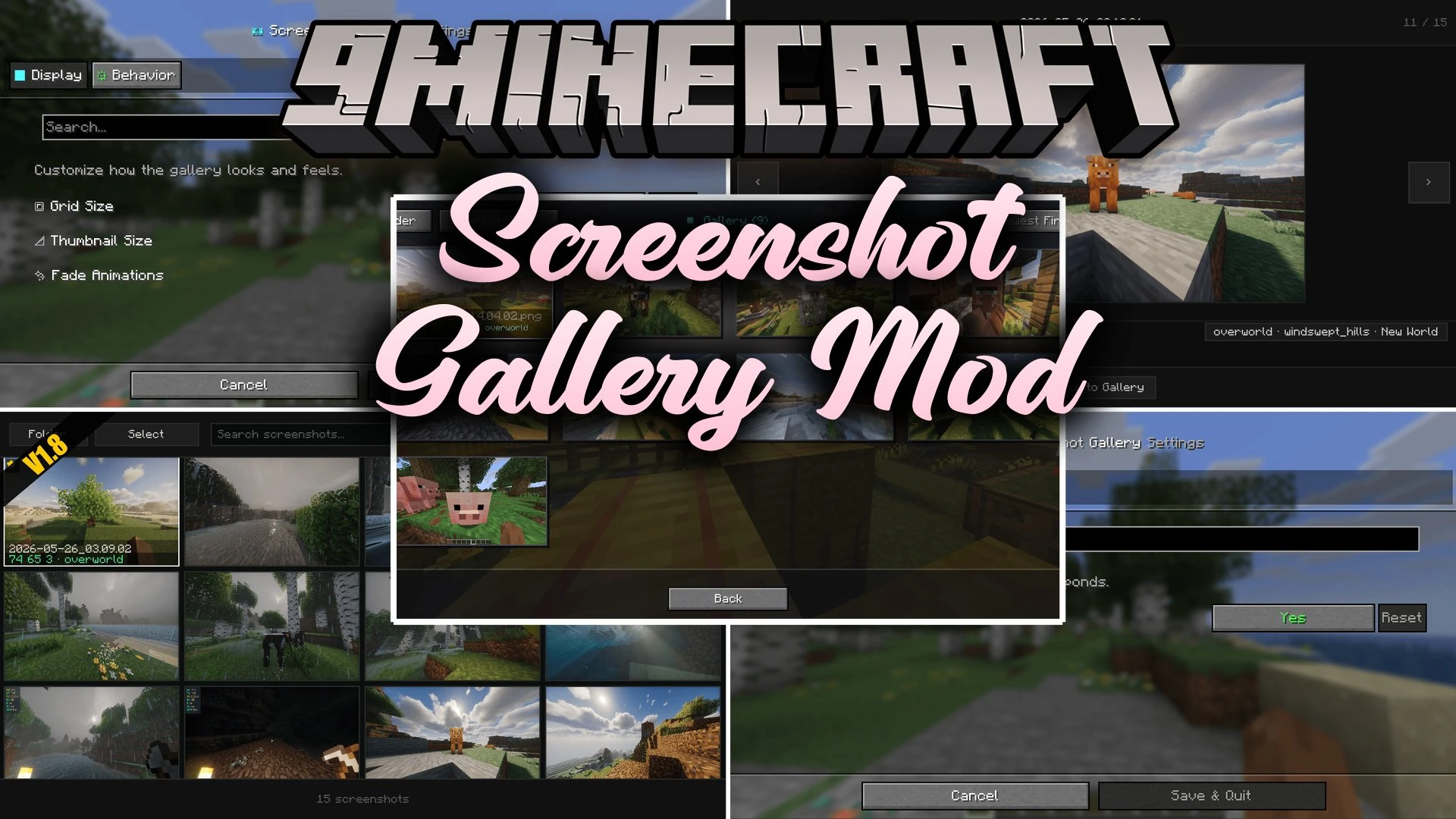


Screenshot Gallery Mod brings a full picture browser directly into your pause menu. You can look through your saved photos, delete bad captures, and copy images without closing your game or searching through system folders.
Features:
- Adds a dedicated Gallery button directly inside the pause menu.
- Lets you view all your saved captures in fullscreen mode inside the game.
- Copies chosen images straight to your clipboard for fast sharing.
- Includes a Go To button that opens your computer file folder with the exact image selected.
- Lets you delete unwanted captures in seconds to free up storage space.
- Uses smart lazy loading so the menu stays fast whether you have ten or thousands of photos.
How to Use:
- Press Esc to open the pause menu during gameplay.
- Click the Gallery button to open your photo collection.
- Select any picture to preview it, delete it, or open its file location on your computer.
Screenshots:
Screenshot Gallery Mod Download Links
Quick facts
- Edition: Minecraft Java
- File type: .jar
- Minecraft version listed: 1.20.1
- How to install: Install the matching mod loader (Forge, Fabric or NeoForge) for your Minecraft version. → Download the .jar. → Put it in the .minecraft/mods folder and launch that loader profile.
- Where to get it: In MC Java Mods, or directly above on this page.
Install steps are the general flow for this file type — How to install Minecraft Java mods & modpacks walks through it step by step.
Verified by MCModsHub
- Downloads as 513930.mcaddon
- Download size: 121 KB
- Download link checked 22 Sept 2026 — working
- Mirrored on our own servers — the download does not depend on the original host
These come from our own check of the pack file, not from the source page.