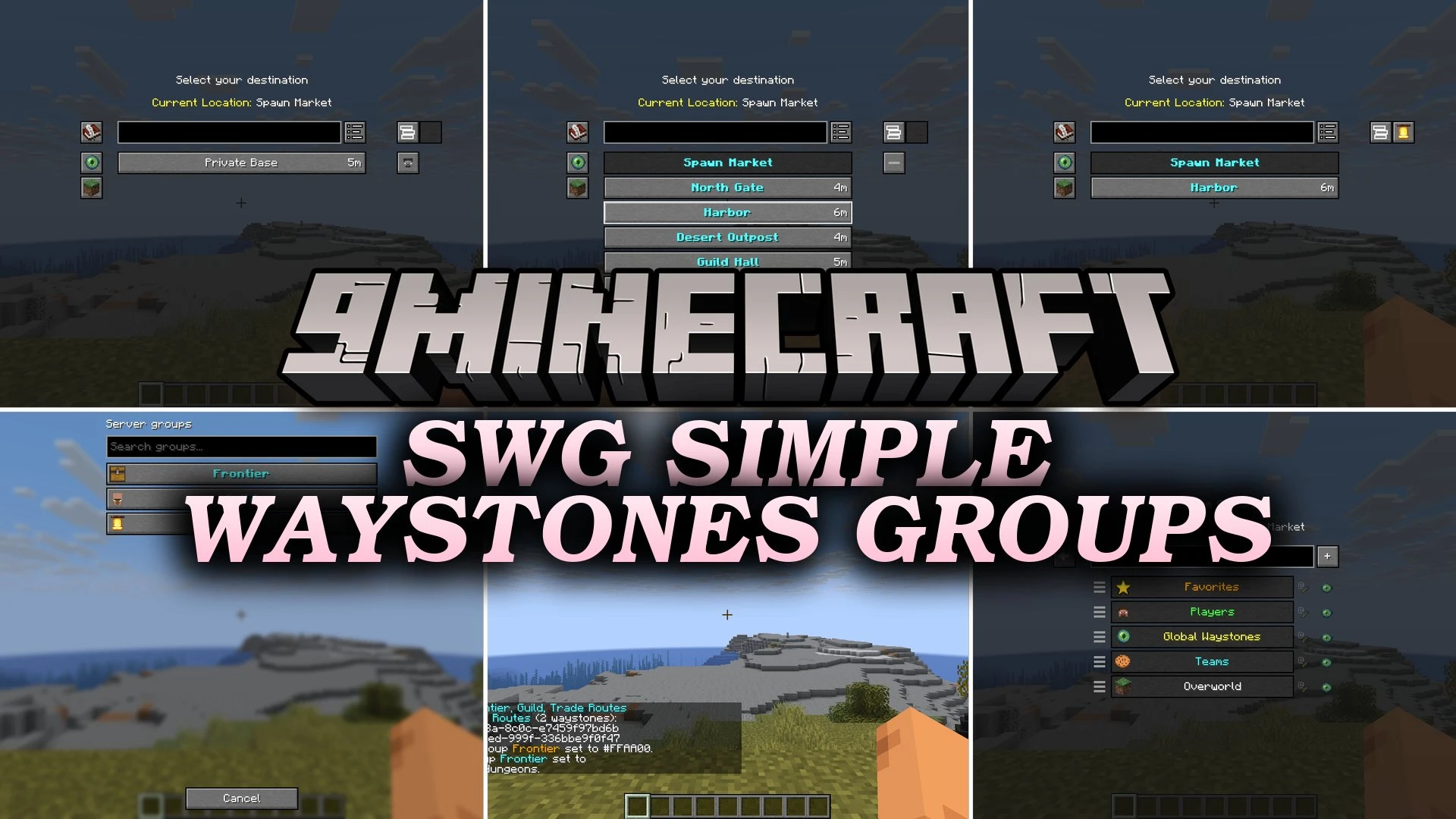


SWG Simple Waystones Groups Mod extends Waystones with admin-managed server groups and extra visibility filters. This mod lets server operators create shared teleport categories with custom icons, colors, and sorted orders. Players can quickly filter waystones by visibility type or view official server hubs without cluttering their personal lists.
Features:
- Server Groups: Server operators can set up shared waystone lists that every player sees.
- Displays waystones in server groups with bold text and custom colors.
- Assigns unique icons and colors to each server group using admin commands.
- Keeps the exact sorting order defined by the server administrator.
- Adds a visibility filter to sort waystones by how they became visible, including team teleports.
- Remembers your selected visibility filters per group automatically.
- Prevents players from accidentally modifying or renaming server-wide groups.
- Converts older groups to native lists upon login on updated versions.
Commands:
/swg create <name>: Creates a new server waystone group./swg delete <name>: Deletes an existing server group./swg rename <old> <new>: Renames a server group./swg add <group> <waystone>: Adds a waystone to a server group./swg remove <group> <waystone>: Removes a waystone from a server group./swg list: Lists all existing server groups./swg color <group> <color>: Sets the display color for a server group./swg icon <group> <icon>: Sets the icon for a server group./swg deleteall: Deletes all server groups at once./swg removeall <group>: Removes all waystones from a specific server group./swg help: Shows a list of available admin commands.
How to Use:
- Open any waystone menu in your world.
- Click the group button on the right side of the menu to view server groups.
- Select a server group to filter the teleport list to those specific destinations.
- Use the visibility filter dropdown to show destinations based on who unlocked them.
- Run
/swgcommands as a server admin to create and style public groups.
Screenshots:

SWG Simple Waystones Groups Mod Download Links
Quick facts
- Edition: Minecraft Java
- File type: .jar
- Minecraft version listed: 1.21.1
- How to install: Install the matching mod loader (Forge, Fabric or NeoForge) for your Minecraft version. → Download the .jar. → Put it in the .minecraft/mods folder and launch that loader profile.
- Where to get it: In MC Java Mods, or directly above on this page.
Install steps are the general flow for this file type — How to install Minecraft Java mods & modpacks walks through it step by step.
Verified by MCModsHub
- Downloads as 513943.mcaddon
- Download size: 118 KB
- Download link checked 24 Sept 2026 — working
- Mirrored on our own servers — the download does not depend on the original host
These come from our own check of the pack file, not from the source page.