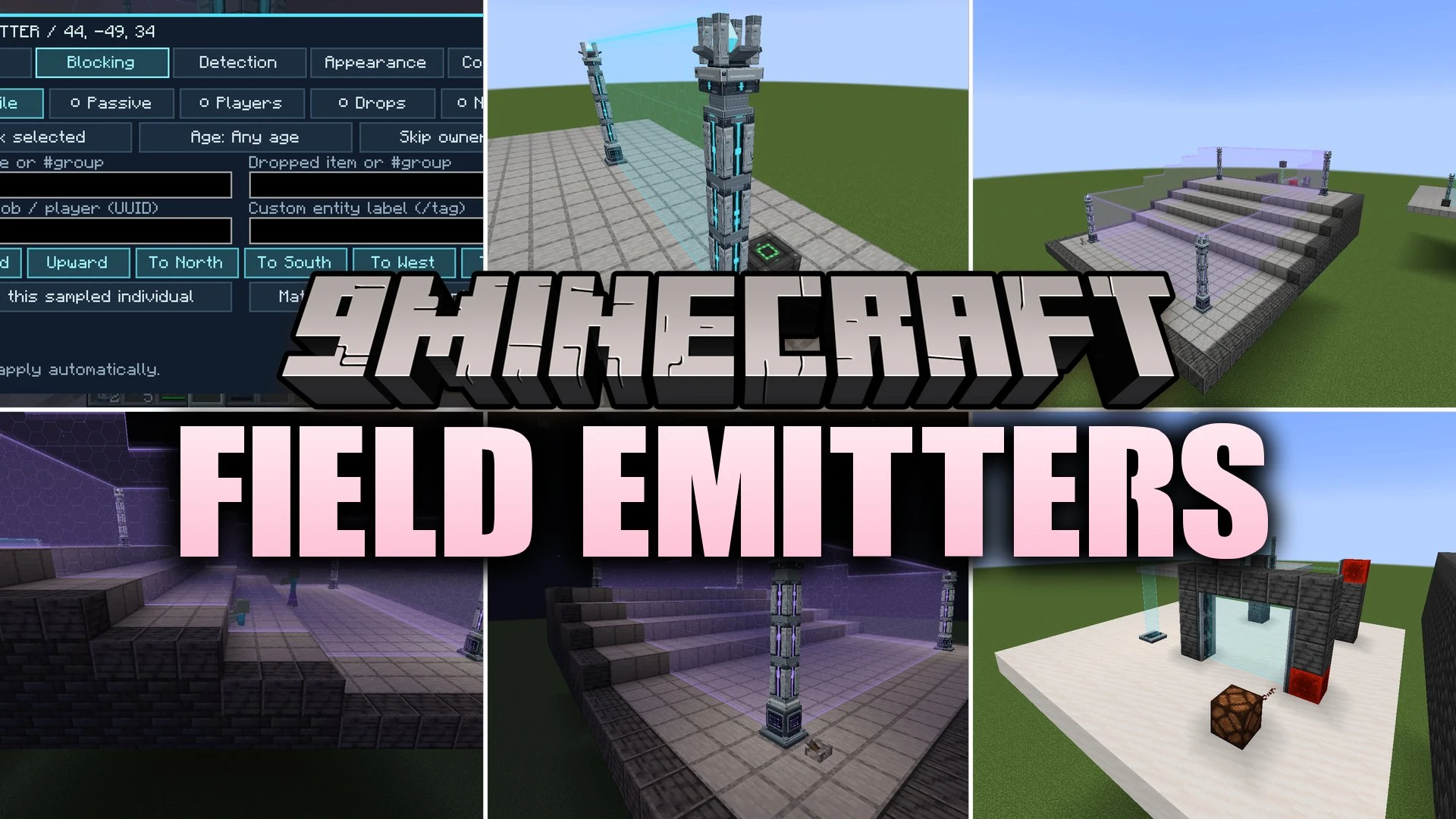


Field Emitters Mod protects your base with glowing forcefields that follow hills and rough terrain. You can place emitter posts along your yard or stick flat rails across doorways and open pits. The mod lets you choose exactly which players, mobs, and items can pass through your barriers. It also turns your forcefields into smart sensors that send redstone signals when anything crosses them.
Features:
- Builds terrain-following barriers, surface rails, and large dome projections to protect any structure.
- Allows separate movement rules for each side of a forcefield.
- Filters who can pass by player name, mob type, entity tag, age, or held item.
- Emits redstone pulses or steady signals when specified entities or items cross the boundary.
- Creates security checkpoints that take away forbidden items and place them into connected chests.
- Deals adjustable contact damage to blocked enemies that try to walk through.
- Uses access badges and permission groups so friends can pass through or help manage fields.
- Includes a handheld tuner to change settings and manage fields across the loaded world.
- Offers custom color options, distinct textures, and impact ripple visuals when objects touch the barrier.
- Connects to redstone inputs to turn fields on or off with simple switches.
How to Use:
- Craft a Field Emitter and a Field Tuner, making sure your emitter post has five blocks of open height above it.
- Place emitter posts up to 20 blocks apart so they link together and match the ground shape between them.
- Connect a power generator or energy cable from another tech mod to power the field.
- Right-click the emitter post with an empty hand or the Field Tuner to set your filtering and detection rules.
- Right-click the air while holding the Field Tuner to open the management menu and check all loaded fields.
Screenshots:

Field Emitters Mod Download Links
Quick facts
- Edition: Minecraft Java
- File type: .jar
- Minecraft versions listed: 1.21.1, 1.20.1
- How to install: Install the matching mod loader (Forge, Fabric or NeoForge) for your Minecraft version. → Download the .jar. → Put it in the .minecraft/mods folder and launch that loader profile.
- Where to get it: In MC Java Mods, or directly above on this page.
Install steps are the general flow for this file type — How to install Minecraft Java mods & modpacks walks through it step by step.
Verified by MCModsHub
- Downloads as 513944.mcaddon
- Download size: 771 KB
- Download link checked 24 Sept 2026 — working
- Mirrored on our own servers — the download does not depend on the original host
These come from our own check of the pack file, not from the source page.