Lightman's Currency X FTB Chunks Mod (1.21.1) – Turn Land Claims Into a Server
Lightman's Currency X FTB Chunks Mod connects FTB Chunks and FTB Teams with Lightman's Currency to add economic costs to land claiming. Every chunk your…
⬇ Download


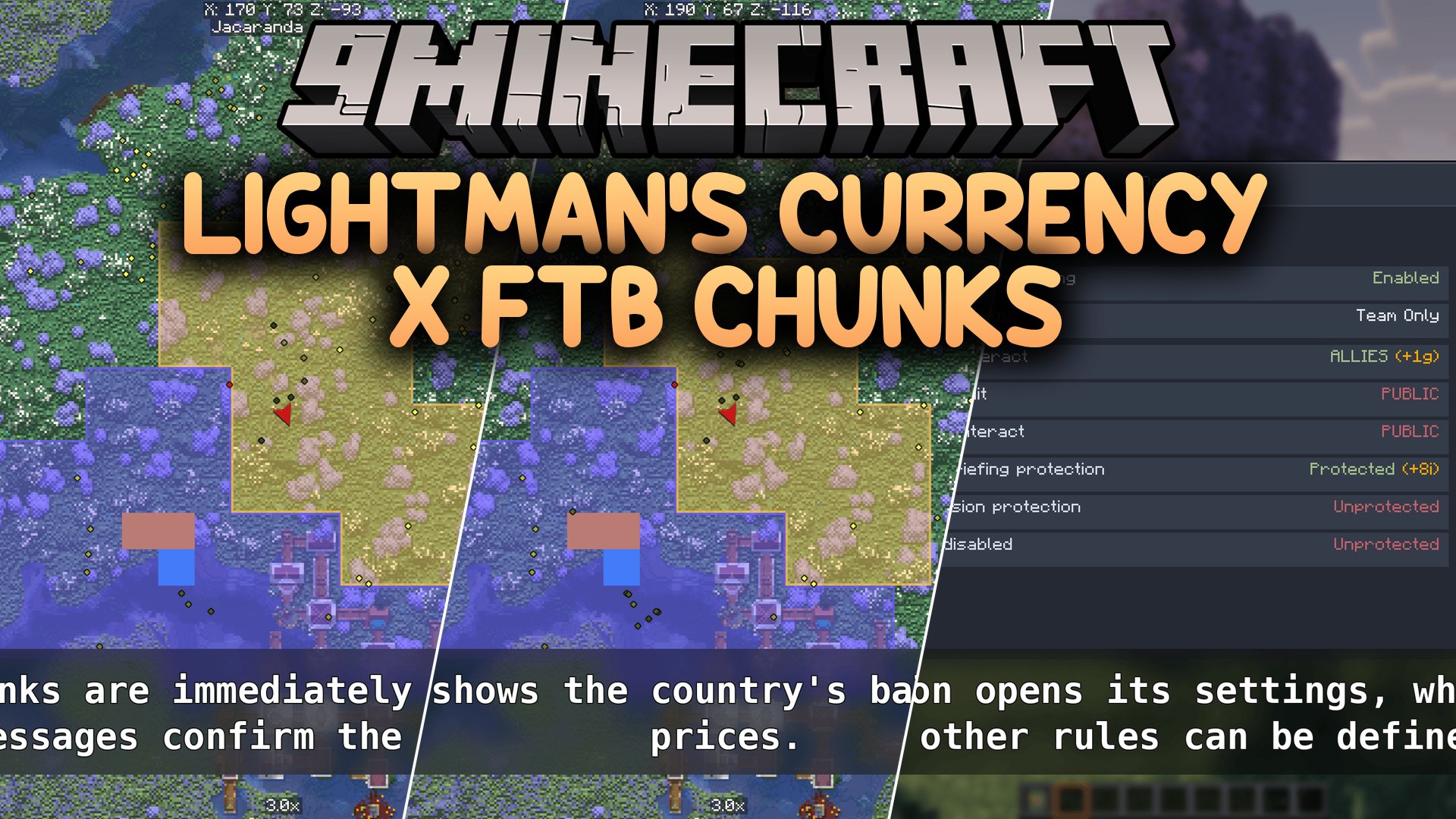
Lightman’s Currency X FTB Chunks Mod connects FTB Chunks and FTB Teams with Lightman’s Currency to add economic costs to land claiming. Every chunk your team claims requires money from your bank account, with prices scaling as your territory grows. You can divide your land into custom regions, sell property to other players, pay upkeep to keep protections active, and declare costly wars against rivals. Everything displays on Xaero’s map overlays for easy territory tracking.
Features:
- Claiming chunks charges money directly from your personal or team bank account.
- Land prices scale up as your territory expands, while early claims stay affordable.
- Unclaiming territory gives a partial coin refund back to your balance.
- Territories split into custom regions with independent rules for PvP, explosions, mob griefing, and access tiers.
- Recurring upkeep costs require teams to pay regular fees to keep region protections active.
- Protections automatically turn off one by one if your team runs out of funds.
- Teams can declare war on rivals, adding extra upkeep bills to both factions during the conflict.
- Players and team officers can buy, sell, and resell claimed chunks on an open market.
- Private chunk owners can set personal whitelists, blacklists, and custom map labels.
- Integrates with Xaero’s World Map to show claim borders, prices, and right-click management tools.
- Server owners can adjust all claim costs, upkeep timers, and war formulas in the config file.
How to Use:
- Open your FTB Teams interface in game.
- Click the diamond sword icon to view and manage team wars.
- Click the lock icon to manage your regions and set protection rules.
- Open Xaero’s World Map to view claim borders, buy plots, or edit chunks using the right-click menu.
Screenshots:

Lightman’s Currency X FTB Chunks Mod Download Links
- Edition: Minecraft Java
- File type: .jar
- Minecraft version listed: 1.21.1
- How to install: Install the matching mod loader (Forge, Fabric or NeoForge) for your Minecraft version. → Download the .jar. → Put it in the .minecraft/mods folder and launch that loader profile.
- Where to get it: In MC Java Mods, or directly above on this page.
Install steps are the general flow for this file type — How to install Minecraft Java mods & modpacks walks through it step by step.
- Downloads as 513946.mcaddon
- Download size: 524 KB
- Download link checked 22 Sept 2026 — working
- Mirrored on our own servers — the download does not depend on the original host
These come from our own check of the pack file, not from the source page.