Dynamic Item Lighting
Torches, lanterns, glowstone and other glowing items now really light up the world when held or dropped. Vanilla light levels and a 9th-slot "left hand"…
⬇ Download on CurseForgeThe author built this one for Minecraft 26.50. On other versions it may install and then do nothing.
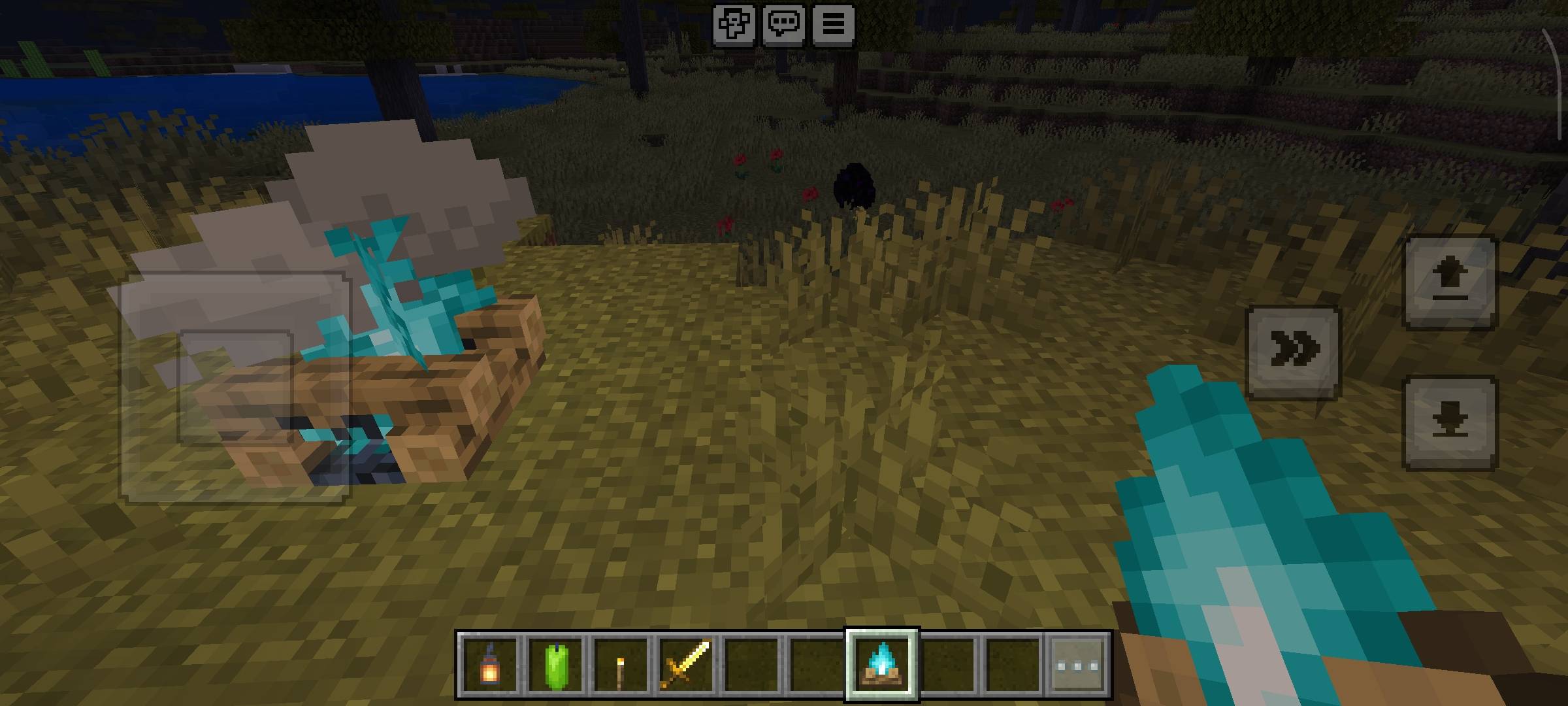
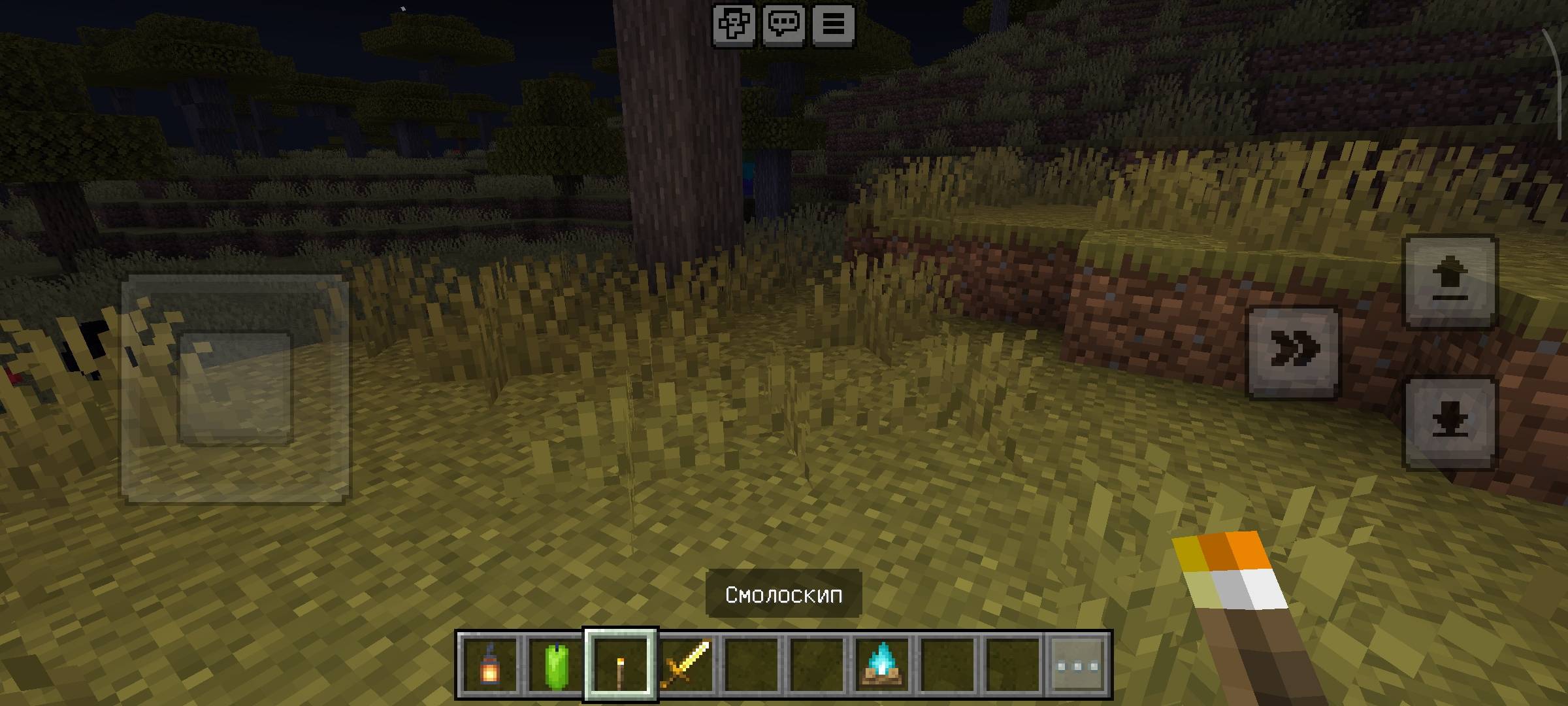
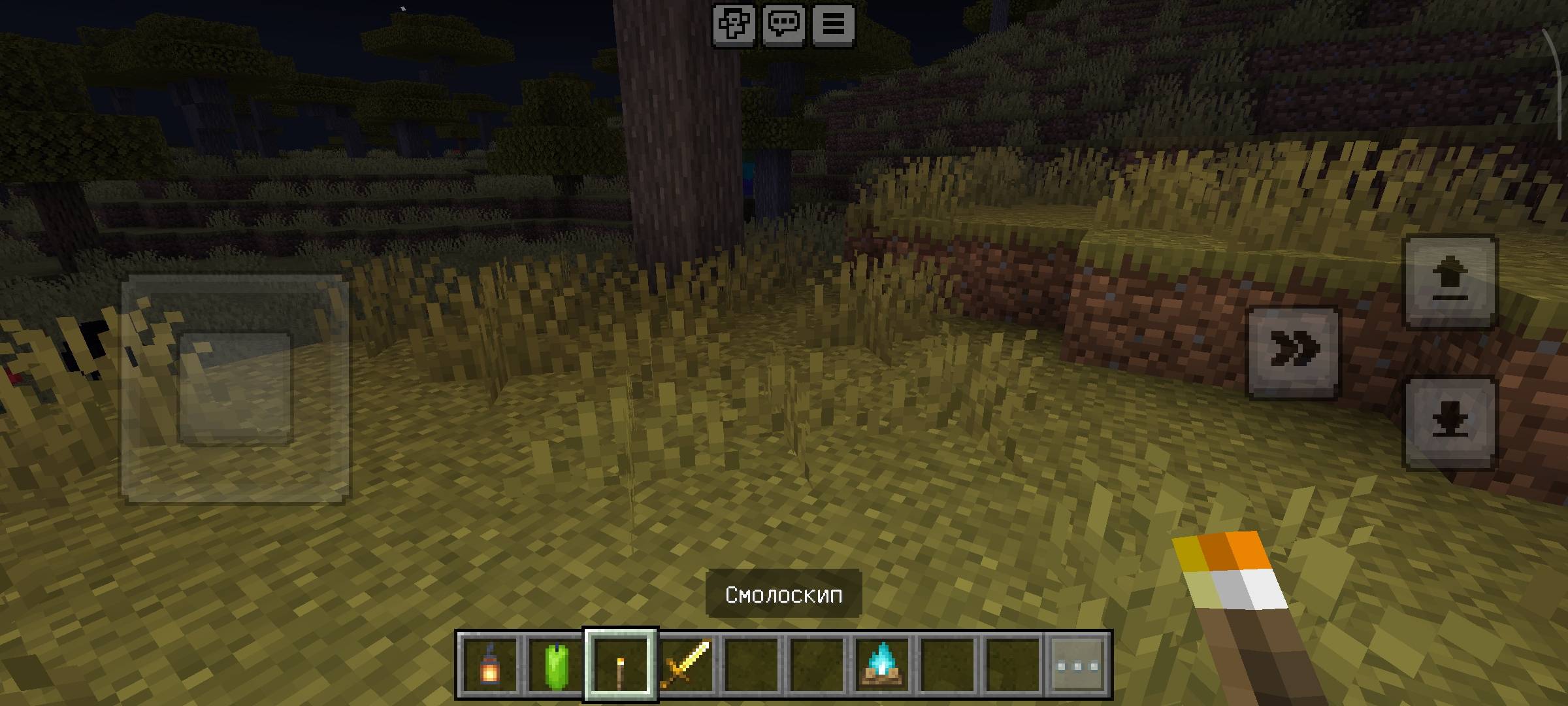
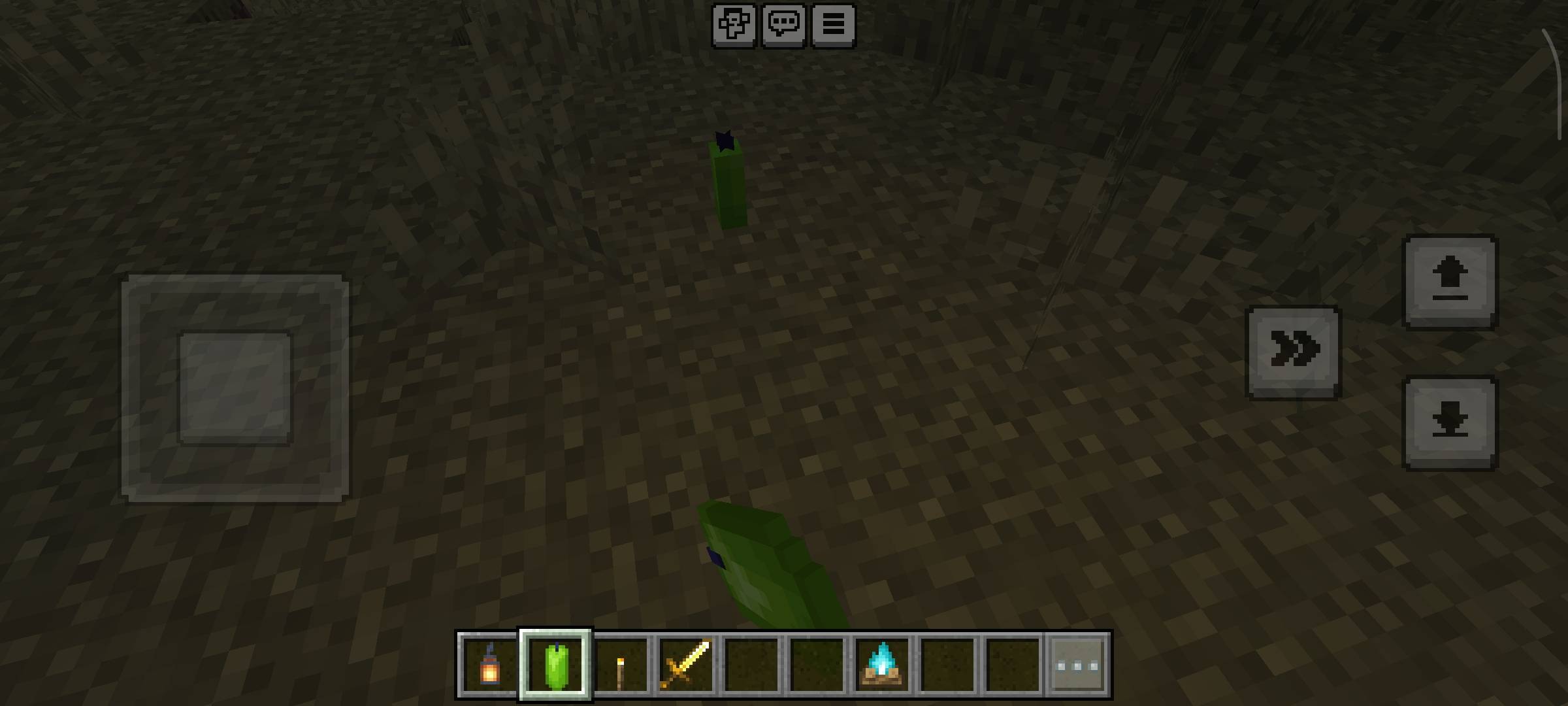
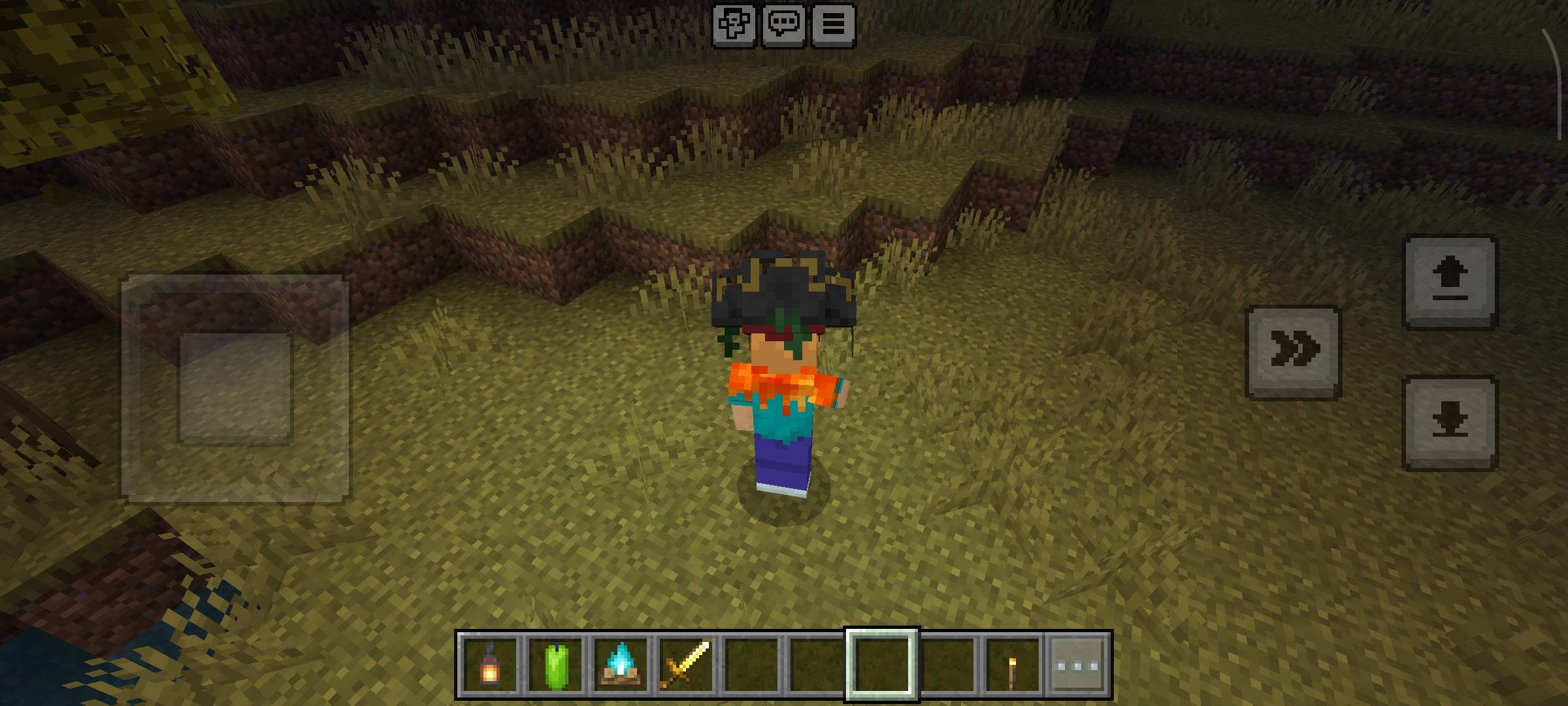
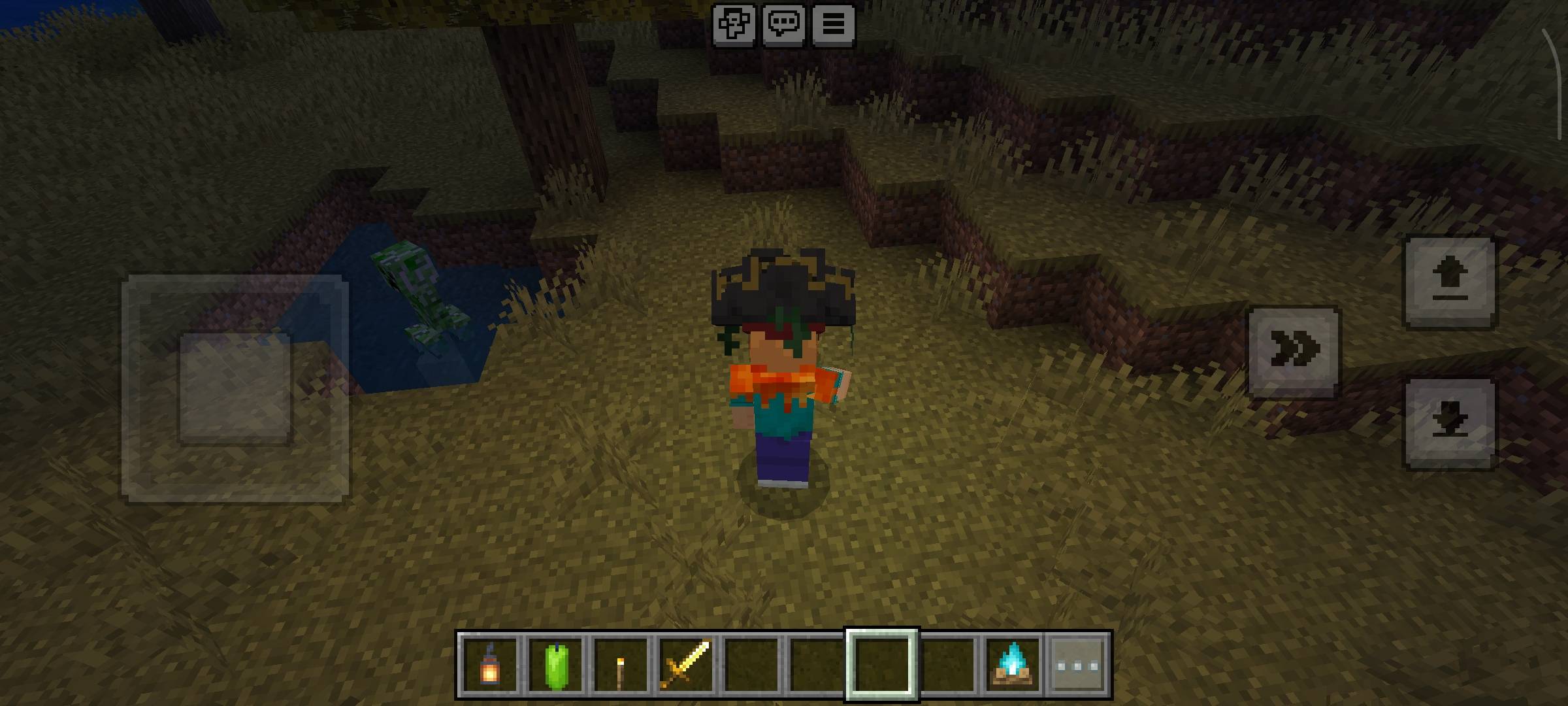
💡 Dynamic Item Lighting
Items that should glow in Minecraft now actually light up the world around you: torches, lanterns, glowstone, lava buckets and many more. Hold one in your hand or drop it on the ground, and it lights up the area around it.
Version 5 · Made for Minecraft Bedrock 26.50 · No Experimental toggles required
✨ Features
- 🔦 Held items light up – hold a torch, lantern or any other light-emitting item and the area around you brightens. The light follows you as you move.
- 🪙 Dropped items glow too – an item lying on the ground keeps lighting its surroundings until you pick it up.
- 🎚️ Different brightness for every item – levels match the vanilla light levels, so a lantern is much brighter than a candle.
- 🖐️ "Left hand" slot – put a light-emitting item in your 9th hotbar slot and it keeps glowing even while you hold something else in your hand.
- 🧠 Smart light – if several light sources are on you, the brightest one is used.
🕯️ Which items glow?
Level 15 (brightest): Lantern, Copper Lanterns (all oxidation stages and waxed), Glowstone, Sea Lantern, Shroomlight, Froglights, Jack o'Lantern, Lava Bucket, Campfire, Beacon, Conduit, Redstone Lamp, Respawn Anchor
Level 14: Torch, Copper Torch, End Rod, Glow Berries
Level 10: Soul Torch, Soul Lantern, Soul Campfire, Crying Obsidian, Nether Star, Blaze Rod
Level 7: Redstone Torch, Glow Lichen, Enchanting Table, Ender Chest
Level 6–4: Sea Pickle, Blaze Powder, Sculk Catalyst (6) · Amethyst Cluster (5) · Large Amethyst Bud, Glowstone Dust (4)
Level 3–1 (soft light): Magma Block, Fire Charge, Magma Cream, Candles of all colors (3) · Medium Amethyst Bud (2) · Brewing Stand, Dragon Egg, Glow Ink Sac, Small Amethyst Bud, Brown Mushroom, Sculk Sensor, Calibrated Sculk Sensor, Eye of Ender (1)
📥 Installation
- Download the
.mcaddonfile and open it – Minecraft will import it automatically. - Create a new world (or edit an existing one) and add Dynamic Item Lighting under Behavior Packs.
- Join the world and hold a torch. That's it!
If you had an older version installed, remove it from the Storage settings first.
⚠️ Good to know
- The item itself does not become brighter – the addon lights the space around it.
- Light does not appear underwater.
- Bedrock does not allow vanilla items in the real off-hand slot, so the 9th hotbar slot works as the "left hand". The item is not shown in the character's left hand.
🔗 Links & Community
📢 Discord: Join our server ✈️ Telegram: Join the channel
Follow us for updates, bug reports, and new addon releases!
- Edition: Minecraft Bedrock
- File type: .mcpack or .mcaddon
- Minecraft version listed: 26.50
- How to install: Download the .mcpack or .mcaddon file. → Open it — Minecraft imports it. → In your world: Behavior Packs → Available → Activate, then the same under Resource Packs.
- Where to get it: Opens on CurseForge — not every file is mirrored on our own servers.
Install steps are the general flow for this file type — How to install Minecraft Bedrock addons & mods walks through it step by step.
- Pack type: .mcaddon — behaviour and resource pack in one file
- Manifest requires Minecraft 1.26.50 or newer
- Complete pack — everything it depends on is inside the file
- Download size: 5 KB
- Download link checked 21 Sept 2026 — working
These come from our own check of the pack file, not from the source page.