ModsJava
Owl Client (1.21, 1.8.9) – Standalone Launcher with Built-in Social Tools
Java mod listed for Minecraft 1.21. Download on the author's site.
⬇ Download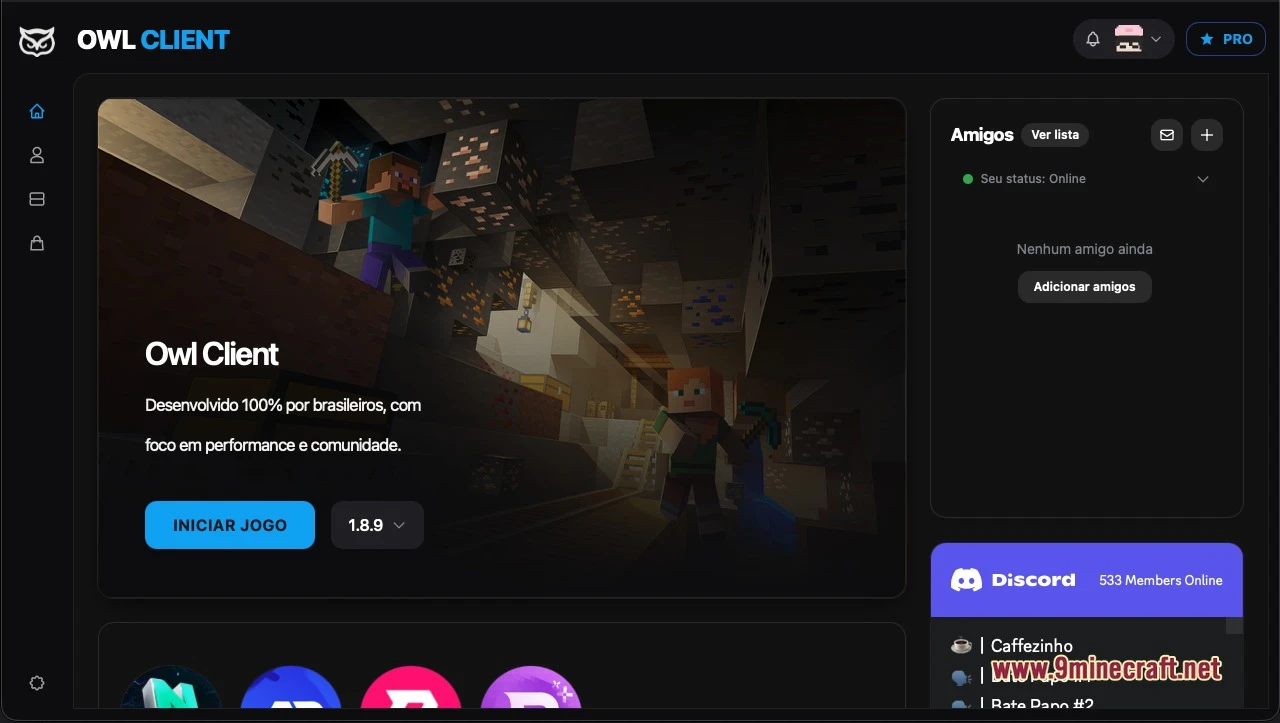
Owl Client launches your Minecraft game through a standalone desktop program with built-in social features. The user interface runs entirely in Portuguese, offering quick access to your friends list and community voice channels. It replaces the default launcher and connects directly using your official Microsoft account credentials.
Features:
- Replaces the official launcher with a standalone desktop client.
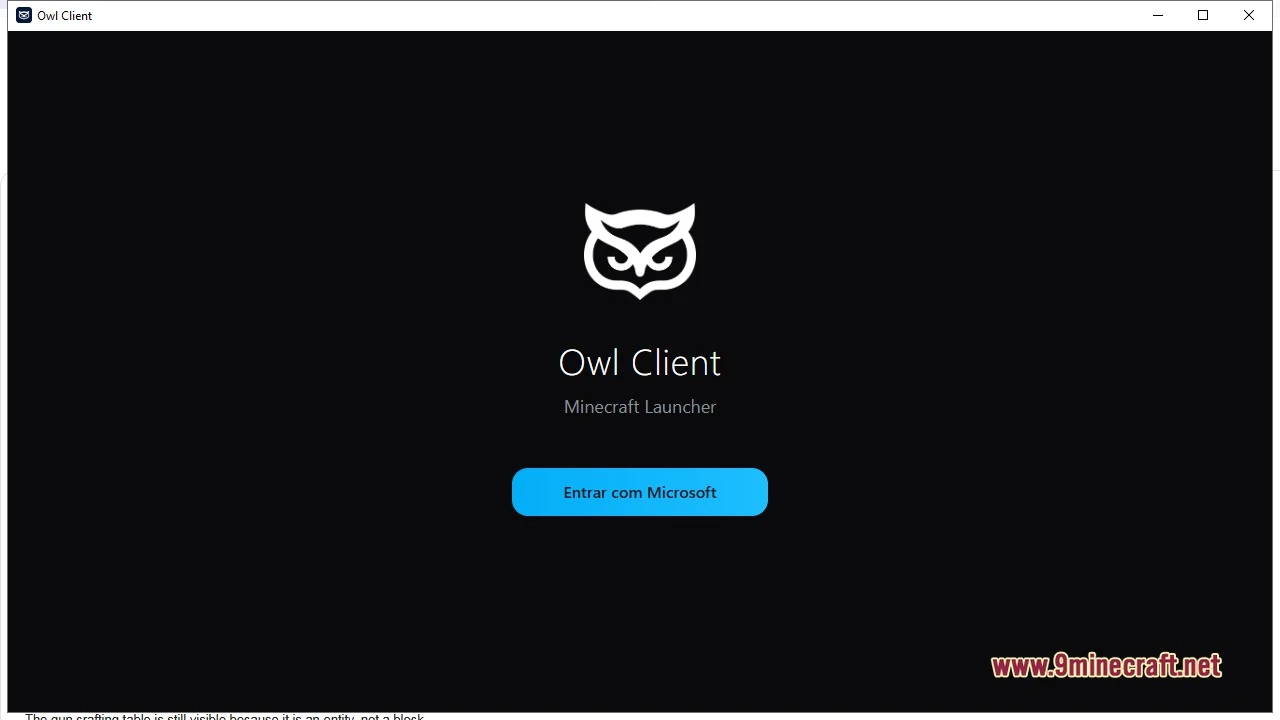
- Requires a valid Microsoft account to log in via the initial sign-in button before entering the dashboard.
- Presents a clean home screen with a game version selector right next to the main play button.
- Shows online friends inside the launcher and lets you send player invites.
- Displays active community members and voice chat rooms through a Discord screen panel.
- Includes a cosmetics store with tabs for capes, hats, bandanas, emotes, and companion pets.
- Displays a dedicated PRO tier status badge on player profiles.
How to Use:
- Open the desktop launcher on your computer.
- Click the Entrar com Microsoft button on the welcome screen to log into your account.
- Pick your desired game version from the selector next to the launch button.
- Click the Iniciar Jogo button to start Minecraft.
Screenshots:
Quick facts
- Edition: Minecraft Java
- File type: .jar
- Minecraft version listed: 1.21
- How to install: Install the matching mod loader (Forge, Fabric or NeoForge) for your Minecraft version. → Download the .jar. → Put it in the .minecraft/mods folder and launch that loader profile.
- Where to get it: Opens on the file's original source — not every file is mirrored on our own servers.
Install steps are the general flow for this file type — How to install Minecraft Java mods & modpacks walks through it step by step.
Owl Client (1.21, 1.8.9) – Standalone Launcher with Built-in Social Tools is a free Minecraft Java mod. Compatible with Minecraft 1.21. Download it and open it directly in the game.