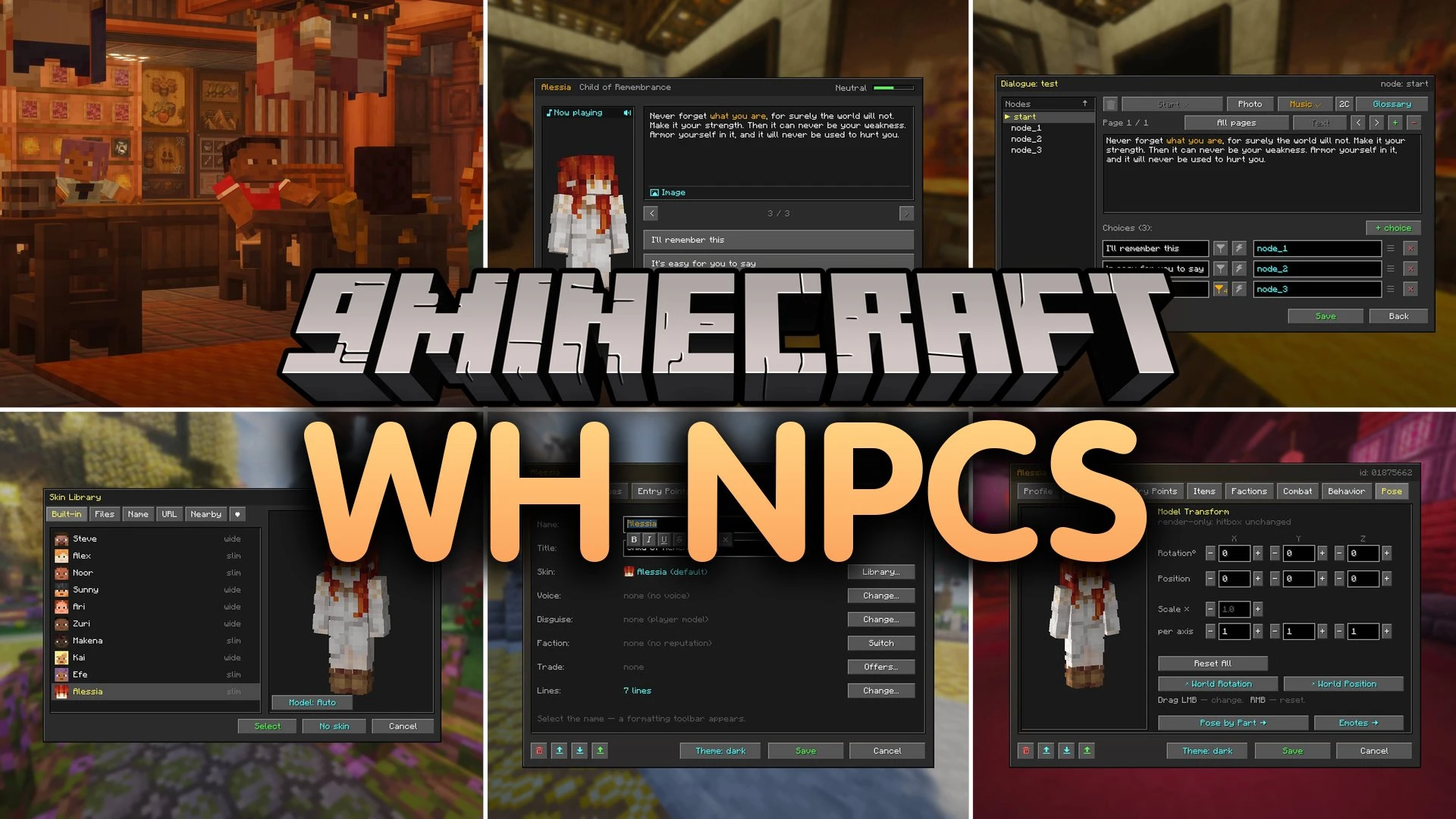


WH Npcs Mod allows you to build custom non-player characters with talking menus, shops, and daily routines directly in your world. The mod brings a built-in visual editor so you can write branching stories, set faction reputation, and assign battle styles without writing code. Every character can walk on a schedule, react to nearby players, and sell items with custom limits.
Features:
Dialogue and Story:
- Builds branching dialogue trees with text, player input, checks, and random choices.
- Locks story choices behind reputation scores, items, flags, or server permissions.
- Displays word tooltips in text so players can read explanations for special lore terms.
- Shows character portraits, full live models, or monologue text boxes along the bottom of the screen.
- Plays custom sounds or music tracks during specific dialogue lines.
Living World Mechanics:
- Gives characters daily schedules so they walk around or sleep based on the time of day.
- Includes custom body poses such as sitting, sleeping, and working with frozen animations.
- Triggers special actions when characters take damage, die, or spot approaching players.
- Adds ambient voice lines for idle moments, combat situations, and player interactions.
Shops, Factions, and Combat:
- Creates custom trade shops with restock timers, stock limits, and reputation requirements.
- Tracks player reputation and quest flags across your entire playthrough.
- Equips characters with melee, ranged, magic, potion, and shield combat styles.
- Adds boss health bars with custom colors, damage resistances, and respawn timers.
Builder Tools:
- Provides the Memorion Feather to open the full visual editor on any character.
- Includes helper wands, spawner blocks, and clone books to copy characters across worlds.
- Places invisible trigger blocks that run actions when players walk over them.
How to Use:
- Hold the Memorion Feather item in your main hand.
- Right-click on an NPC to open the main visual editor menu.
- Select dialogue trees, daily schedules, combat styles, or trade inventories in the GUI.
- Save your settings and use the Clone Book to copy the character to other locations.
Screenshots:

WH Npcs Mod Download Links
Quick facts
- Edition: Minecraft Java
- File type: .jar
- Minecraft version listed: 1.20.1
- How to install: Install the matching mod loader (Forge, Fabric or NeoForge) for your Minecraft version. → Download the .jar. → Put it in the .minecraft/mods folder and launch that loader profile.
- Where to get it: In MC Java Mods, or directly above on this page.
Install steps are the general flow for this file type — How to install Minecraft Java mods & modpacks walks through it step by step.
Verified by MCModsHub
- Downloads as 514615.mcaddon
- Download size: 2.1 MB
- Download link checked 23 Sept 2026 — working
- Mirrored on our own servers — the download does not depend on the original host
These come from our own check of the pack file, not from the source page.