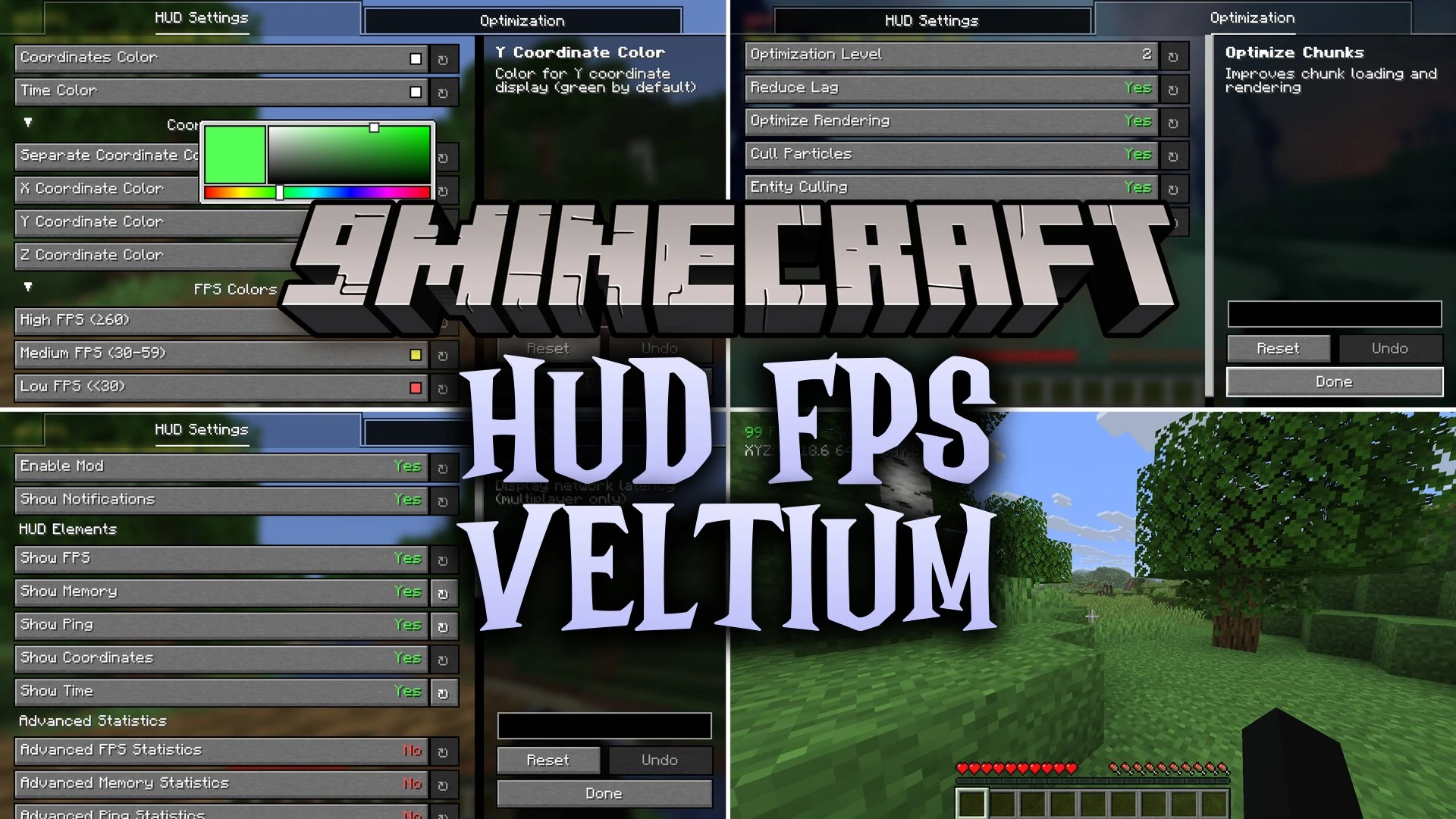


HUD FPS Veltium Mod adds a clean on-screen display to help you track important game numbers at a glance. It places your FPS count, coordinates, memory usage, network ping, and world time right on your monitor without opening bulky debug menus. This mod gives you direct control over colors and text elements so you can fit the interface to your screen setup.
Features:
- Shows your current frames per second directly on screen.
- Displays live world coordinates to help you mark locations and explore biomes.
- Monitors system memory and active RAM usage while you play.
- Tracks multiplayer server ping and connection response time.
- Displays real-world time as well as an in-game day counter.
- Lets you change the color of every HUD element to match your preference.
- Includes small optimization toggles designed to help low-end computers run smoothly.
Screenshots:
HUD FPS Veltium Mod Download Links
Quick facts
- Edition: Minecraft Java
- File type: .jar
- Minecraft version listed: 1.21.11
- How to install: Install the matching mod loader (Forge, Fabric or NeoForge) for your Minecraft version. → Download the .jar. → Put it in the .minecraft/mods folder and launch that loader profile.
- Where to get it: In MC Java Mods, or directly above on this page.
Install steps are the general flow for this file type — How to install Minecraft Java mods & modpacks walks through it step by step.
Verified by MCModsHub
- Downloads as 514716.mcaddon
- Download size: 60 KB
- Download link checked 23 Sept 2026 — working
- Mirrored on our own servers — the download does not depend on the original host
These come from our own check of the pack file, not from the source page.