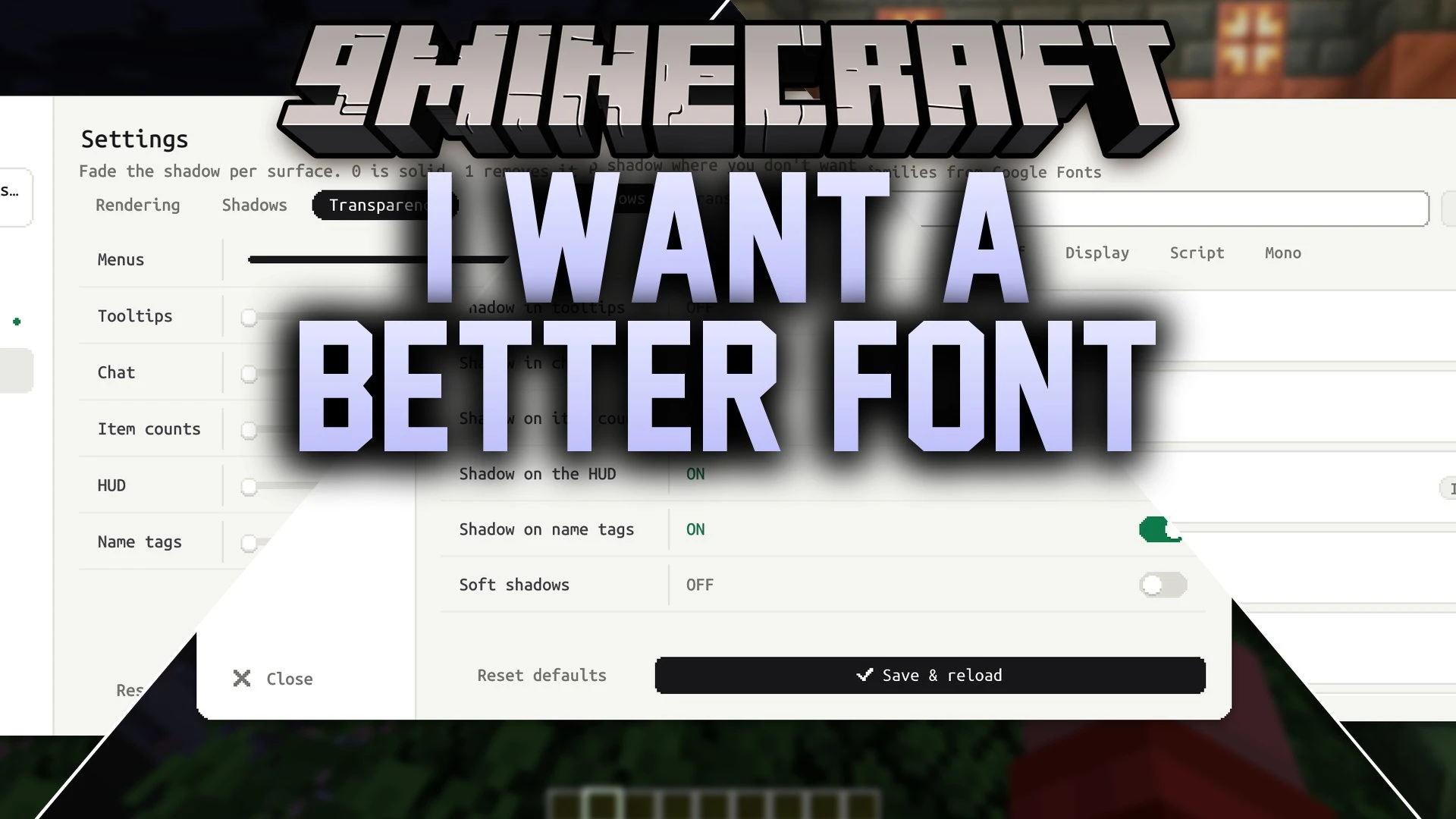


I Want a Better Font Mod lets you change your in-game text style using the Google Fonts collection. You can search and switch fonts directly inside your world without restarting the game. Text automatically fits your chosen interface size and screen resolution, keeping every menu and inventory easy to read.
Features:
- Lets you browse and search the Google Fonts catalog directly from the game screen.
- Applies your selected font across menus, loading screens, chat, and inventory windows.
- Adjusts text size automatically to match your current GUI scale and display resolution.
- Includes a local library tab to store and organize downloaded font files.
- Provides options to change text shadows, shadow transparency, and rendering modes.
How to Use:
- Open the font menu from the game settings screen.
- Search for a style in the online font browser.
- Download your chosen font to add it to your local library.
- Select the font from your list and adjust the shadow settings as needed.
Screenshots:
I Want a Better Font Mod Download Links
Quick facts
- Edition: Minecraft Java
- File type: .jar
- Minecraft version listed: 1.20.1
- How to install: Install the matching mod loader (Forge, Fabric or NeoForge) for your Minecraft version. → Download the .jar. → Put it in the .minecraft/mods folder and launch that loader profile.
- Where to get it: In MC Java Mods, or directly above on this page.
Install steps are the general flow for this file type — How to install Minecraft Java mods & modpacks walks through it step by step.
Verified by MCModsHub
- Downloads as 514717.mcaddon
- Download size: 167 KB
- Download link checked 23 Sept 2026 — working
- Mirrored on our own servers — the download does not depend on the original host
These come from our own check of the pack file, not from the source page.