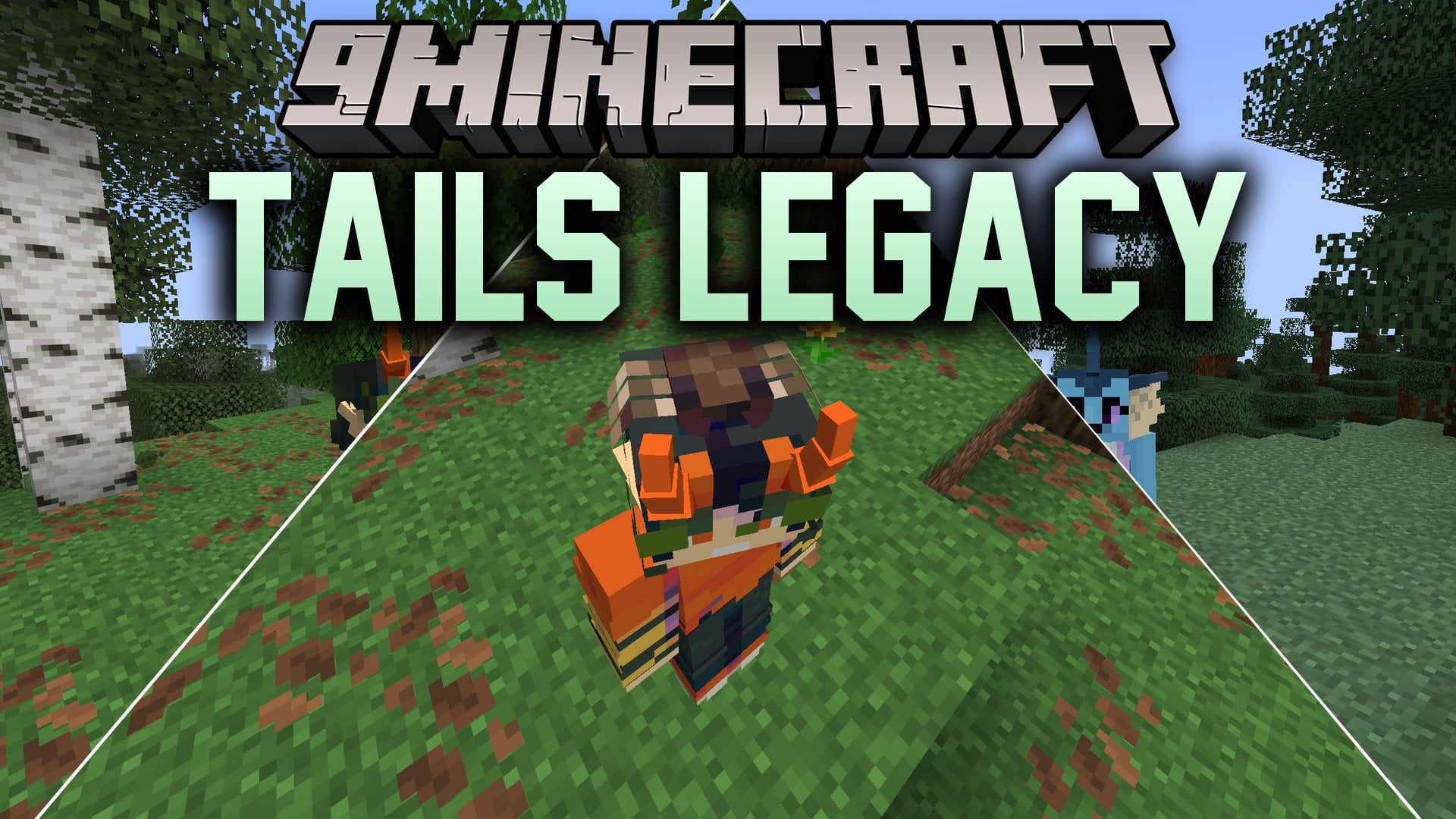


Tails Legacy Mod brings customizable animal parts, wings, and accessories to your Minecraft player model. The mod lets you equip and recolor parts like fox tails, dragon wings, cat ears, and horns directly in-game. Custom parts show up for other players on servers that run the mod, making multiplayer styling simple. You can also save your favorite setups to an external file to use across different worlds.
Features:
- Equips your character with animated tails, ears, wings, horns, and head accessories.
- Allows full color control with up to three tints for each body part.
- Opens a dedicated Tails Editor menu directly from the game pause screen.
- Saves and loads favorite accessory setups with the built-in library system.
- Syncs visible parts across multiplayer servers when installed on both server and client.
- Supports custom community accessories loaded directly through resource packs.
- Displays stuck arrows directly on tails and accessories during combat.
- Adds cosmetic ears and tails to Tiny Potatoes named Foxtato if Botania is installed.
How to Use:
- Press Escape to open the pause menu.
- Click the Tails Editor button on your screen.
- Select a category and choose the part, subtype, and texture you want to wear.
- Adjust the color tints using the color pickers to match your skin.
- Click Apply to equip your parts, or save them into the library.
Screenshots:
Tails Legacy Mod Download Links
Quick facts
- Edition: Minecraft Java
- File type: .jar
- Minecraft version listed: 1.20.1
- How to install: Install the matching mod loader (Forge, Fabric or NeoForge) for your Minecraft version. → Download the .jar. → Put it in the .minecraft/mods folder and launch that loader profile.
- Where to get it: In MC Java Mods, or directly above on this page.
Install steps are the general flow for this file type — How to install Minecraft Java mods & modpacks walks through it step by step.
Verified by MCModsHub
- Downloads as 514718.mcaddon
- Download size: 544 KB
- Download link checked 23 Sept 2026 — working
- Mirrored on our own servers — the download does not depend on the original host
These come from our own check of the pack file, not from the source page.