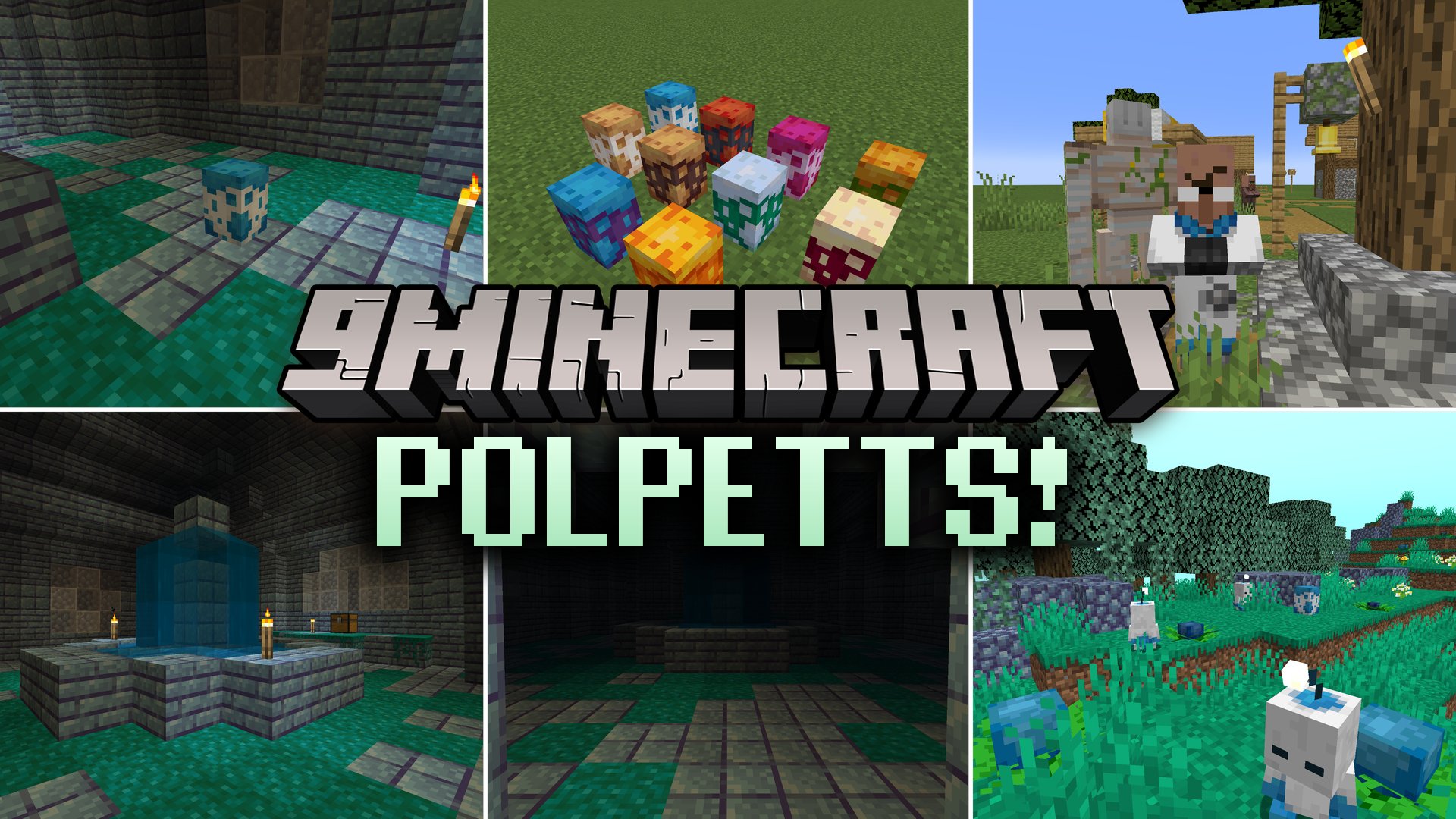


Polpetts Mod introduces a cute virtual pet mechanic inspired by classic pet simulators. Players can search for buried garden structures, hatch special eggs, and care for their new companions. Keeping your pet well fed and happy lets it grow and sprout new physical traits over time. You can even dress them up with colorful wool hats or scoop them into buckets to take them on journeys across your world.
Features:
- Spawns buried Polpett Gardens beneath mountains, oceans, and select biomes containing pet eggs.
- Adds the Polpett Meadows biome where creatures and special plants generate naturally.
- Allows you to pet eggs with an empty hand to speed up the hatching process.
- Lets you craft an Egg Incubator block to warm eggs and hatch them much faster.
- Turns villagers into Polpett Researchers when they work near an Egg Incubator station.
- Offers trading with researchers to get cosmetic hats and rare colored egg types.
- Features a simple pet care system based on managing companion hunger and happiness levels.
- Lets pets evolve and grow brand-new physical features as you raise them.
- Includes colorful wool hats in multiple dye colors to customize your pet’s appearance.
- Allows you to scoop up your pet with a bucket for easy transport.
- Adds Fingle Fruit crops and decorative garden building blocks.
How to Use:
- Find a Polpett egg inside buried garden structures or the Polpett Meadows biome.
- Place the egg on an Egg Incubator or right-click to pet it until it hatches.
- Right-click your pet with an empty hand to pet it and boost its happiness.
- Right-click while holding food to feed your pet and fill its hunger.
- Sneak and right-click with an empty hand to check your pet’s current stats.
- Sneak and right-click while holding a wool hat to equip or remove head accessories.
- Right-click your pet with a water bucket to pick it up and carry it in your inventory.
Screenshots:

Polpetts Mod Download Links
Quick facts
- Edition: Minecraft Java
- File type: .jar
- Minecraft versions listed: 1.21.1, 1.20.1
- How to install: Install the matching mod loader (Forge, Fabric or NeoForge) for your Minecraft version. → Download the .jar. → Put it in the .minecraft/mods folder and launch that loader profile.
- Where to get it: In MC Java Mods, or directly above on this page.
Install steps are the general flow for this file type — How to install Minecraft Java mods & modpacks walks through it step by step.
Verified by MCModsHub
- Downloads as 514728.mcaddon
- Download size: 1.6 MB
- Download link checked 23 Sept 2026 — working
- Mirrored on our own servers — the download does not depend on the original host
These come from our own check of the pack file, not from the source page.