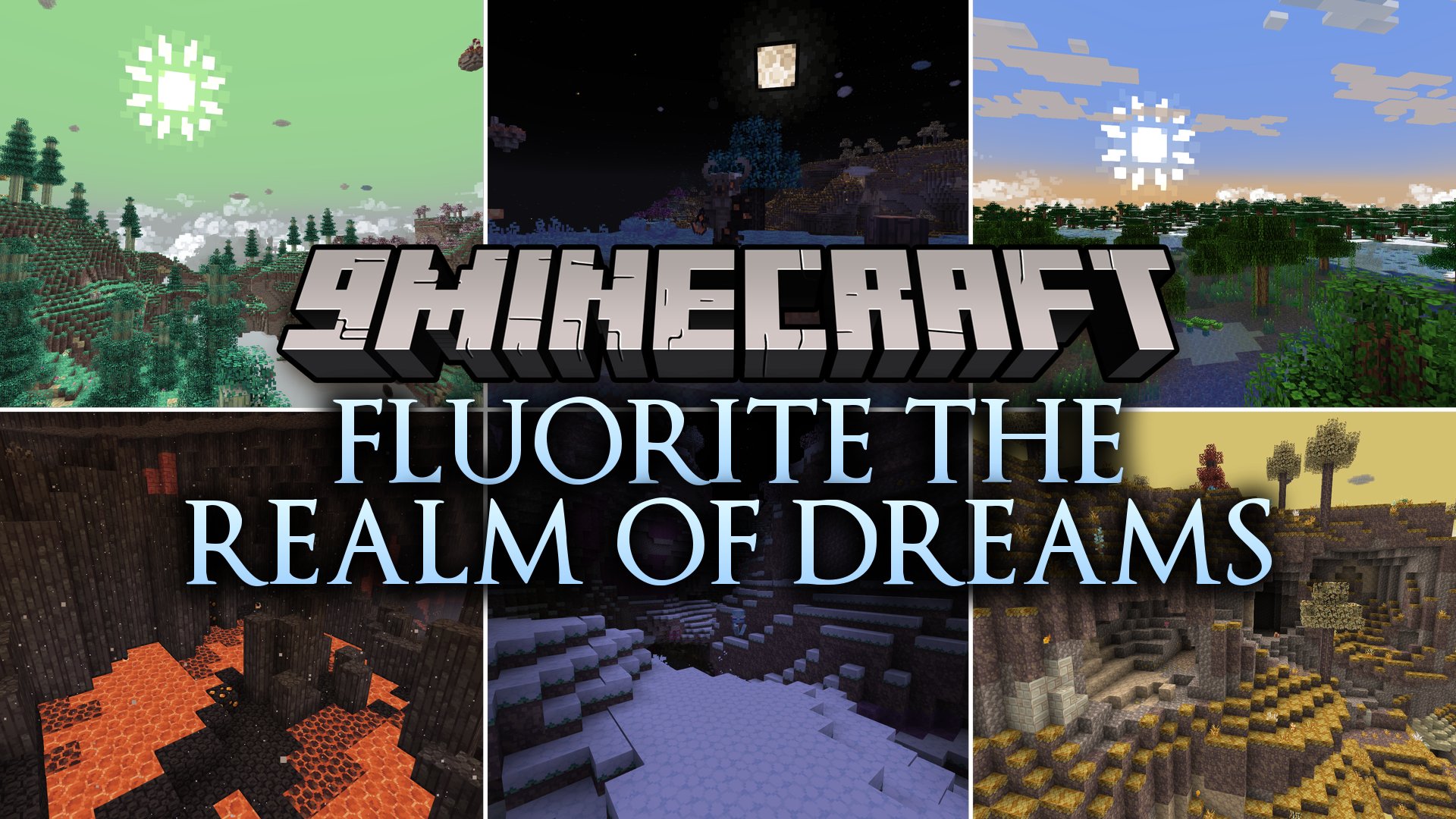


Fluorite the Realm of Dreams Mod introduces a massive sky dimension filled with floating islands, new progression steps, and tough boss battles. The mod challenges you to survive beyond the vanilla endgame with environmental hazards, weather rules, and specialized gear tiers past Netherite. You can travel through multiple floating biomes, face dangerous creatures, and unlock powerful equipment sets as you climb higher into the sky.
Features:
- Adds the Realm of Dreams, a floating island sky dimension with unique biomes, flora, and fauna.
- Extends equipment progression past Netherite with new material tiers like Obsidian, Jade, Astrum, and Solarium.
- Introduces ten custom bosses and dozens of enemies with distinct attack patterns and loot tables.
- Includes environmental survival mechanics that lock certain biomes behind elixirs, light sources, and specific weather conditions.
- Brings day and night dynamics where resource gathering changes based on the time of day.
- Adds specialized movement enchantments including double jump, gliding, and tailwind.
- Features unique utility items like the Amber Lighter, Frost Elixir, and Stellar Torches.
Progression Stages:
| Stage | Objective | Key Details |
|---|---|---|
| 01 | Tree Resin & Amber | Harvest tree resin from trees and melt it down to create Amber Bars. |
| 02 | Pyronite in Nether | Cool hot Pyronite Ore in Basalt Deltas with water, then craft an Amber Lighter. |
| 03 | Dimensional Gateway | Ignite a Glowstone frame using the Amber Lighter to enter the sky realm. |
| 04 | Sky Ice & Cryonite | Craft Frost Elixirs to survive the freezing Sky Ice biome and gather Cryonite. |
| 05 | Obsidian Upgrade | Use Cryonite to upgrade your Netherite or Ruby gear into Obsidian equipment. |
| 06 | Jade Upgrades | Battle early bosses in the Sky Verdant biome during the day for Jade upgrade templates. |
| 07 | Jade Vaults | Defeat mid-tier bosses for Vault Keys to access Astrum crafting materials. |
| 08 | Moonlight Survival | Craft Stellar Torches using boss light essence to safely explore the dark Moonlight Biome. |
| 09 | Astrum Equipment | Mine Astrum ore in dungeons and safe zones to forge high-tier weapons and armor. |
| 10 | Solarium Endgame | Defeat final bosses to obtain Solarium Ore and charge it under direct sunlight. |
How to Use:
- Collect Tree Resin from Overworld trees and smelt it into Amber Bars.
- Travel to the Nether, pour water onto hot Pyronite Ore in Basalt Deltas, and harvest Pyronite Clumps.
- Craft an Amber Lighter using Blaze Rods, Amber Bars, Flint, and Pyronite Clumps.
- Build a portal frame out of Glowstone blocks and light it with the Amber Lighter to enter the Realm of Dreams.
- Follow the biome progression order and brew required elixirs before entering hazardous zones.
Screenshots:

Fluorite the Realm of Dreams Mod Download Links
Quick facts
- Edition: Minecraft Java
- File type: .jar
- Minecraft version listed: 1.20.1
- How to install: Install the matching mod loader (Forge, Fabric or NeoForge) for your Minecraft version. → Download the .jar. → Put it in the .minecraft/mods folder and launch that loader profile.
- Where to get it: In MC Java Mods, or directly above on this page.
Install steps are the general flow for this file type — How to install Minecraft Java mods & modpacks walks through it step by step.
Verified by MCModsHub
- Downloads as 514731.mcaddon
- Download size: 65.5 MB
- Download link checked 23 Sept 2026 — working
- Mirrored on our own servers — the download does not depend on the original host
These come from our own check of the pack file, not from the source page.