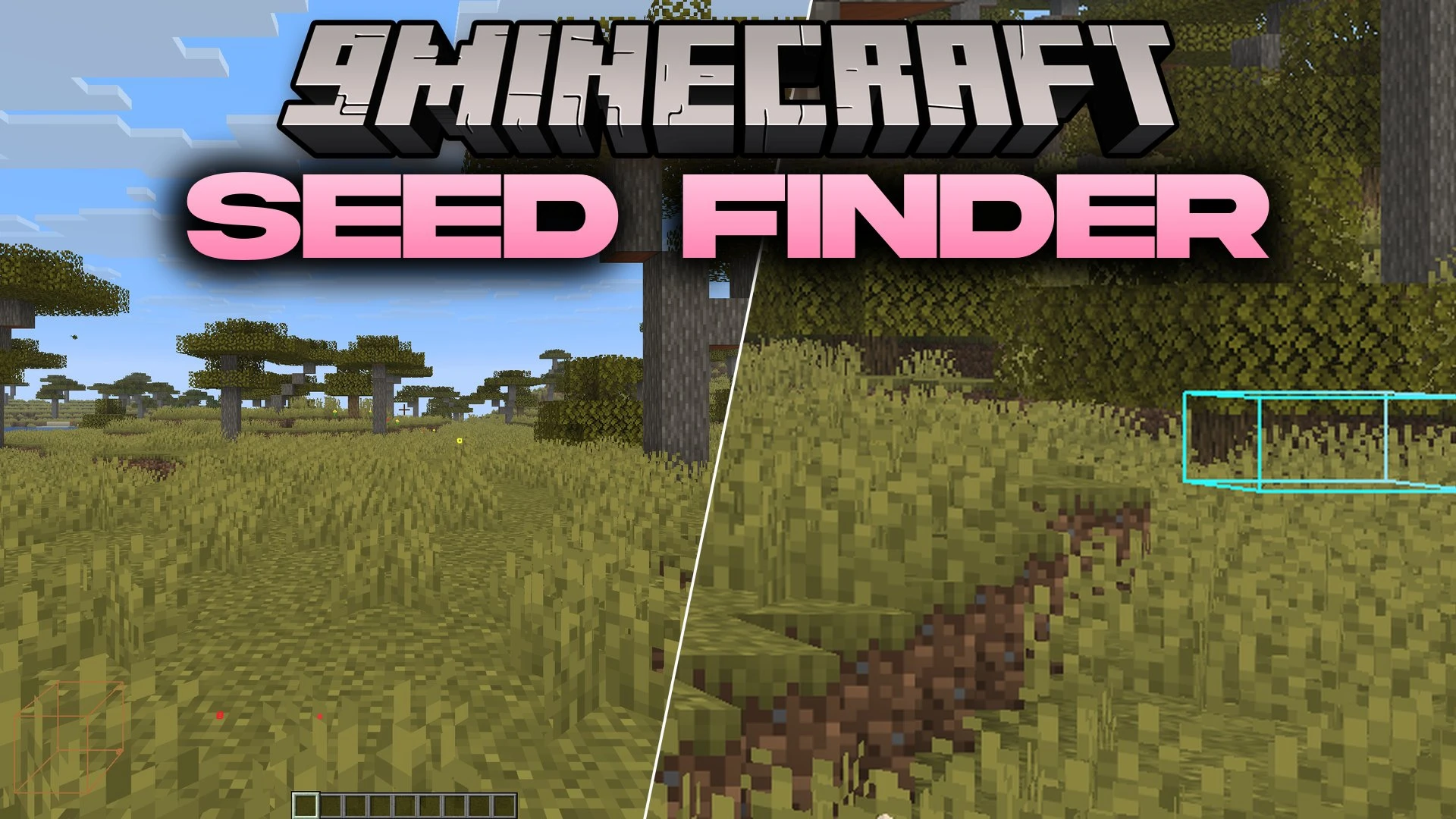


Seed Finder 9minecraft Mod calculates the secret seed of any world by scanning nearby terrain and generated structures as you travel. It works in singleplayer games and on multiplayer servers where the seed command is blocked. As you walk or fly around, the mod watches for natural landmarks like temples, shipwrecks, and ore clusters to narrow down the exact seed. All progress appears directly in your chat box without needing complex setup.
Features:
- Finds the world seed on singleplayer worlds and multiplayer servers without needing server operator status.
- Scans nearby generated structures and decorator features automatically as you walk or fly around.
- Displays clear progress updates in your in-game chat whenever it spots matching world data.
- Draws coloured wireframe boxes around detected landmarks so you know which structures were recorded.
- Includes an X-ray render mode that keeps structure boxes visible through stone, dirt, and deep caves.
- Lets you turn off visual markers completely whenever you want a clean view.
- Runs completely on the client side, meaning servers do not need any mod files installed.
- Provides a dedicated settings screen to toggle individual finders and change outline styles.
Supported Structures and Features:
- Buried treasure chests, shipwreck hulls, ocean monuments, and witch huts.
- Desert pyramids, jungle temples, pillager outposts, and igloos.
- Trial chambers, End cities, End obsidian pillars, and natural ore veins.
How to Use:
- Enter any singleplayer world or connect to your multiplayer server.
- Walk or fly around to load chunks containing structures like ocean ruins, temples, or buried treasures.
- Watch the chat window for messages showing how much data the mod has collected.
- Open the in-game settings screen to toggle specific structure finders or adjust the X-ray outline view.
- Copy the final seed from your chat once all calculations finish.
Screenshots:
Seed Finder 9minecraft Mod Download Links
Quick facts
- Edition: Minecraft Java
- File type: .jar
- How to install: Install the matching mod loader (Forge, Fabric or NeoForge) for your Minecraft version. → Download the .jar. → Put it in the .minecraft/mods folder and launch that loader profile.
- Where to get it: In MC Java Mods, or directly above on this page.
Install steps are the general flow for this file type — How to install Minecraft Java mods & modpacks walks through it step by step.
Verified by MCModsHub
- Downloads as 514742.mcaddon
- Download size: 2.0 MB
- Download link checked 23 Sept 2026 — working
- Mirrored on our own servers — the download does not depend on the original host
These come from our own check of the pack file, not from the source page.