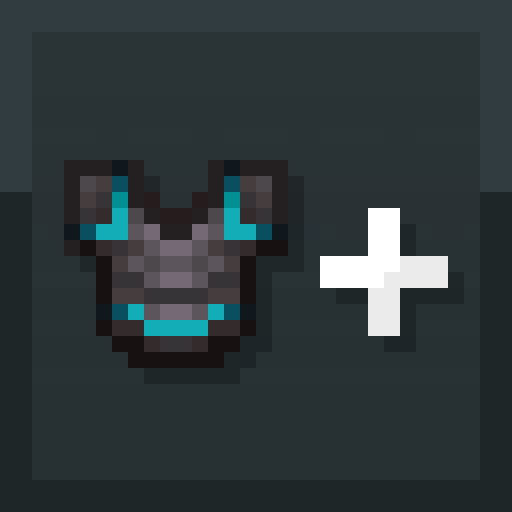
Ent's Armor Trim Expanded
Java mod listed for Minecraft 26.x. Downloads from the MC Java Mods app on Android.
Addings Support for Animated Armor Trim Material's & Making Them Data-Driven! What is Adds Animated armor trims - trim colors can style between colors…
⬇ Download on Modrinth


Addings Support for Animated Armor Trim Material's & Making Them Data-Driven!
What is Adds
- Animated armor trims - trim colors can style between colors, frame-by-frame on your armor
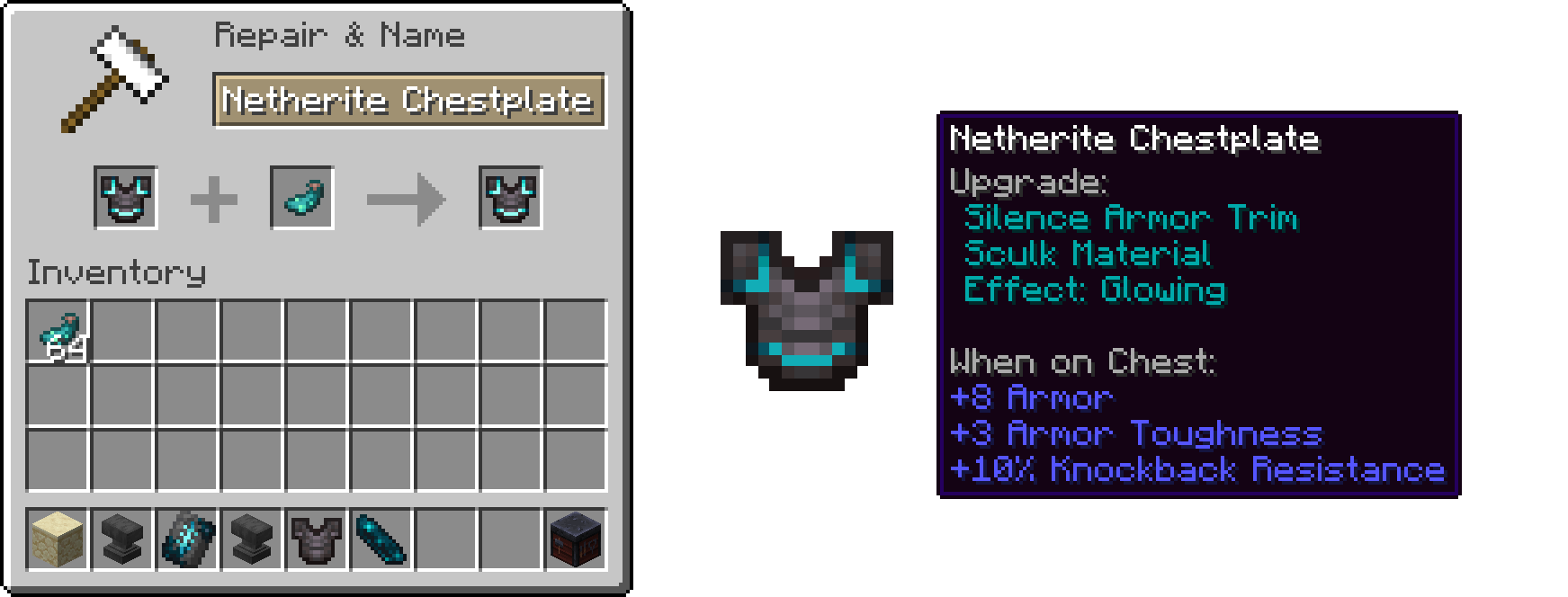
- Glowing trims - make any trim Glow in the dark (see below).
- Fully data-driven - add your own animated trim materials with just a pack. No code (more below).
- Uses the real smithing-trim system, so it works with every trim pattern.
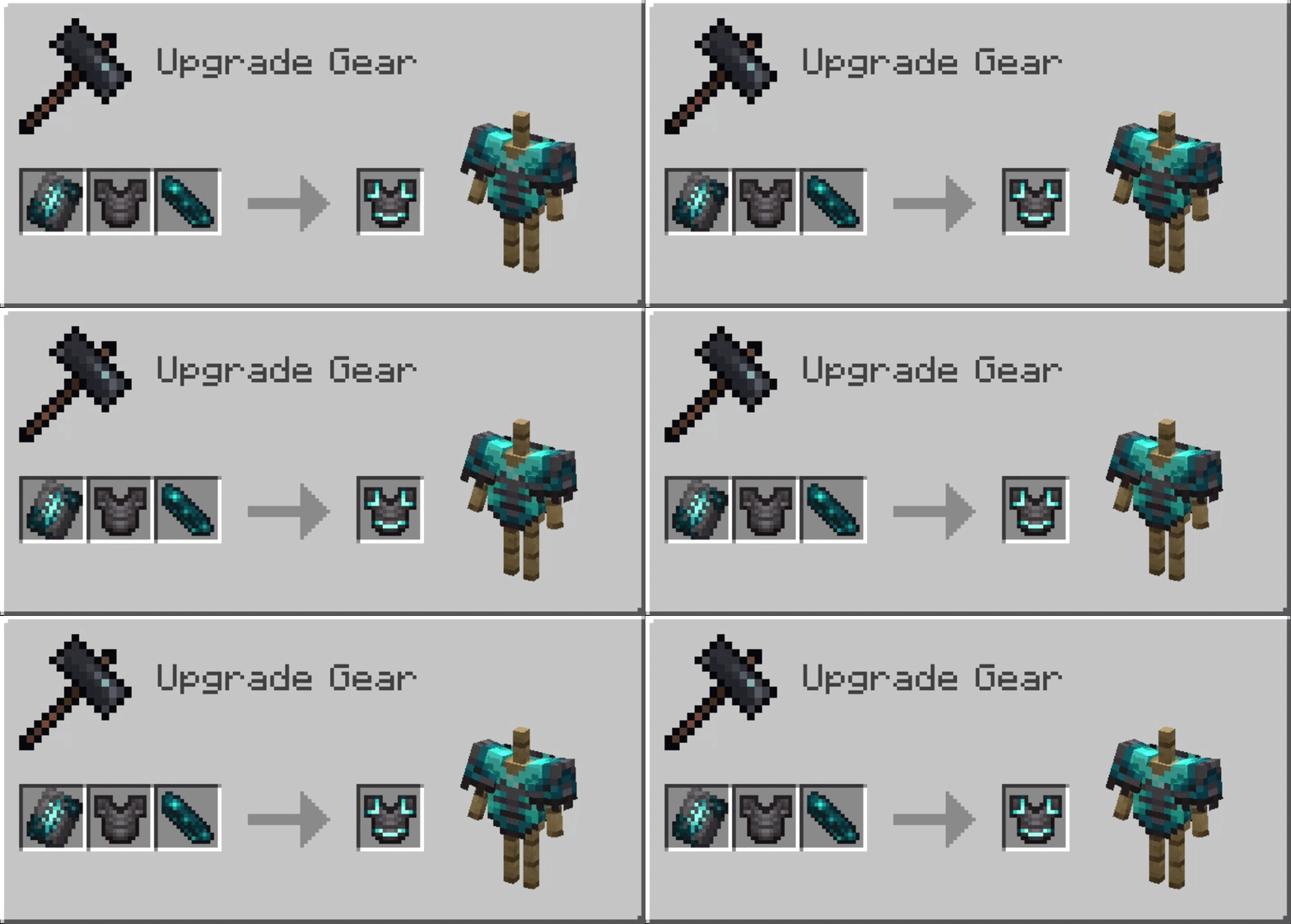
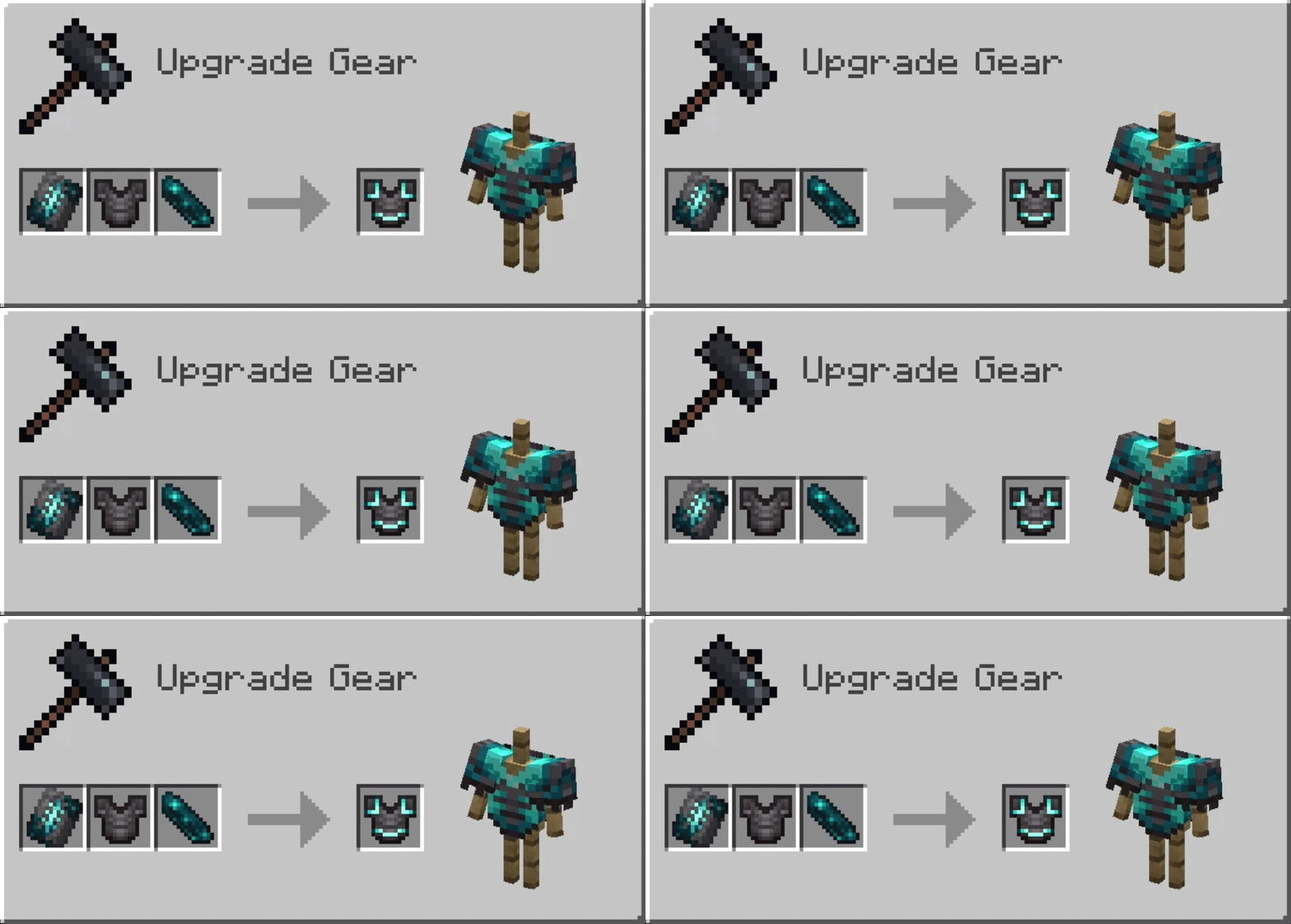 *Mod Includes Sculk & Prismarine Armor Time Material
Make Every Armor Trim Glow!
Addings Support for Animated Armor Trim Material's
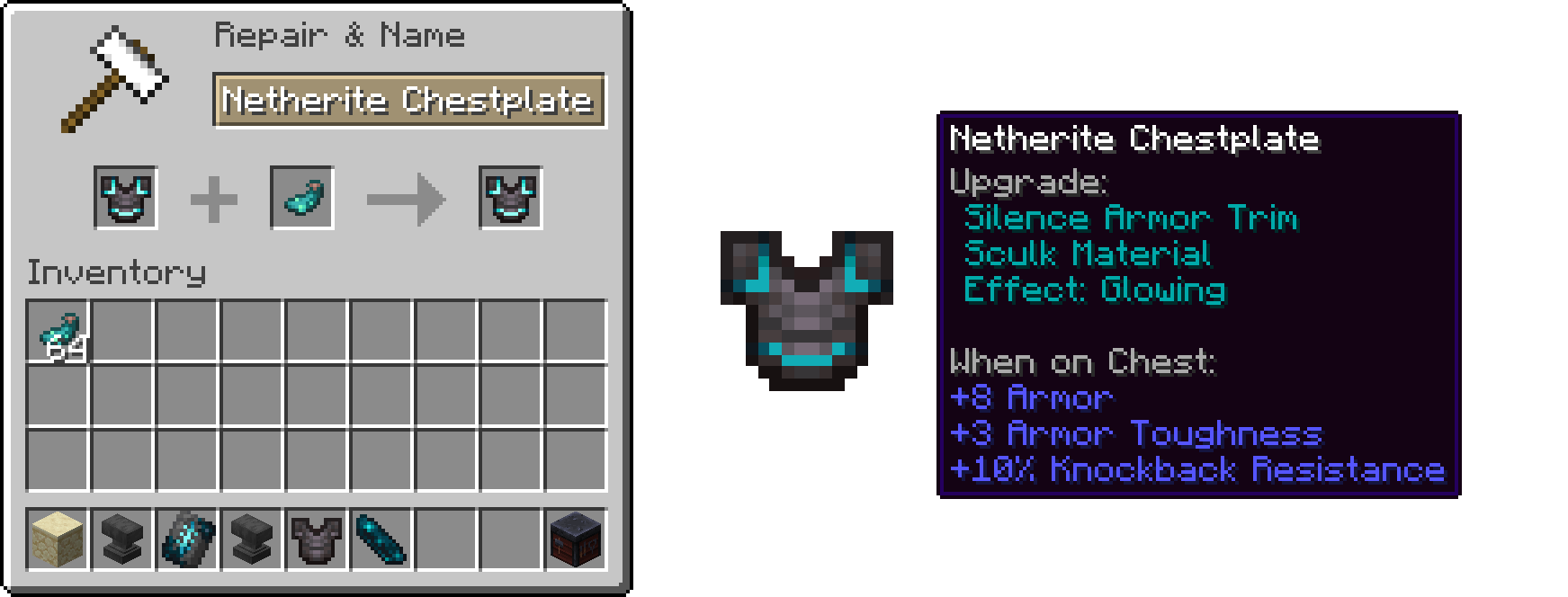
Drop any trimmed armor + a Glow Ink Sac into an anvil - it's completely free (no XP cost). The trim now glows at full-bright, lighting up in caves and at night, and everyone around you sees it too.
Add Your Own Animated Trim Material
The whole animation system is data-driven With this mod installed, a simple resource + data pack can add a brand-new animated trim material: define your colors and a short animation file, and it just works.
// assets/<namespace>/trim_animations/<material>.json
{
  "frametime": 90,
  "frames": ["myfire", "myfire_f1", "myfire_f2", "myfire_f3"]
}
More info & full guide: GitHub Docs
What's Next?
- Animated Armor Trim Design (CONFIRMED to be Coming in 2.0.0 Update)
- Health/Hunger/Data based Armor Trim Reactions
Mod made by TheFlyingEnt aka Ent
Credits to Wattles' Community
- Edition: Minecraft Java
- File type: .jar
- Minecraft version listed: 26.3
- How to install: Install the matching mod loader (Forge, Fabric or NeoForge) for your Minecraft version. → Download the .jar. → Put it in the .minecraft/mods folder and launch that loader profile.
- Where to get it: Opens on Modrinth — not every file is mirrored on our own servers.
Install steps are the general flow for this file type — How to install Minecraft Java mods & modpacks walks through it step by step.
- Ships as entate-neoforge-26.3-1.0.3.jar — drop this file into the mods folder
- Download size: 695 KB
- Download link checked 13 Oct 2026 — working
These come from our own check of the pack file, not from the source page.