
Fancy Lanterns
Java mod listed for Minecraft 1.21. Downloads from the MC Java Mods app on Android.
⬇ Download on Modrinth
Fancy Lanterns
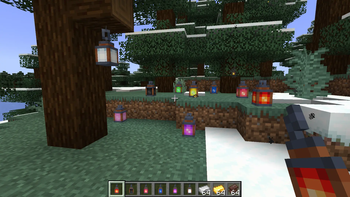
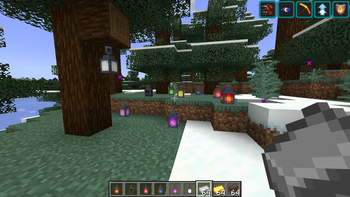
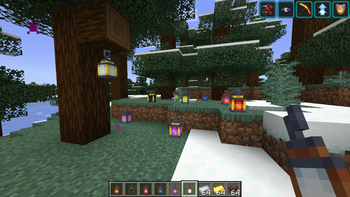
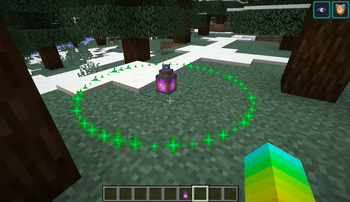
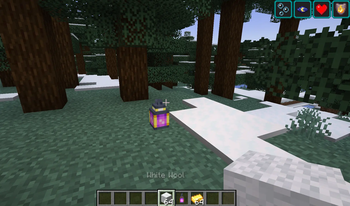
Turn ordinary lanterns into powerful mini-beacons that grant helpful status effects to nearby players.
Getting Started
Craft a Murky Lantern using:
- 1 Lantern
- 1 Water Bucket
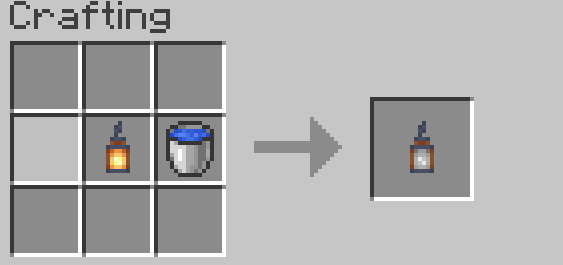
Place the Murky Lantern, then right-click it with the matching item to relight it:
| Lantern | Relight Item |
|---|---|
| Healthy Lantern | Golden Apple |
| Strengthy Lantern | Iron Sword |
| Absorby Lantern | Gold Block |
| Speedy Lantern | Iron Boots |
| Jumpy Lantern | Rabbit Hide |
| Nighty Lantern | Soul Torch |
| Lucky Lantern | Rabbit Foot |
| Hasty Lantern | Iron Pickaxe |
| Saturaty Lantern | Apple |
| Fiery Lantern | Flint and Steel |
| Breathy Lantern | Nautilus Shell |
Lantern Tiers
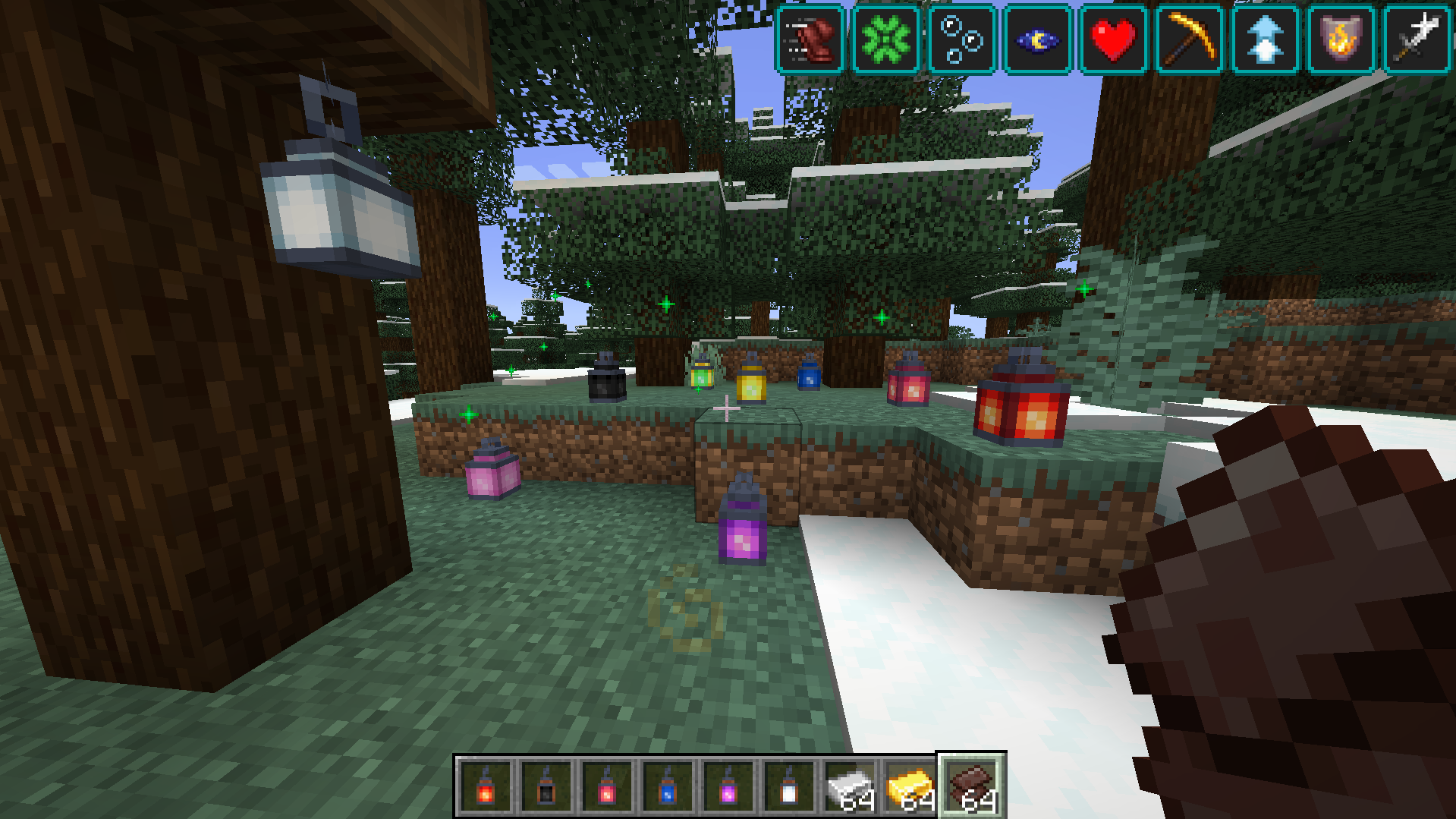
Each effect lantern has four tiers. Higher tiers provide a larger effect radius and stronger effects.
- Tier 1: 2-block radius
- Tier 2: 4-block radius
- Tier 3: 8-block radius
- Tier 4: 16-block radius and permanent operation
Upgrade a placed lantern by right-clicking it with the required material:
- Tier 1 → Tier 2: Iron Ingot
- Tier 2 → Tier 3: Gold Ingot
- Tier 3 → Tier 4: Netherite scrap
Sneak-right-click a lantern with an empty hand to preview its effect radius.
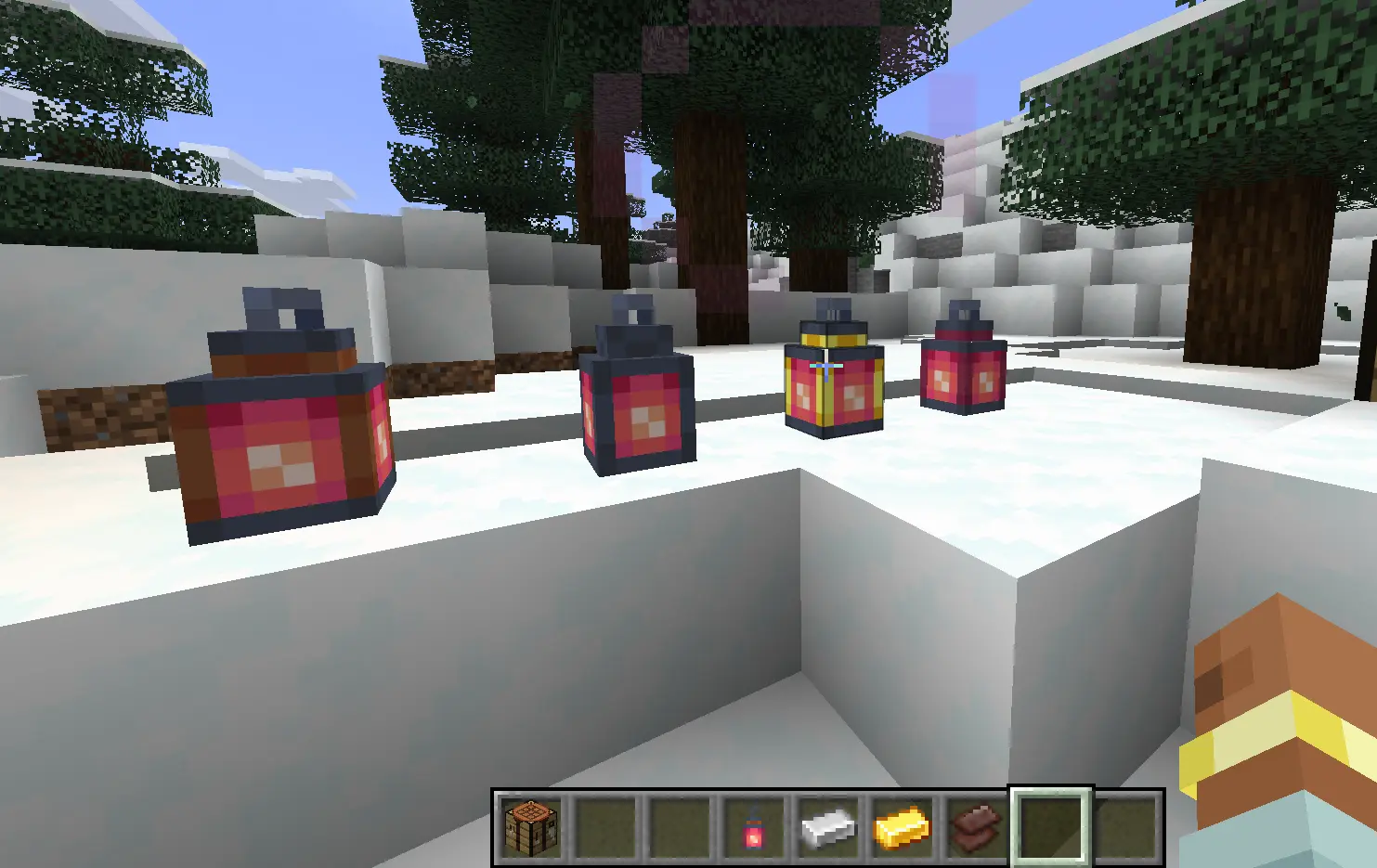
Fizzling and Relighting
Tiers 1–3 have limited uses. Once their uses run out, they fizzle into a Murky Lantern.
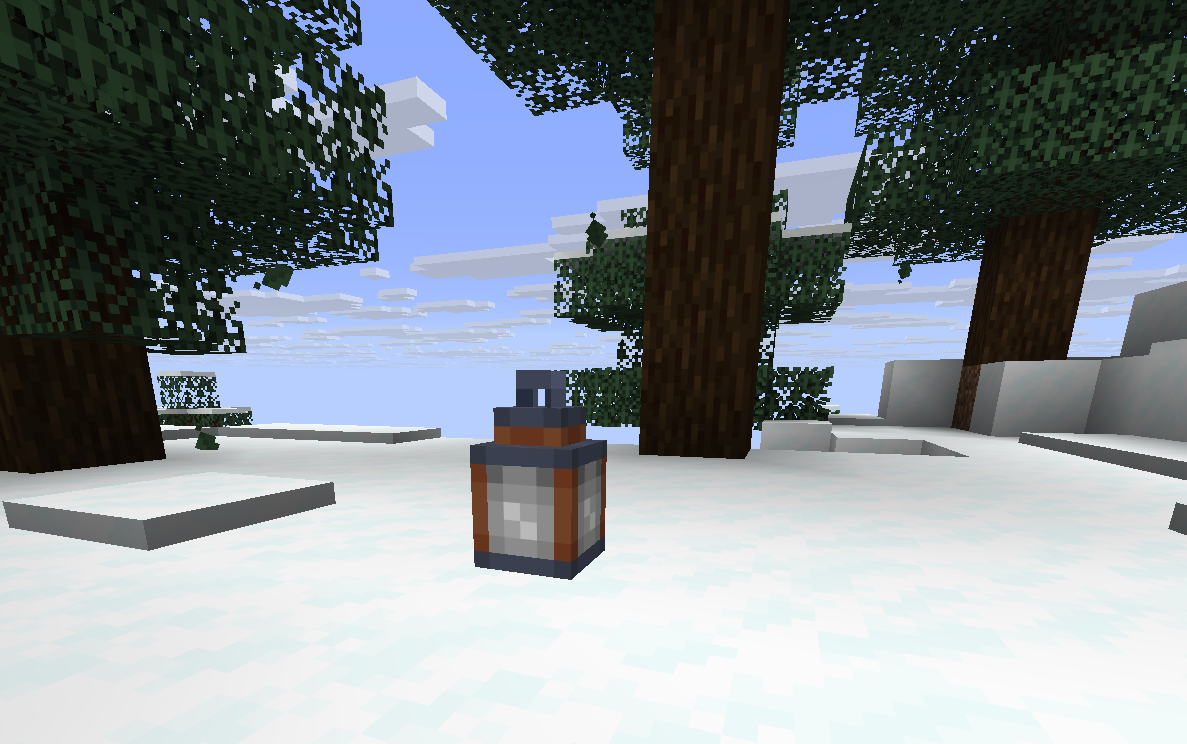
Relight the lantern with its matching item to restore its effect. The lantern keeps its tier when it fizzles.
Tier 4 lanterns are permanent and do not fizzle out.
Muting Lanterns
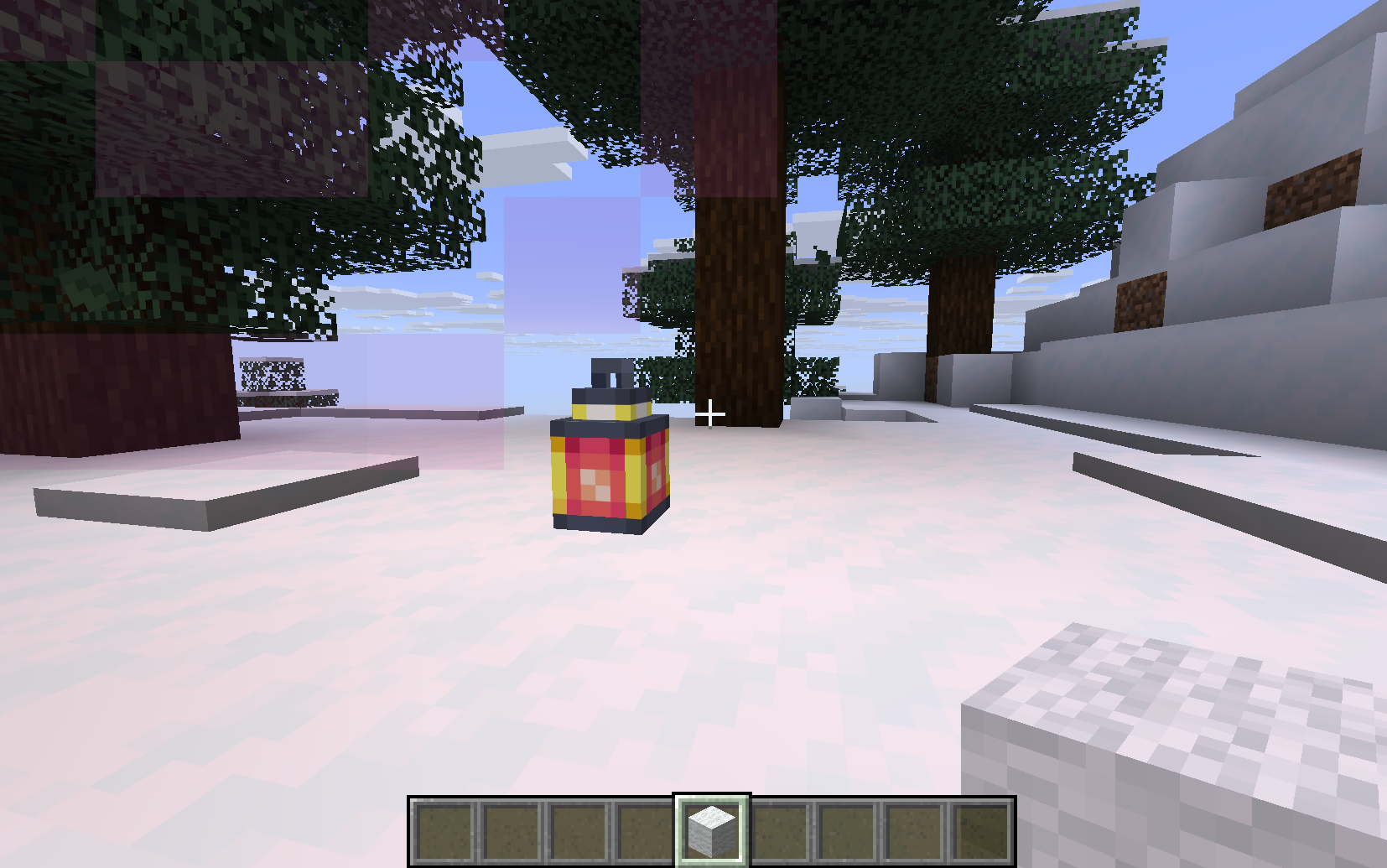
Right-click a placed lantern with any wool to mute it.
- One wool is consumed.
- Particles and sounds are disabled.
- The status effect continues by default.
Also included JEI support and custom config file for modifying range, duration... All relight materials can be changed in the resources/data files (including upgrade materials).
- Edition: Minecraft Java
- File type: .jar
- Minecraft version listed: 1.21.11
- How to install: Install the matching mod loader (Forge, Fabric or NeoForge) for your Minecraft version. → Download the .jar. → Put it in the .minecraft/mods folder and launch that loader profile.
- Where to get it: Opens on Modrinth — not every file is mirrored on our own servers.
Install steps are the general flow for this file type — How to install Minecraft Java mods & modpacks walks through it step by step.
- Ships as fancy_lanterns-1.0.0.jar — drop this file into the mods folder
- Download size: 264 KB
- Download link checked 3 Nov 2026 — working
These come from our own check of the pack file, not from the source page.