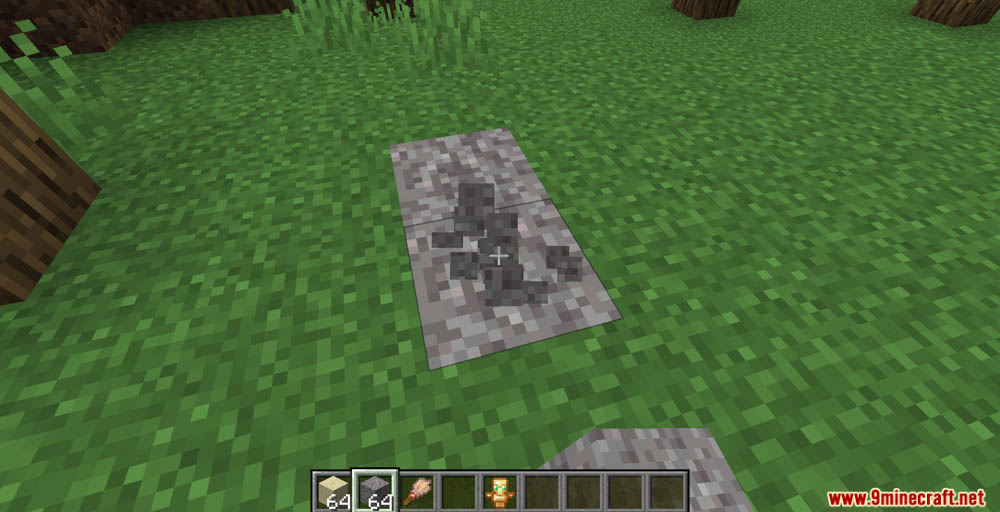
Custom Archeology Data Pack allows players to design their own archeological dig sites in Minecraft, adding a new layer of exploration and discovery. Enjoy playing this data pack!
Features:
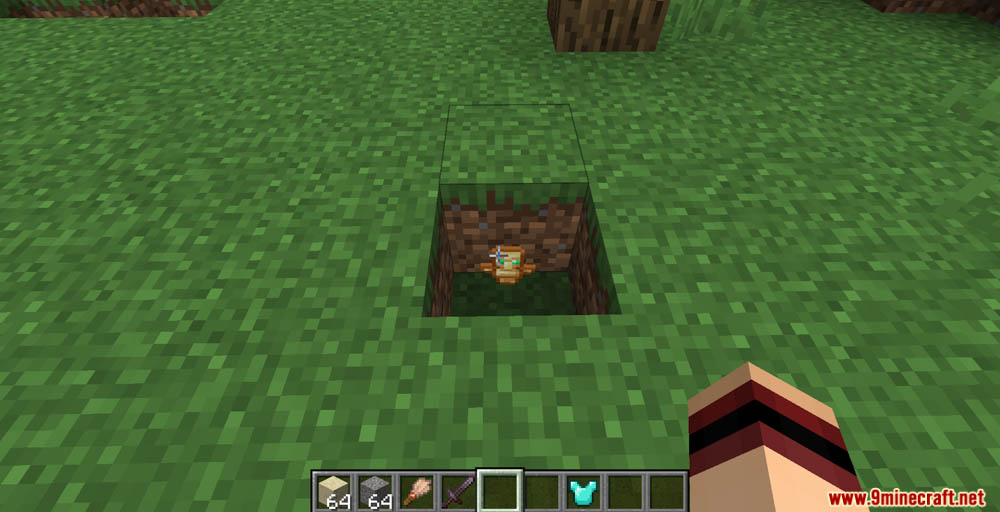
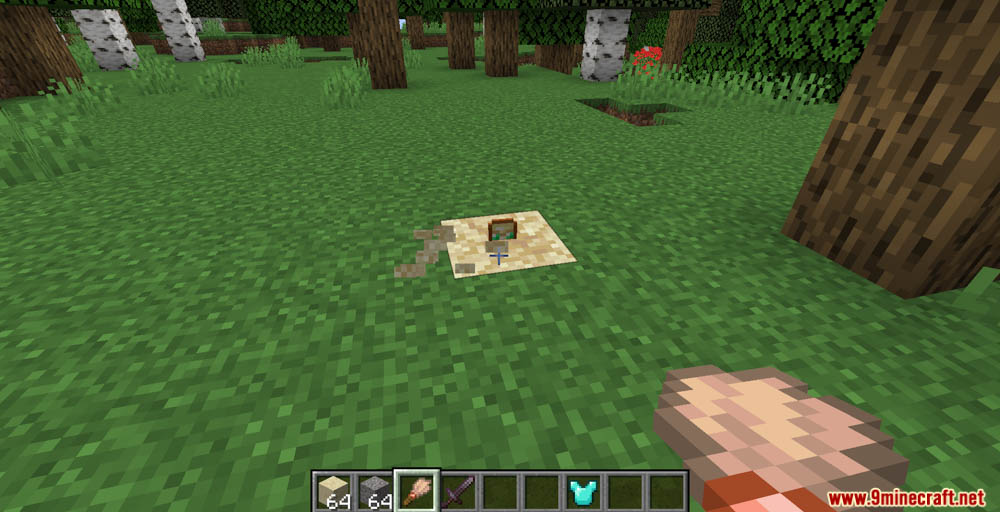
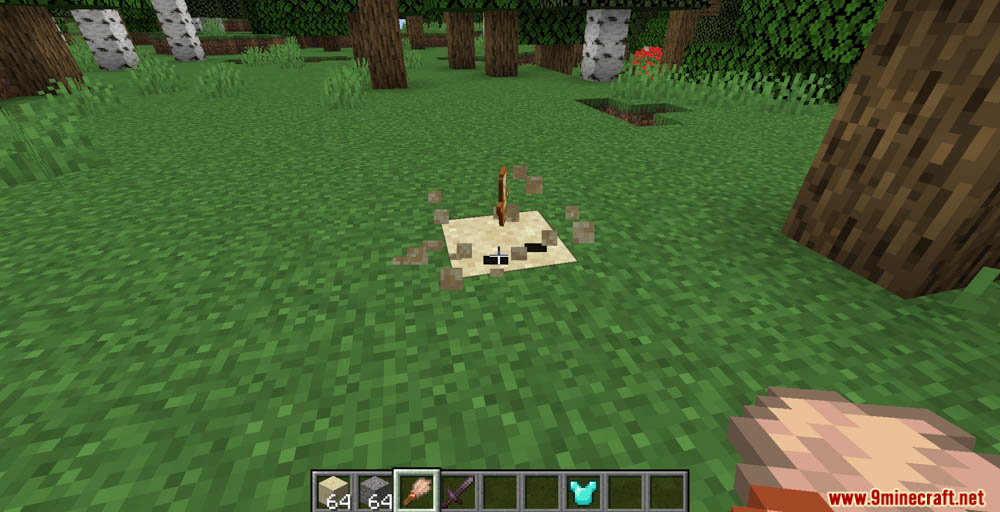
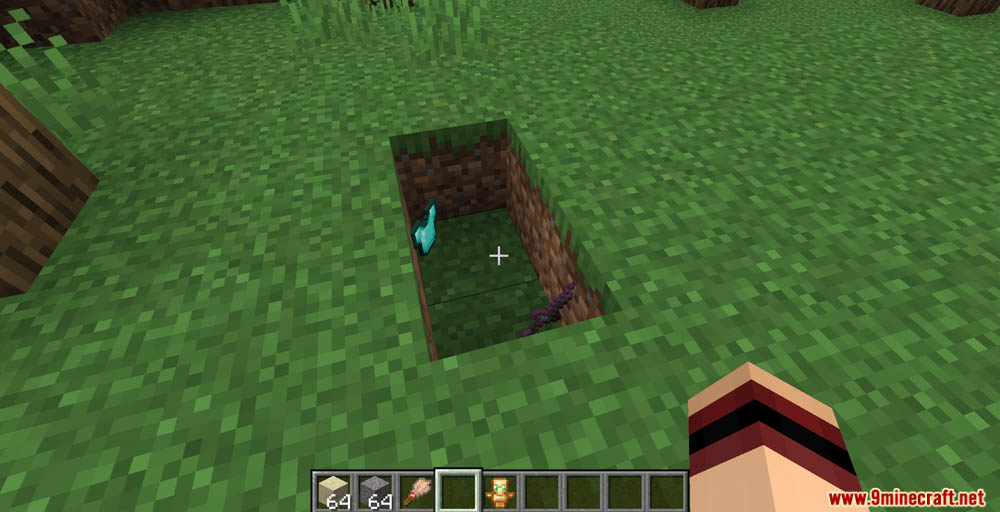
- Throw your item (can be multiple of the same item) onto the ground.
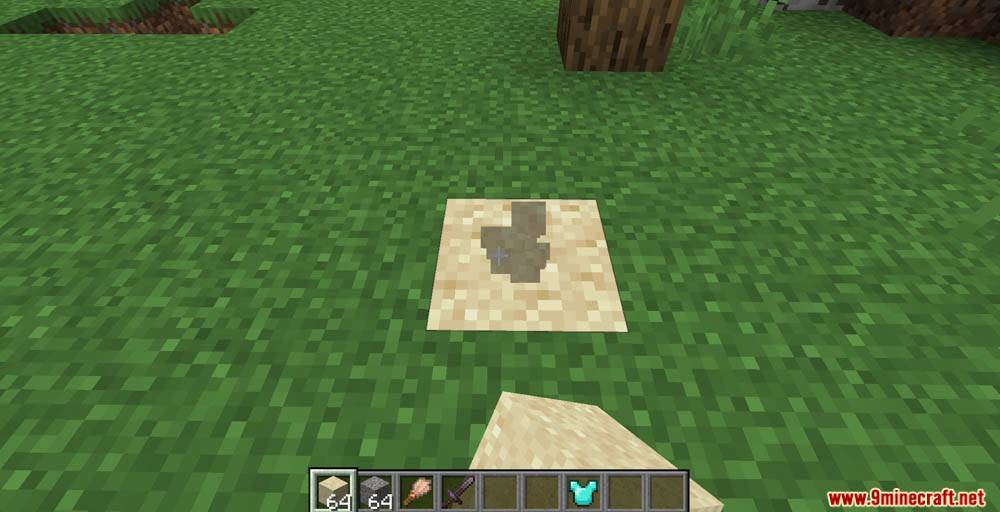
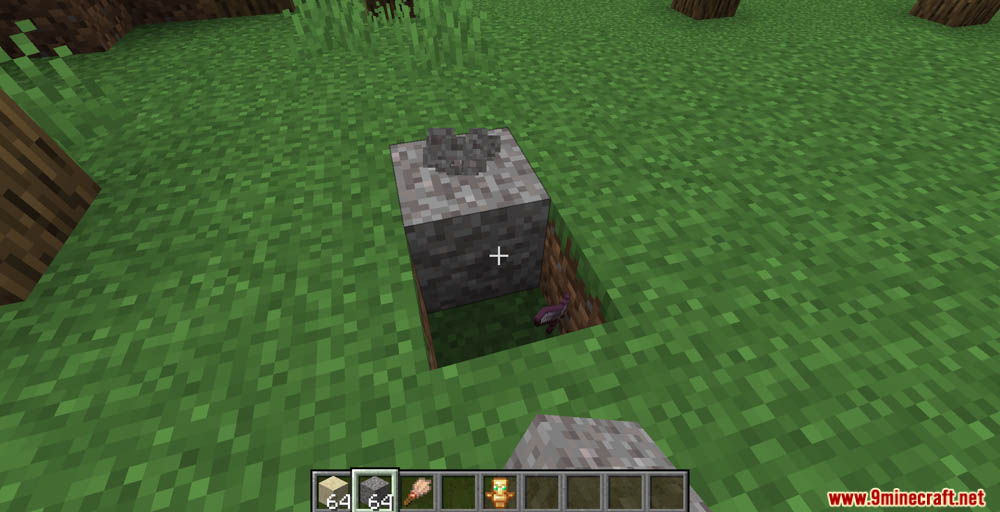
- Place a sand or gravel block onto the same block that it falls on.
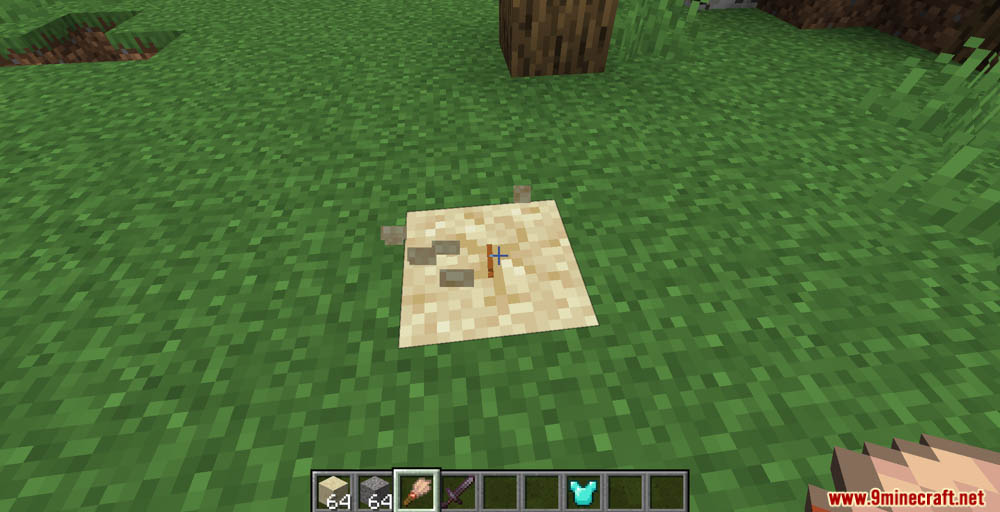
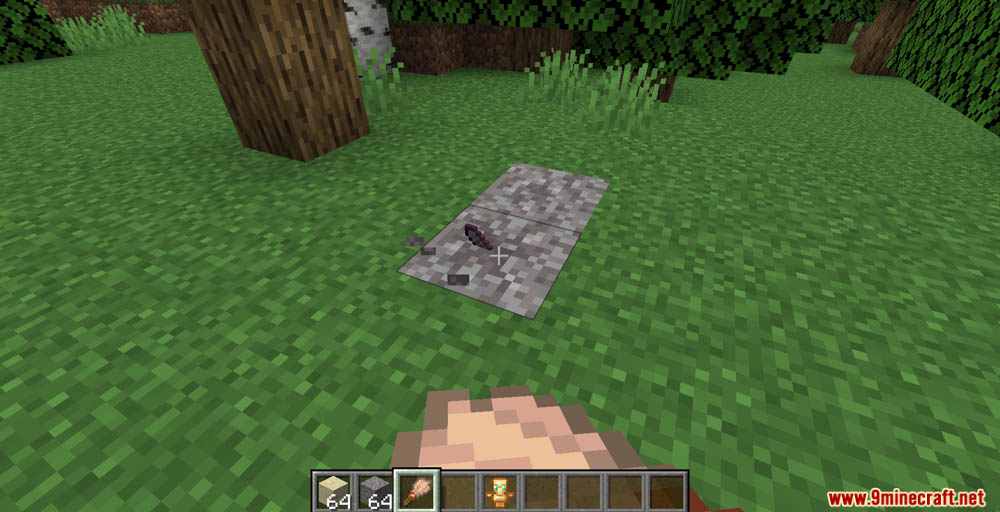
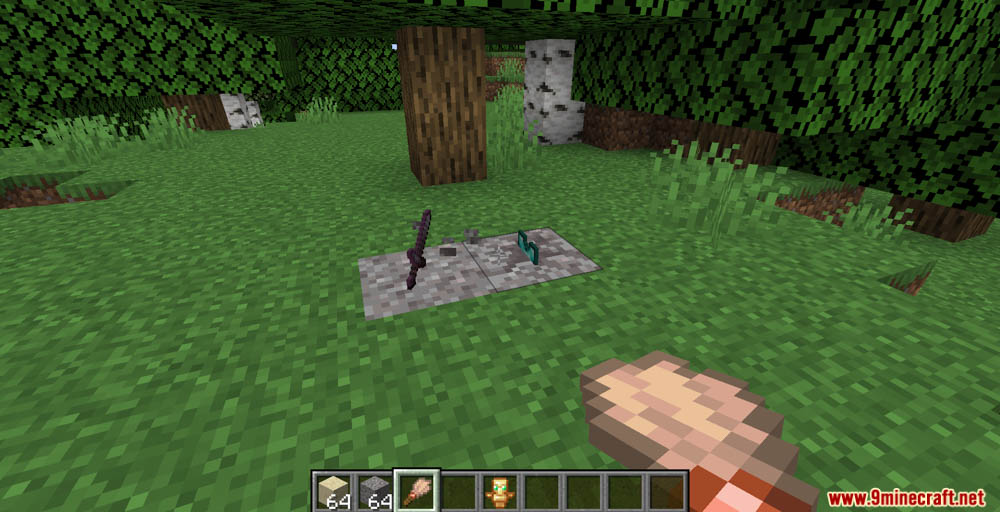
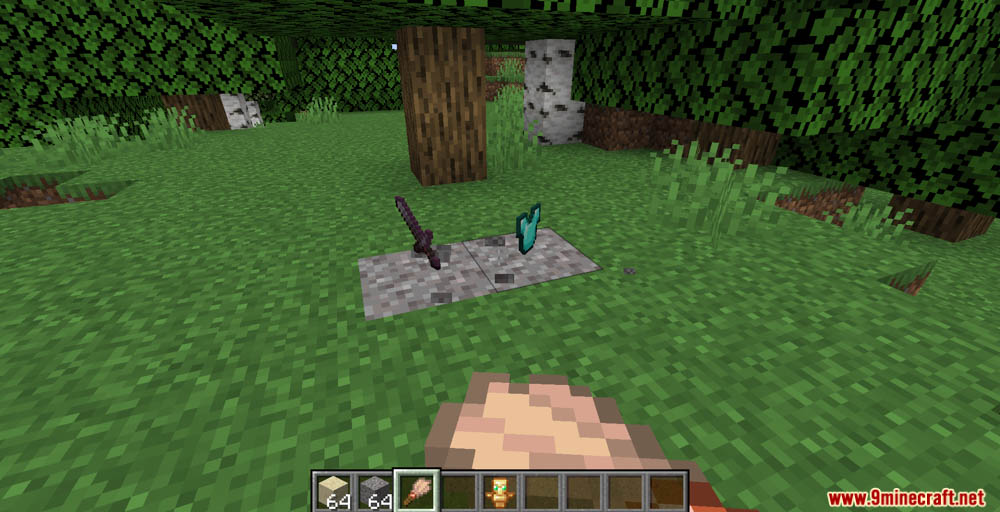
- Uncover what you buried by brushing the block as normal.
- If you break the suspicious sand/gravel you will lose the item you put in it, just as you would normally.
- If you drop multiple of the same item but not at the same time, you will need to wait briefly for them to combine into one item stack for them all to be buried.
- Only items that a player has dropped can be buried. Items dropped from any other sources will not be affected.
Screenshots:
Custom Archeology Data Pack Download Links
For Minecraft 1.21.1, 1.21
For Minecraft 1.20.4, 1.20.2
For Minecraft 1.20.1, 1.20
Quick facts
- Edition: Minecraft Java
- File type: .jar
- Minecraft versions listed: 1.21.1, 1.20.1
- How to install: Install the matching mod loader (Forge, Fabric or NeoForge) for your Minecraft version. → Download the .jar. → Put it in the .minecraft/mods folder and launch that loader profile.
- Where to get it: In MC Java Mods, or directly above on this page.
Install steps are the general flow for this file type — see the MC Java Mods guides for the full walkthrough.
Verified by MCModsHub
- Download size: 20 KB
- Download link checked 17 Jun 2026 — working
- Mirrored on our own servers — the download does not depend on the original host
These come from our own check of the pack file, not from the source page.