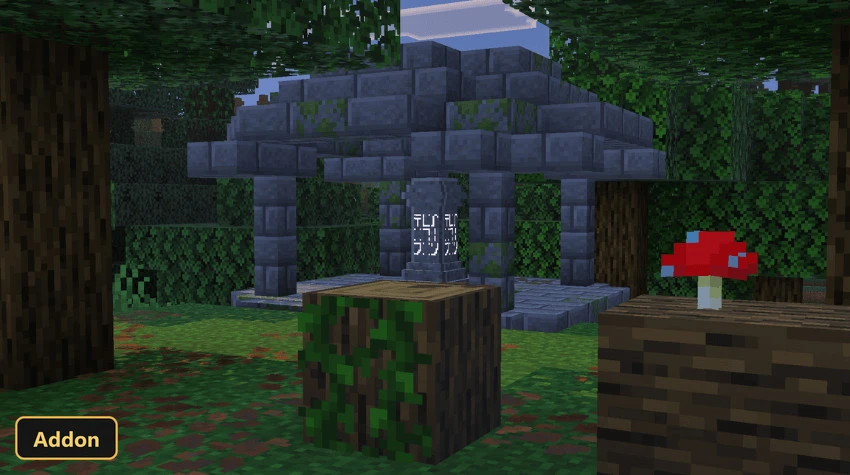
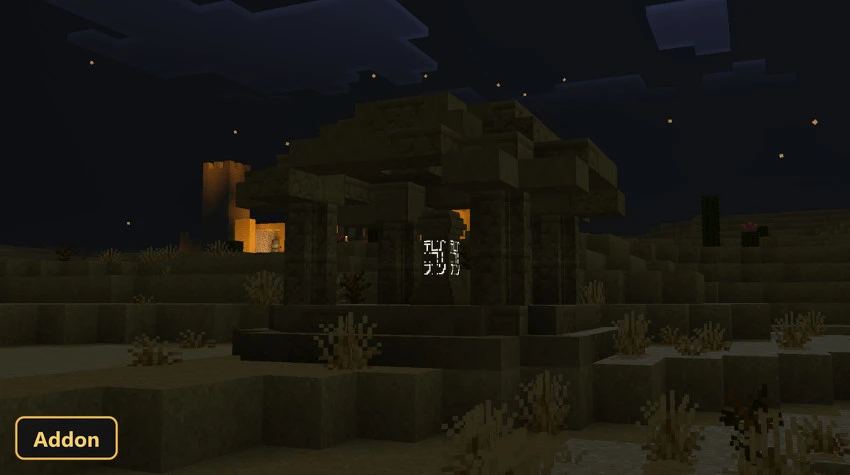
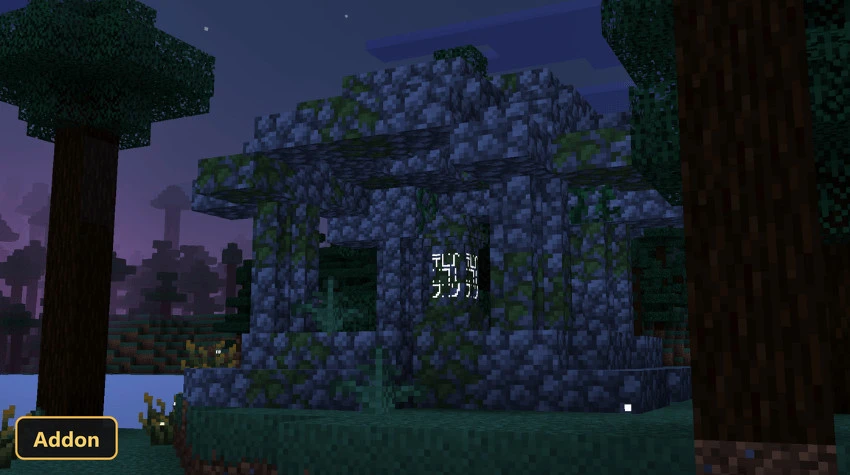
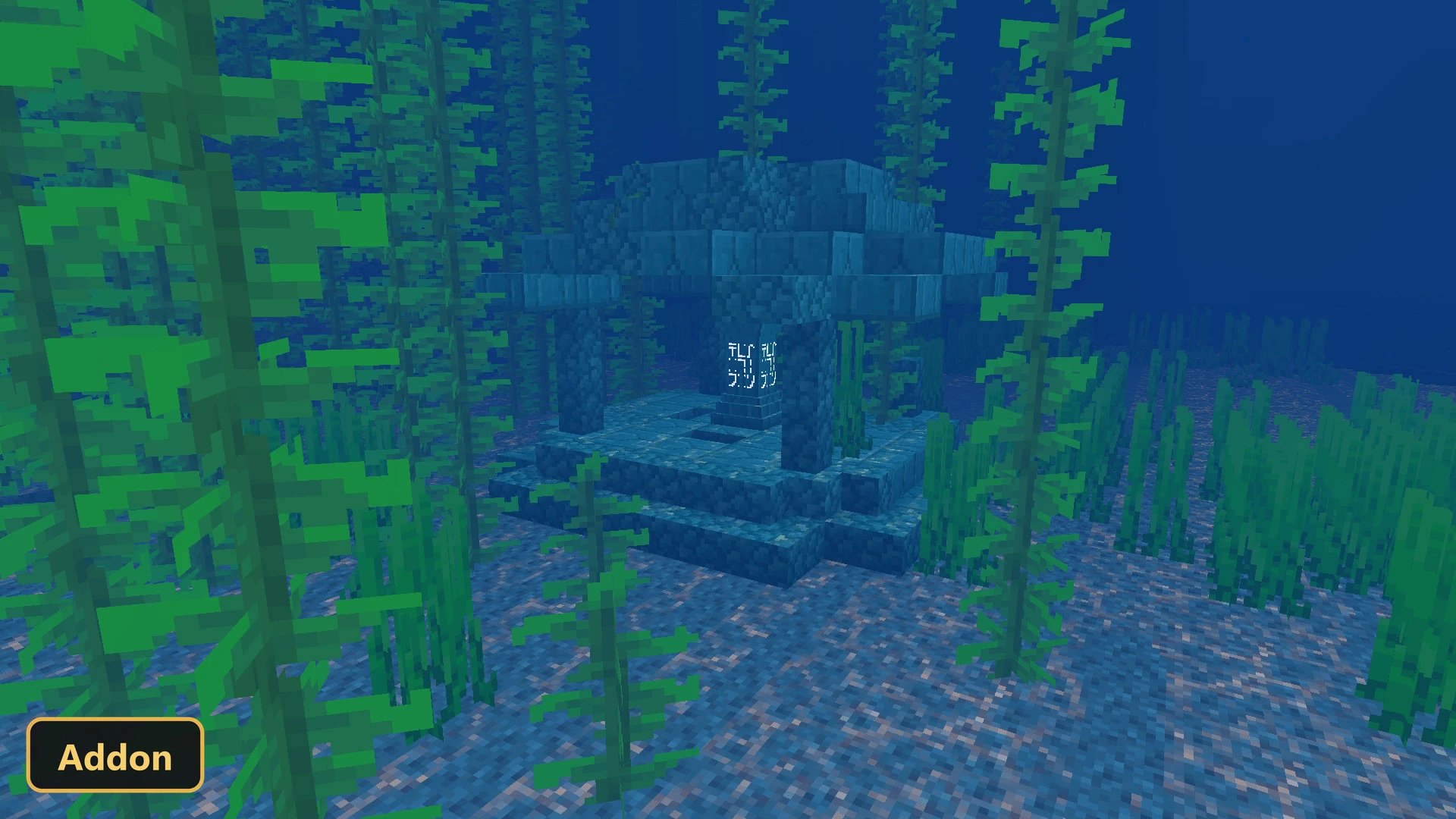
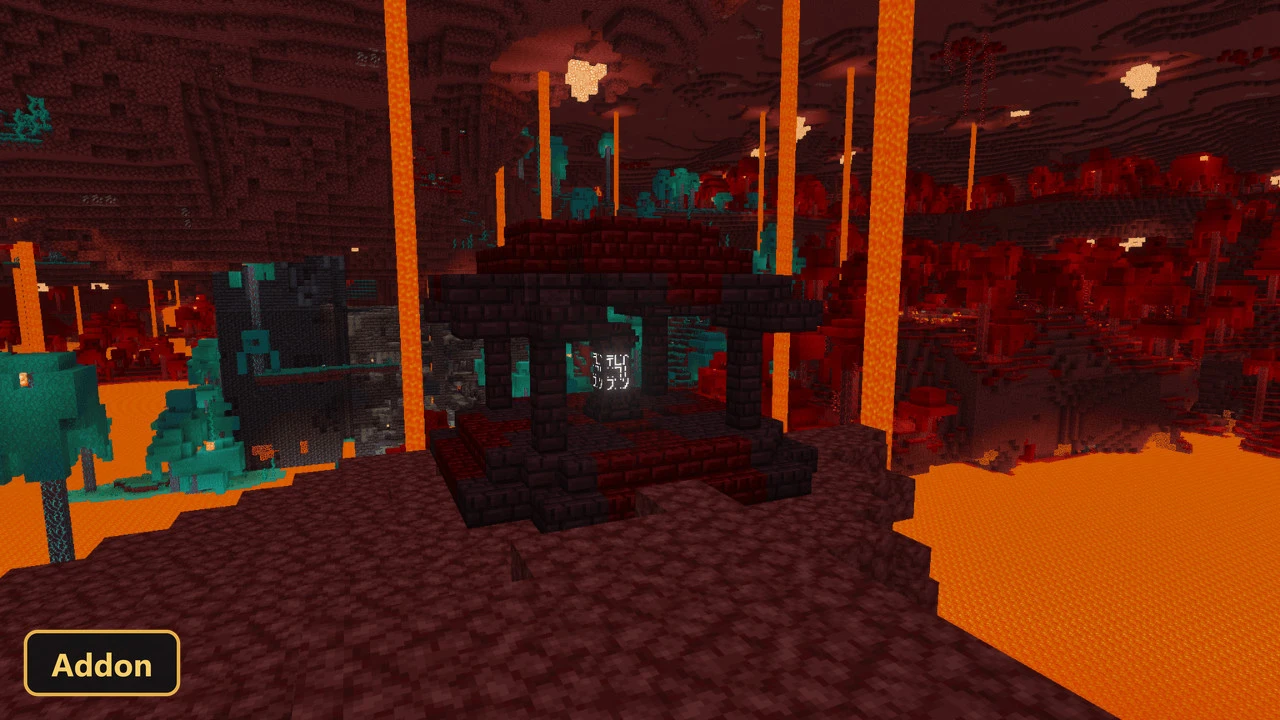
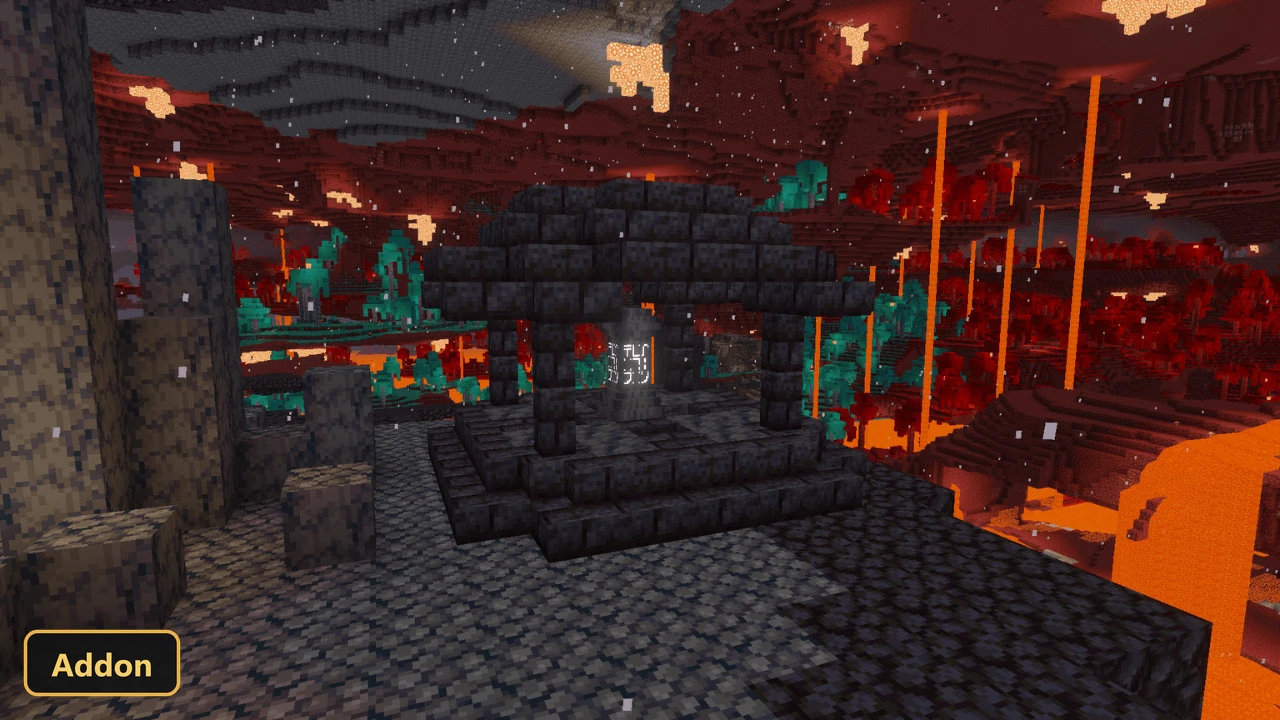
The Simple Waystone addon introduces an expansive magical travel system to Minecraft, allowing players to instantly traverse vast distances and even dimensions. This sophisticated system, which requires experimental features and scripting APIs to function, centers around the Waystone block, a crafted item that serves as a personal teleportation hub. Once placed, a Waystone can be named and designated as public or private, granting players the ability to establish a network of teleportation points across their world. The addon offers two versions, supporting either 16 or 256 Waystones, ensuring flexibility for various world sizes and player preferences.
Players interact with a placed Waystone to access a menu displaying all claimed Waystones, categorized by dimension, each with a distinct color for easy identification. Teleportation between Waystones within the same dimension incurs an experience cost if the destination is over 700 blocks away, increasing by one level for every 700 blocks. Interdimensional travel always costs three experience levels. Waystones can also be customized visually; applying a dye to an activated Waystone changes the text color displayed on its interface, with a selection of 16 vibrant colors available. Furthermore, Waystones can be upgraded with various ore blocks to provide experience discounts for teleportation, ranging from a 30% reduction with an Iron Block to a complete 100% discount with a Netherite Block.
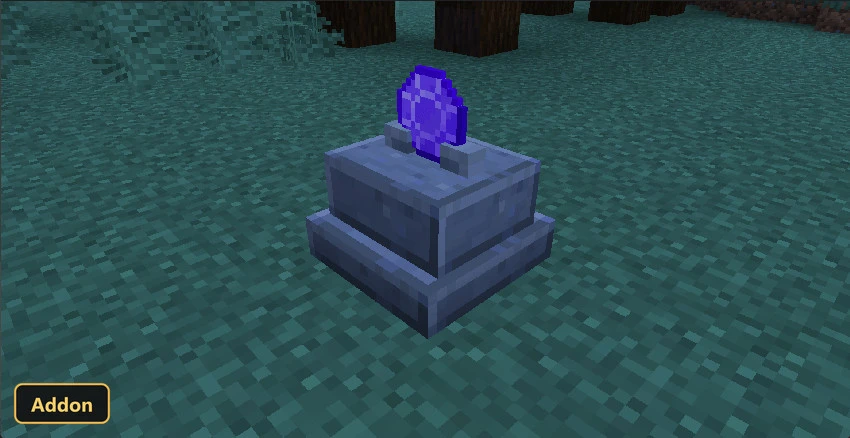
Beyond the primary Waystone, the addon introduces several other teleportation methods. The Warpstone Pedestal functions similarly to a Waystone, allowing travel to existing Waystones but not creating new teleport points from its location. For on-the-go travel, players can utilize items such as the Warpstone, which offers a 60-second cooldown, or the consumable Golden Feather and durability-based Return Scroll. Additionally, the Teleporter Pad offers a unique teleportation experience: by stepping on this block, players are instantly transported to a destination linked via a crafted Teleport Shard. These pads can also transport items and entities, adding a layer of logistical convenience. An admin panel is also available for those with the “admin” tag, offering extensive control over the addon’s mechanics, including maximum XP costs and interdimensional travel settings.
Requirements:
- MCPE/Bedrock 1.21.100 – 26.30
all 21 versions26.30, 26.20, 26.13, 26.12, 26.11, 26.10, 26.3, 26.0.02, 26.0, 1.21.132, 1.21.131, 1.21.130, 1.21.124, 1.21.123, 1.21.122, 1.21.121, 1.21.120, 1.21.114, 1.21.111, 1.21.101, 1.21.100
- Turn on Experimental Features — this addon uses scripting APIs
Features:
- Simple Waystone
- Golden Feather
- Return Scroll
- Teleport Shard
- Broken Teleport Shard
- Warpstone
- Teleporter Pad
- Teleporter Pad Empty
- Warpstone Pedestal
- Waystone Bamboo Planks
- Waystone Bone Block
- Waystone Black Concrete
- Waystone Blue Concrete
- Waystone Brown Concrete
- Waystone Black Concrete Powder
- Waystone Blue Concrete Powder
- Waystone Brown Concrete Powder
- Waystone Cyan Concrete Powder
- Waystone Gray Concrete Powder
- Waystone Green Concrete Powder
- Waystone Light Blue Concrete Powder
- Waystone Light Gray Concrete Powder
- Waystone Lime Concrete Powder
- Waystone Magenta Concrete Powder
- Waystone Orange Concrete Powder
- Waystone Pink Concrete Powder
- Waystone Purple Concrete Powder
- Waystone Red Concrete Powder
- Waystone White Concrete Powder
- Waystone Yellow Concrete Powder
Screenshots:
- Edition: Minecraft Bedrock
- File type: .mcpack or .mcaddon
- Minecraft version listed: 1.21
- How to install: Download the .mcpack or .mcaddon file. → Open it — Minecraft imports it. → In your world: Behavior Packs → Available → Activate, then the same under Resource Packs.
- Where to get it: In MCModsHub, or directly above on this page.
Install steps are the general flow for this file type — How to install Minecraft Bedrock addons & mods walks through it step by step.
- Pack type: .mcaddon — behaviour and resource pack in one file
- Manifest requires Minecraft 1.21.100 or newer
- Complete pack — everything it depends on is inside the file
- Download link checked 23 Sept 2026 — working
- Mirrored on our own servers — the download does not depend on the original host
These come from our own check of the pack file, not from the source page.