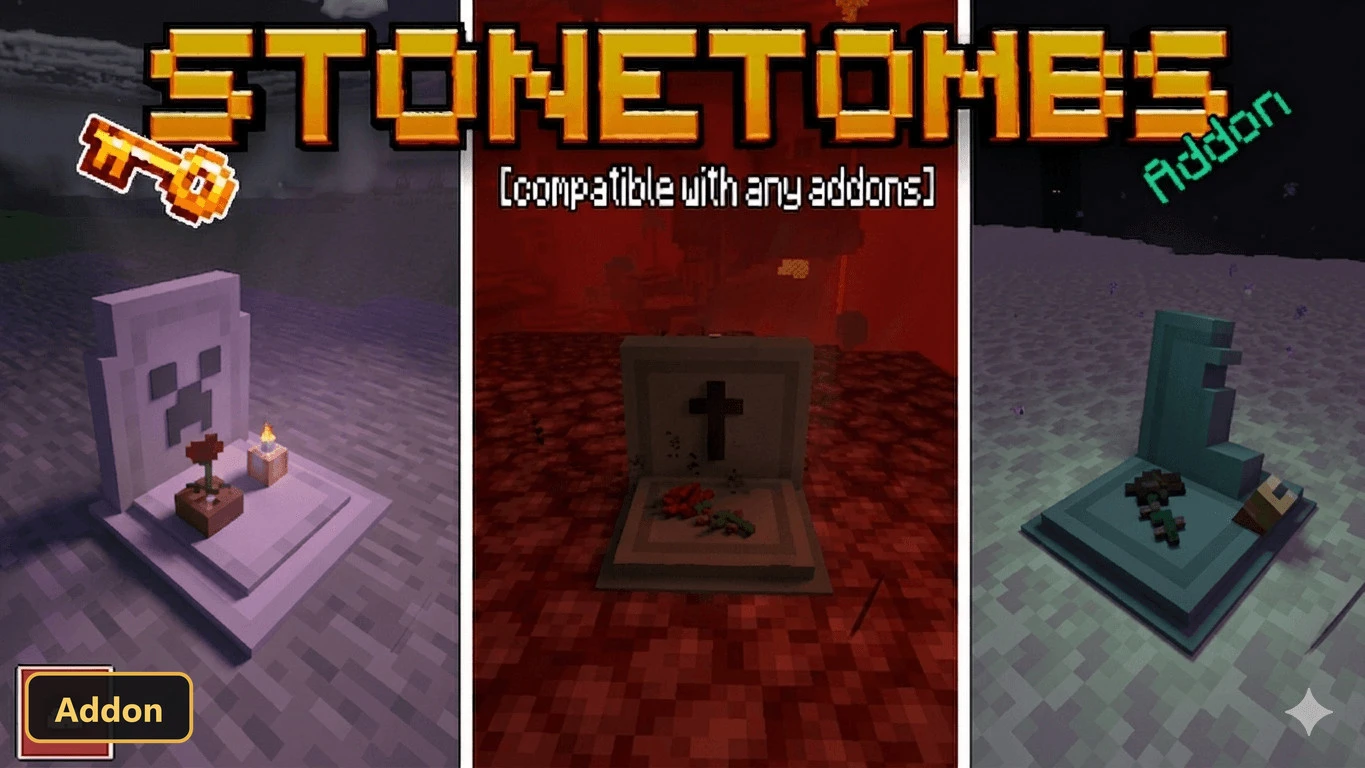
StoneTombs (26+, 1.21) – MCPE/Bedrock Addon
Bedrock add-on listed for Minecraft 1.13–1.21 (resource pack only). Installs from the MC Bedrock Mods app on Android.
⬇ Download
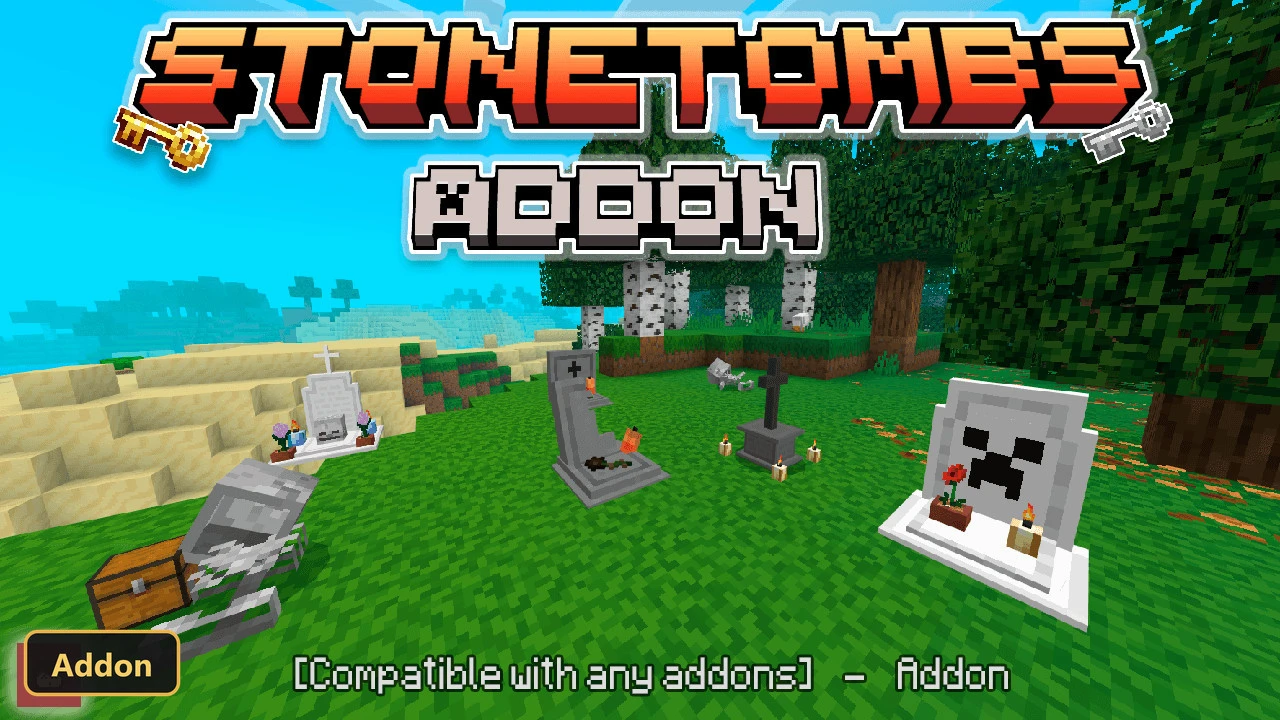
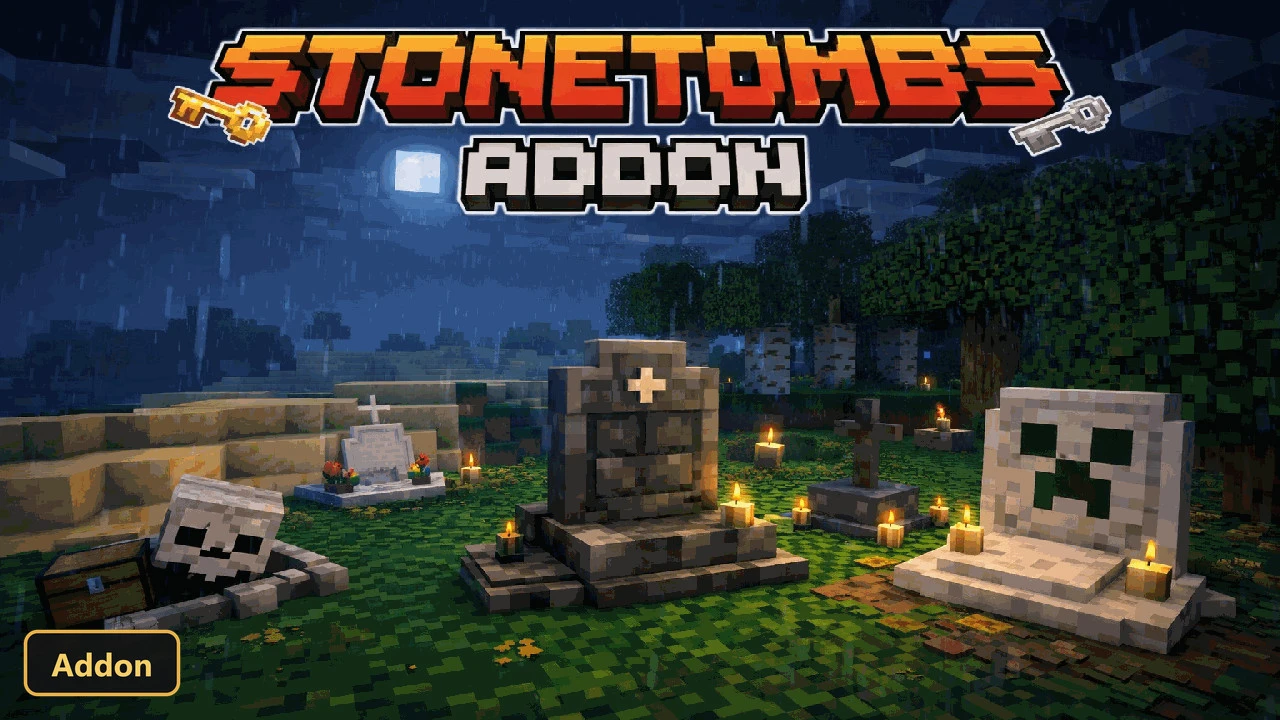
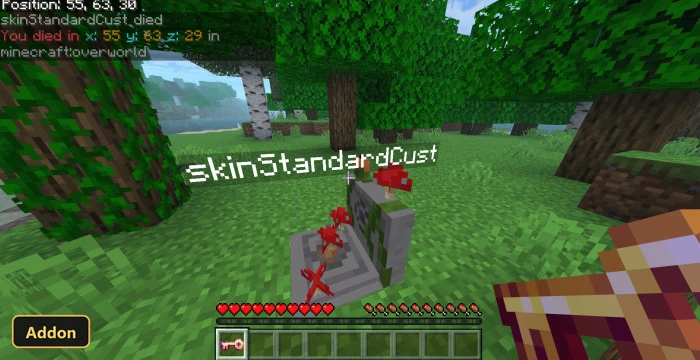
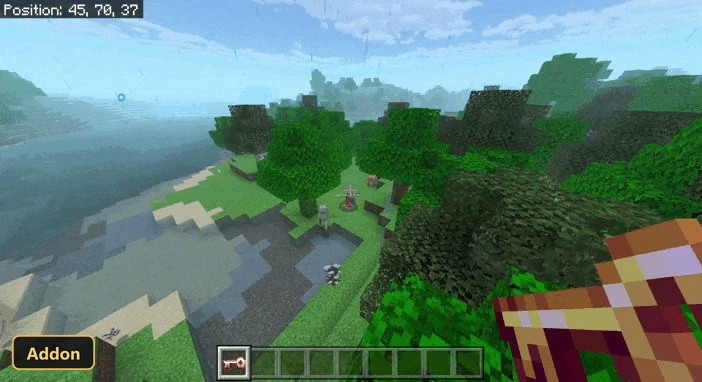
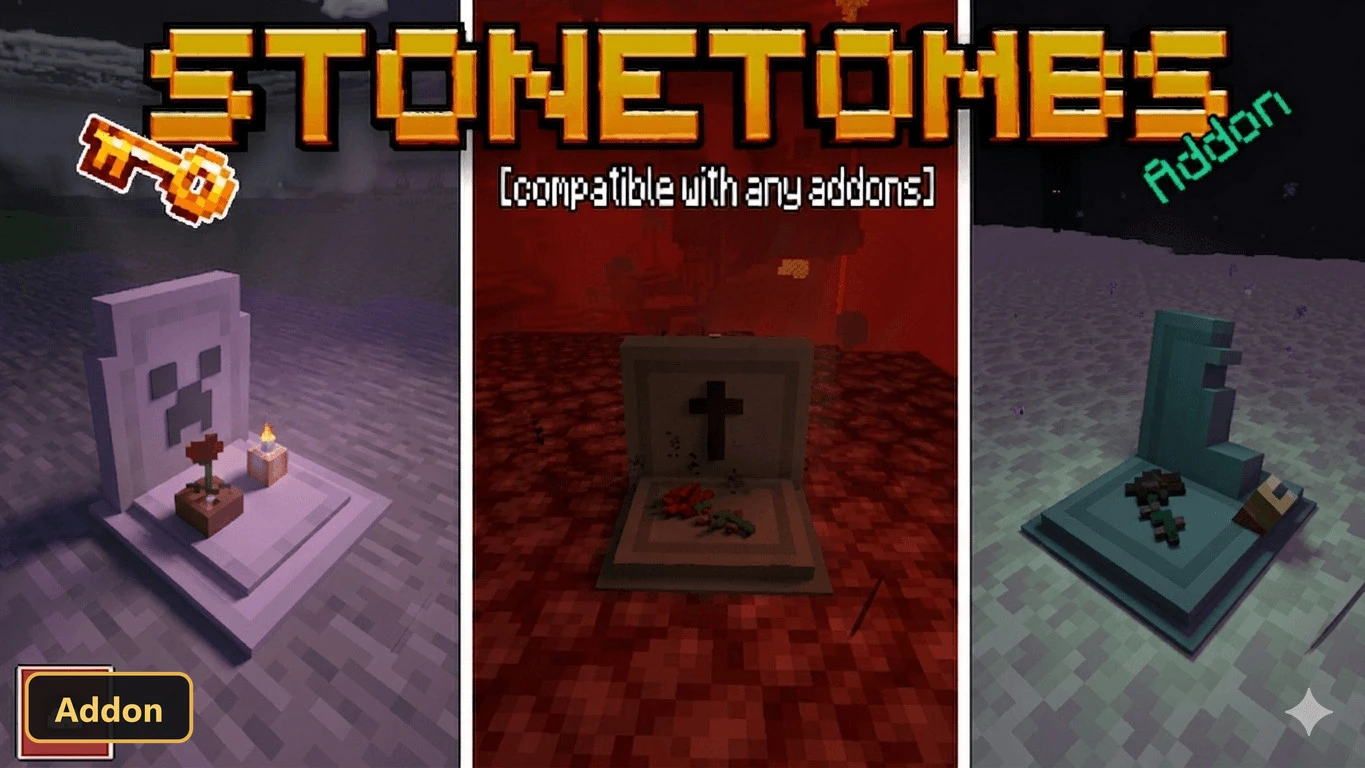
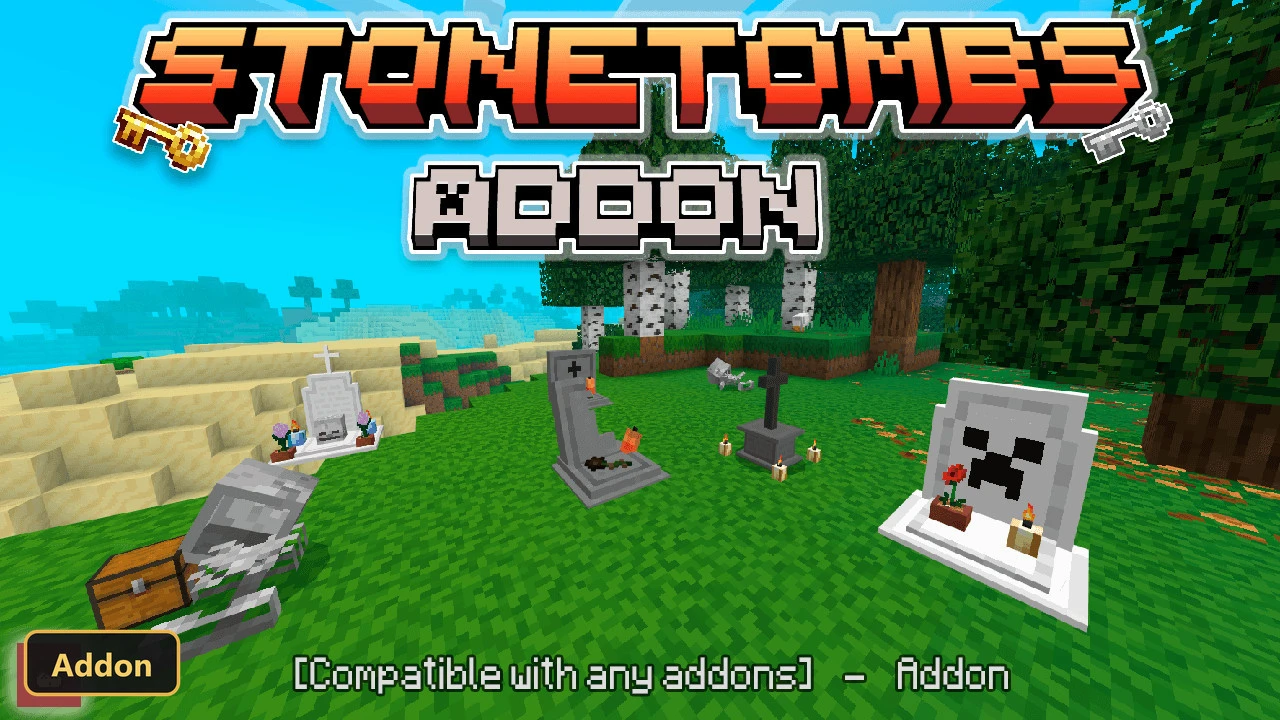
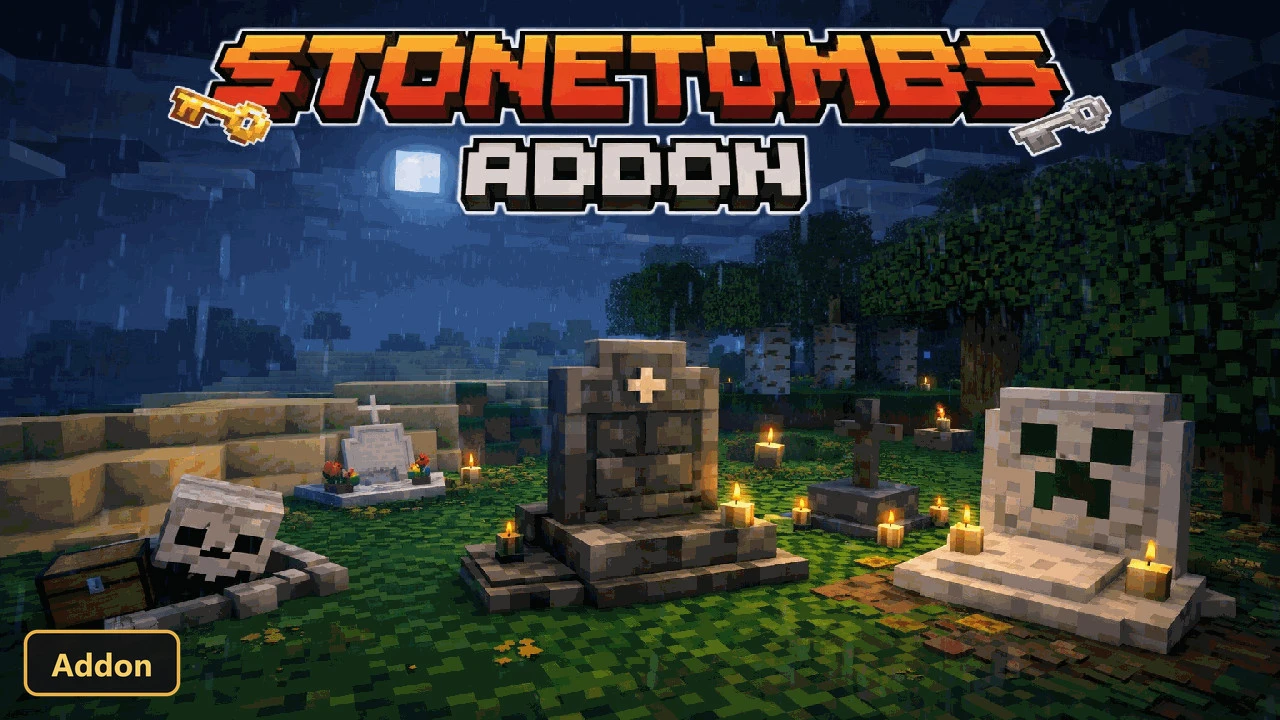
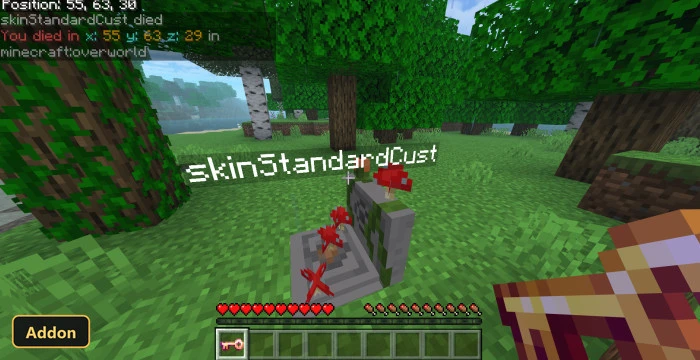
StoneTombs creates a personal grave that holds the player’s inventory on death, so progress is not lost. The add-on needs Experimental Features turned on, and both the behavior and resource pack should be applied.
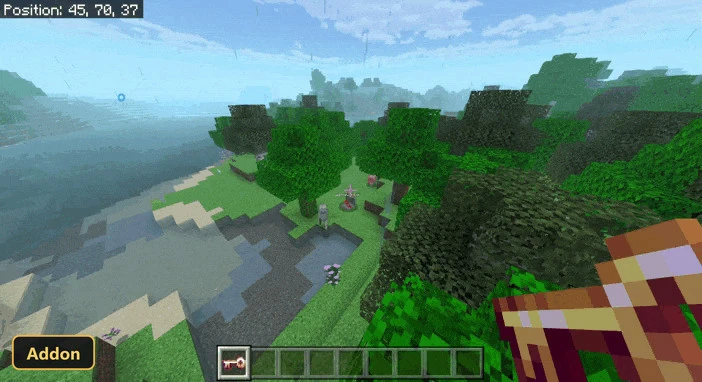
Each grave comes with a matching Grave Key, which opens it and shows the live distance and direction to it. Administrators can configure keys to be enchanted so players can teleport back to the grave, possibly for an XP cost. A Grave Manager in the Personal Config lists every active grave, with options to track, teleport or delete it. Smart Safe Grave Placement searches for a better spot instead of using the exact death location, which suits survival, multiplayer servers and Realms.
Requirements:
- MCPE/Bedrock 1.21.132 – 26.30
all 10 versions26.30, 26.20, 26.13, 26.12, 26.11, 26.10, 26.3, 26.0.02, 26.0, 1.21.132
- Turn on Experimental Features — this addon uses scripting APIs
- Apply BOTH the behavior and the resource pack to your world
Features:
- Stonetombs Xp Dropper
- Tombs Config
- Tumba
- Tumba Loot
- Config Key
- Key
Screenshots:
- Edition: Minecraft Bedrock
- File type: .mcpack or .mcaddon
- Minecraft version listed: 1.21
- How to install: Download the .mcpack or .mcaddon file. → Open it — Minecraft imports it. → In your world: Behavior Packs → Available → Activate, then the same under Resource Packs.
- Where to get it: In MCModsHub, or directly above on this page.
Install steps are the general flow for this file type — How to install Minecraft Bedrock addons & mods walks through it step by step.
- Pack type: .mcaddon
- Manifest requires Minecraft 1.13.0 or newer
- Ships one half — this pack asks for another pack that is not included
- Download link checked 24 Sept 2026 — working
- Mirrored on our own servers — the download does not depend on the original host
These come from our own check of the pack file, not from the source page.