ModsJava
Structure Finder Mod (26.3, 1.20.1) – Track Down Hidden Dungeons
Java mod listed for Minecraft 1.20. Downloads from the MC Java Mods app on Android.
⬇ Download


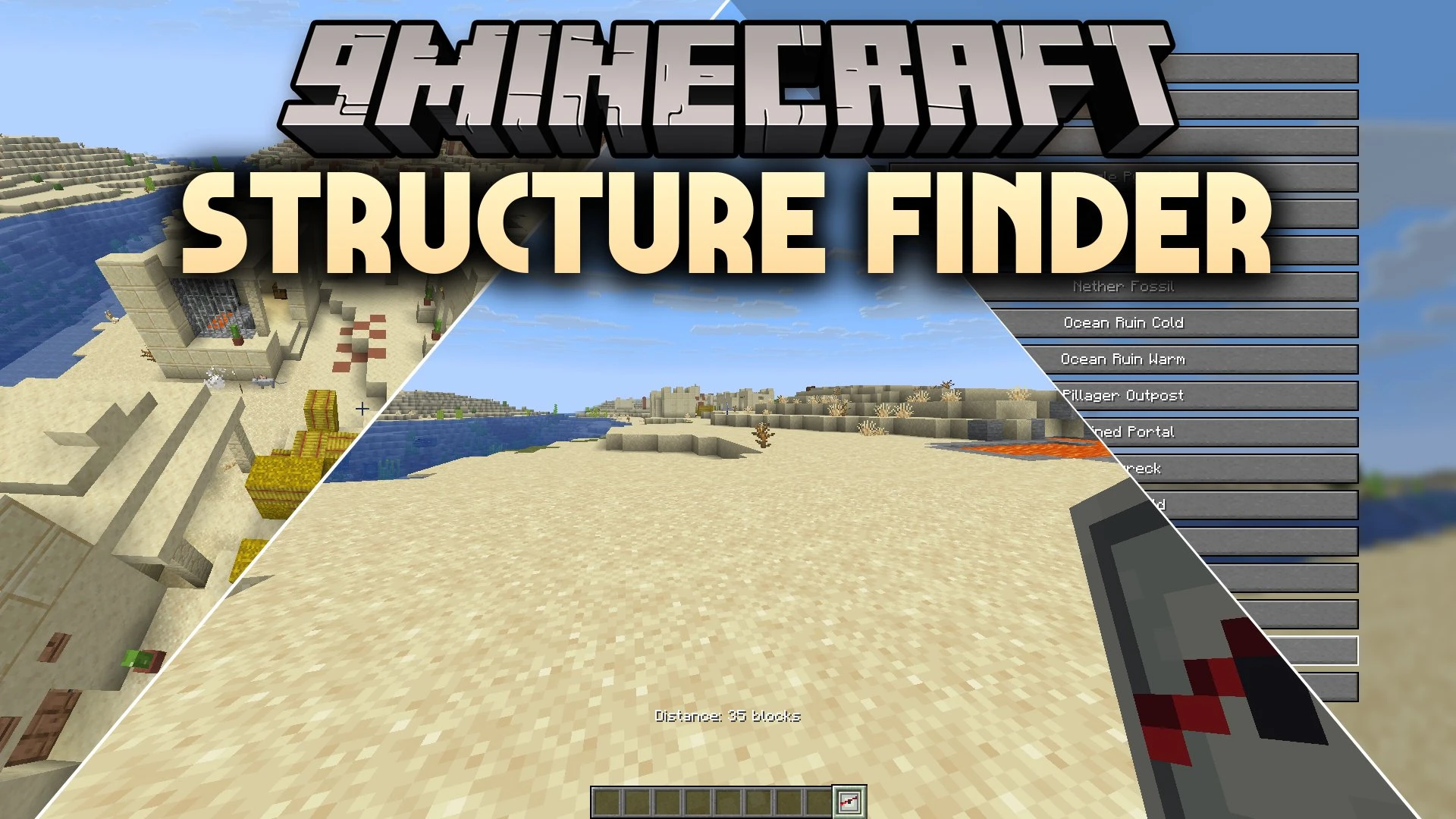
Structure Finder Mod equips you with a special compass to locate buildings in your world. The tool points directly toward the nearest selected structure and tells you the exact block distance to your target. It simplifies exploration by helping you find points of interest across the land without wandering aimlessly.
Features:
- Structure Compass: Points directly to the nearest selected building and displays the exact distance in blocks.
- Crafts on a standard crafting table using one regular compass surrounded by red mushrooms.
- Provides an in-game selection menu to pick the specific structure you want to locate.
- Notifies you directly on screen once your targeted structure is found.
How to Use:
- Place a standard compass in the center slot of a crafting table.
- Surround the compass with red mushrooms to craft the Structure Compass.
- Hold and right-click the compass to open the structure search menu.
- Select your desired building from the list to track its direction and distance.
Screenshots:
Structure Finder Mod Download Links
Quick facts
- Edition: Minecraft Java
- File type: .jar
- Minecraft version listed: 1.20.1
- How to install: Install the matching mod loader (Forge, Fabric or NeoForge) for your Minecraft version. → Download the .jar. → Put it in the .minecraft/mods folder and launch that loader profile.
- Where to get it: In MC Java Mods, or directly above on this page.
Install steps are the general flow for this file type — How to install Minecraft Java mods & modpacks walks through it step by step.
File checked by MCModsHub
- Downloads as 514999.mcaddon
- Download size: 30 KB
- Download link checked 24 Sept 2026 — working
- Mirrored on our own servers — the download does not depend on the original host
These come from our own check of the pack file, not from the source page.