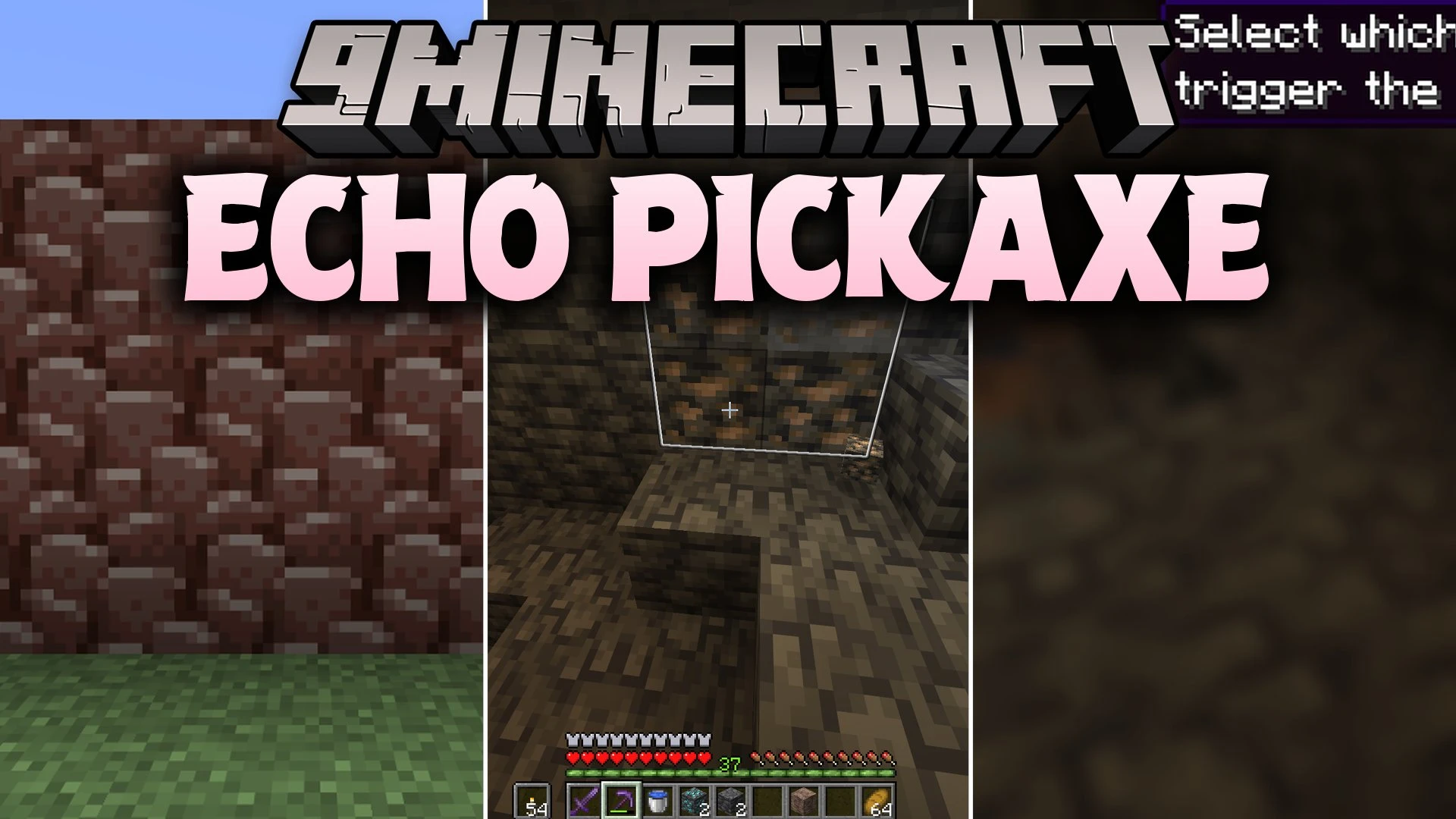


Echo Pickaxe Mod reveals hidden ores whenever you mine underground. Mining a single block sends out a glowing pulse that lights up matching ore blocks hidden behind nearby walls. This mod helps you locate every piece of diamond or Ancient Debris without strip mining blindly into the dark.
Features:
- Smart Echo Wave: Sends a glowing highlight across matching ores when you break an ore block.
- Sonar Pulse: Scans a large area around your character to display all nearby ores at once.
- Plays a gentle amethyst chime and shows particles when hidden ore blocks appear.
- Connects regular stone and deepslate versions of ores during the same scan.
- Supports Nether ores such as Nether Quartz, Nether Gold, and Ancient Debris.
- Works with modded ores that use standard tag systems.
- Consumes one Echo Shard whenever you trigger the wide-range Sonar Pulse.
- Lets you set the echo to activate only while crouching to keep the screen clean.
- Includes options to restrict the wave to specific pickaxe tiers or enchantments.
- Adjusts the scan distance, glow time, cooldowns, and individual ore toggles in the menu.
How to Use:
- Hold any supported pickaxe and mine an ore block to trigger the normal echo wave.
- Look around the broken block to see glowing outlines of connected ores in the wall.
- Keep an Echo Shard in your inventory to prepare the wide scan ability.
- Press V to fire the Sonar Pulse and highlight all nearby ores in the area.
Configuration:
Activation State: sets the mod to run always, stay disabled, or trigger only when sneaking.Pickaxe Whitelist: selects which tool tiers can create the echo wave.Enchantment Requirements: requires specific enchants like Fortune or Silk Touch before scans work.Radius & Duration: changes how far pulses travel and how long highlights stay visible.Ore Toggle: turns individual ore highlights on or off.Sonar Settings: adjusts the scan distance, shard cost, and cooldown for the sonar key.
Screenshots:
Echo Pickaxe Mod Download Links
Quick facts
- Edition: Minecraft Java
- File type: .jar
- Minecraft version listed: 1.21.11
- How to install: Install the matching mod loader (Forge, Fabric or NeoForge) for your Minecraft version. → Download the .jar. → Put it in the .minecraft/mods folder and launch that loader profile.
- Where to get it: In MC Java Mods, or directly above on this page.
Install steps are the general flow for this file type — How to install Minecraft Java mods & modpacks walks through it step by step.
Verified by MCModsHub
- Downloads as 515006.mcaddon
- Download size: 414 KB
- Download link checked 24 Sept 2026 — working
- Mirrored on our own servers — the download does not depend on the original host
These come from our own check of the pack file, not from the source page.