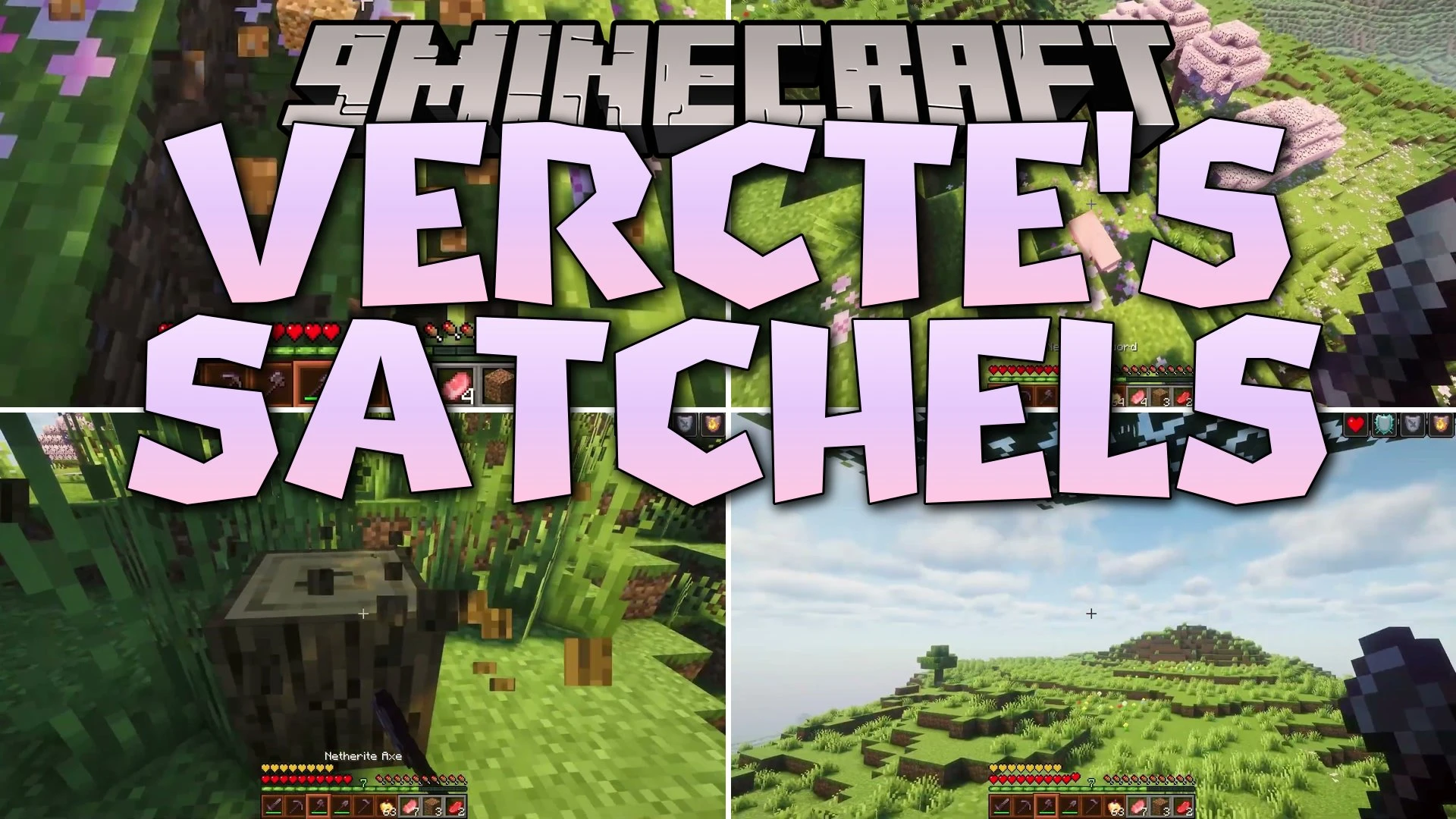
Vercte's Satchels Mod (1.21.1) – Quickly Swap Extra Items Right Below
Vercte's Satchels Mod adds a handy satchel item that expands your carrying capacity with six extra slots. It attaches right below your main hotbar and…
⬇ Download


Vercte’s Satchels Mod adds a handy satchel item that expands your carrying capacity with six extra slots. It attaches right below your main hotbar and lets you swap stored tools or blocks directly into your active hands with a single button press. This item works cleanly inside standard chests, crafting benches, and modded container screens to keep your pockets tidy while building or exploring.
Features:
- Adds the dyeable Satchel item that creates six extra storage slots directly beneath your hotbar.
- Lets you quickly swap items between the satchel and the first six slots of your active bar with a simple key press.
- Shows the extra satchel slots inside vanilla containers like chests, barrels, and crafting tables.
- Connects with custom menus from other mods such as cooking pots.
- Allows full dyeing so you can customize the appearance of your satchel with any color.
- Includes compatibility with interface mods such as Curios, JEI, and EMI.
How to Use:
- Equip the satchel to open up the six extra storage slots below your hotbar.
- Press V to swap the contents of your satchel with the first six slots of your active hotbar.
- Hold Shift and press a hotbar number key to place an item directly into the satchel hotbar.
Screenshots:


Vercte's Satchels Mod Download Links
- Edition: Minecraft Java
- File type: .jar
- Minecraft version listed: 1.21.1
- How to install: Install the matching mod loader (Forge, Fabric or NeoForge) for your Minecraft version. → Download the .jar. → Put it in the .minecraft/mods folder and launch that loader profile.
- Where to get it: In MC Java Mods, or directly above on this page.
Install steps are the general flow for this file type — How to install Minecraft Java mods & modpacks walks through it step by step.
- Downloads as 515015.mcaddon
- Download size: 278 KB
- Download link checked 24 Sept 2026 — working
- Mirrored on our own servers — the download does not depend on the original host
These come from our own check of the pack file, not from the source page.