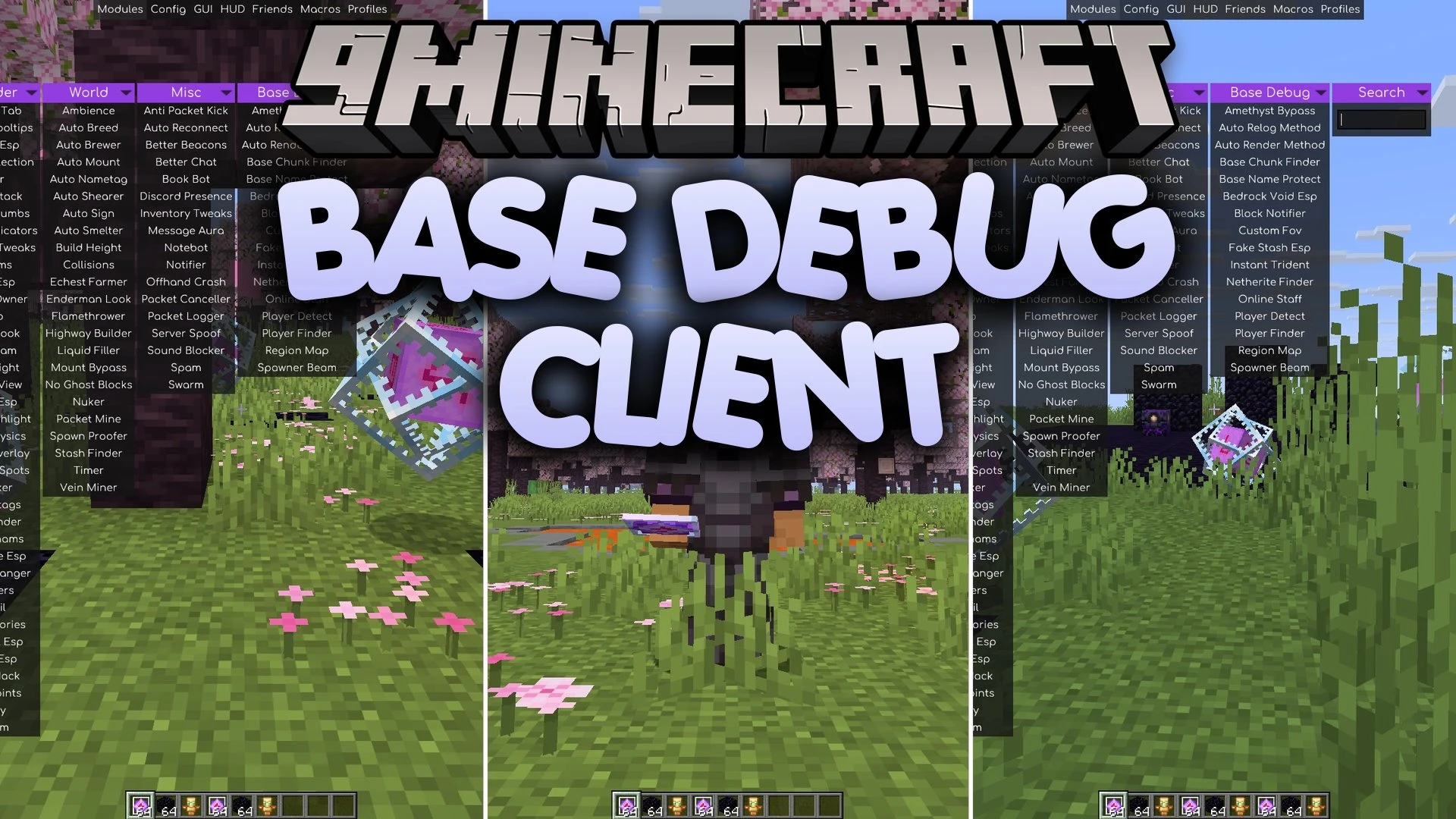
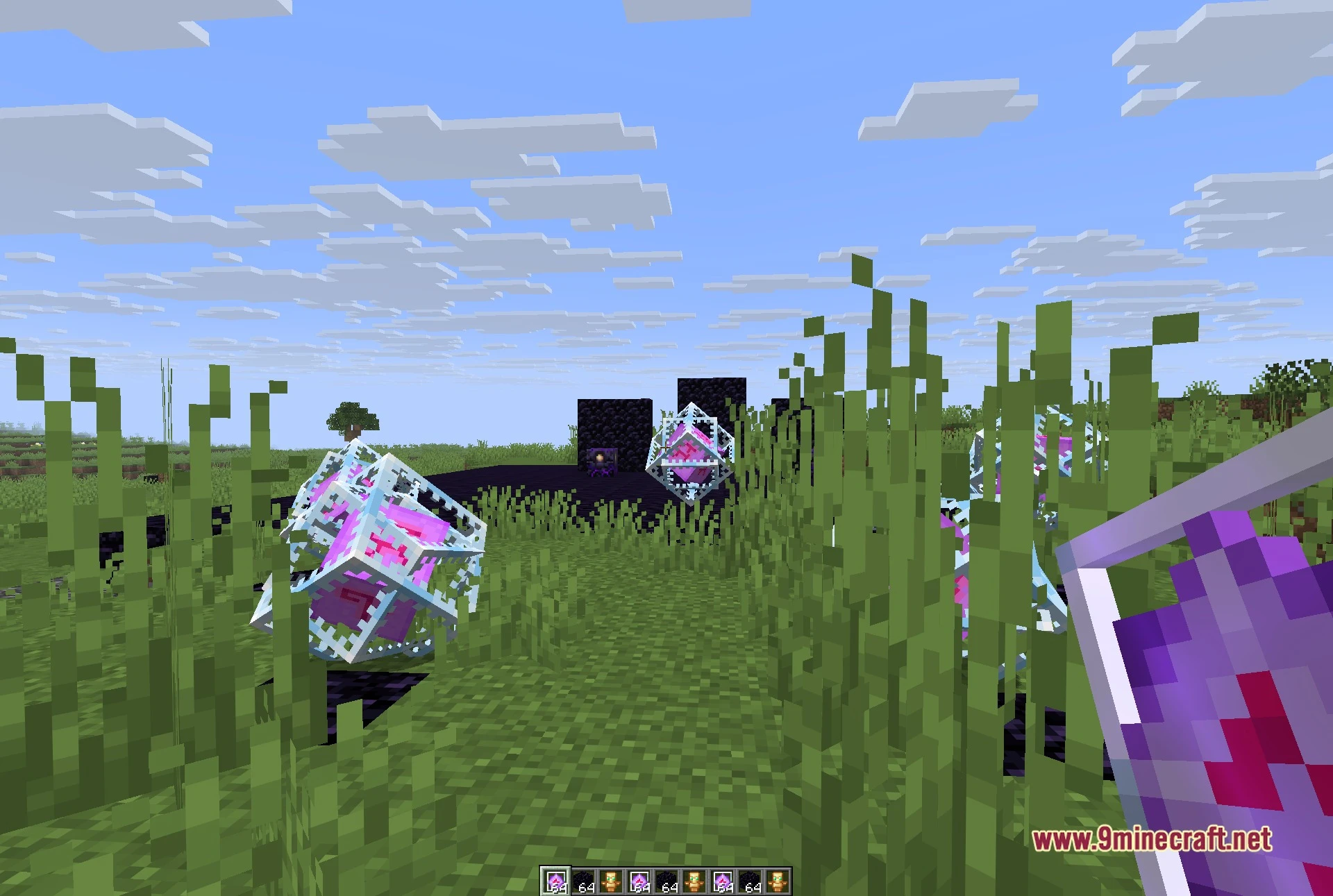
Base Debug Client Mod adds a dedicated base-hunting category for Meteor Client. It introduces sixteen specialized modules focused on finding hidden player builds, tracking stashes, and monitoring surroundings on multiplayer servers. This addon includes zero combat tools, keeping its full attention on map exploration and stash detection.
Requirements:
- Meteor Client – Base Debug is an add-on and will not load on its own. Install Meteor Client for the same game version first: meteorclient.com
- Fabric Loader and Fabric API, matching the version Meteor Client asks for
Features:
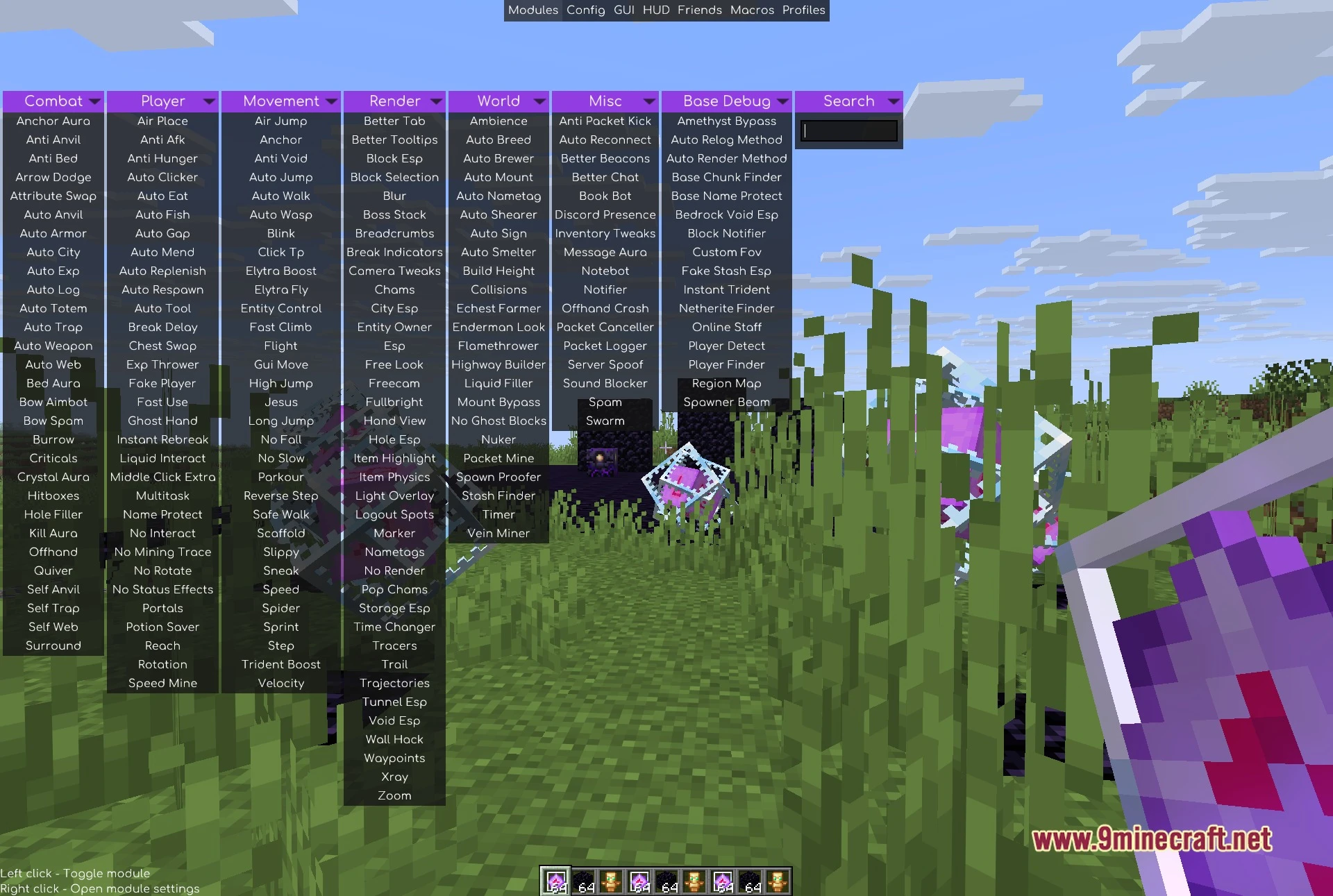
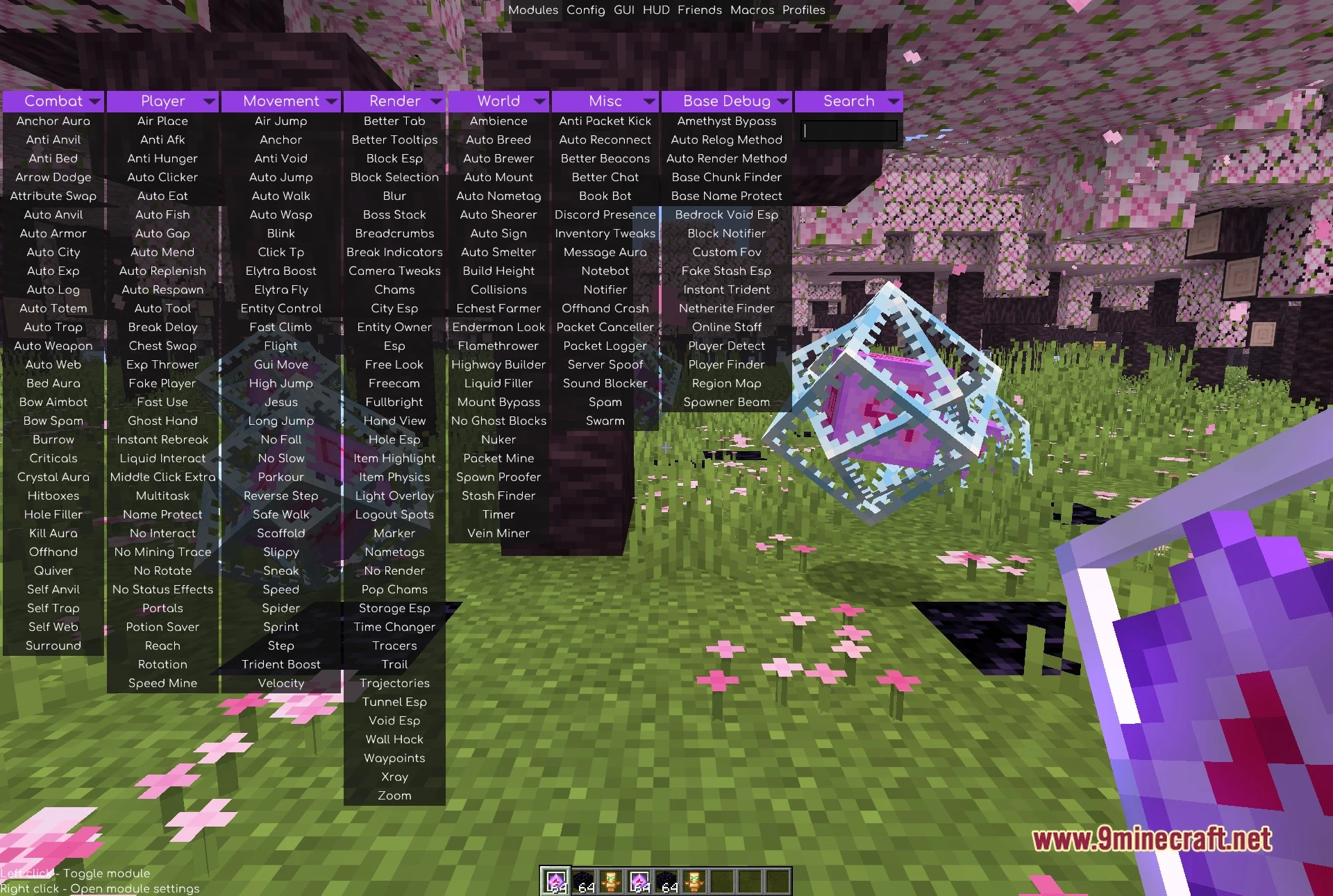
- Adds a new Base Debug panel directly to the right side of the Meteor Client menu.
- Provides sixteen specialized modules built for base hunting and world tracking.
- Highlights mob spawners across the terrain with clear vertical light pillars.
- Scans loaded chunks and terrain for signs of player modifications and hidden containers.
- Alerts you when other players or staff members appear in your area.
- Includes quick view and camera helpers for long-distance travel.
Base and Stash Hunting:
- Base Chunk Finder: checks loaded chunks for signs of player activity.
- Fake Stash Esp: marks potential fake or decoy stashes.
- Netherite Finder: scans nearby blocks to locate placed netherite.
- Region Map: tracks and displays visited region data.
- Bedrock Void Esp: spots openings and anomalies near the bedrock layer.
- Spawner Beam: draws tall light pillars straight down onto mob spawners.
- Block Notifier: sends an alert when specific blocks appear in your render distance.
Player Awareness:
- Player Finder: searches for other players within your render area.
- Player Detect: warns you when a player enters your active vicinity.
- Online Staff: displays active server staff members who are currently online.
- Base Name Protect: hides sensitive coordinate or base text from your screen.
Session and View Helpers:
- Auto Relog Method: reconnects you to the server when dropped or disconnected.
- Auto Render Method: handles render distance and chunk loading behavior automatically.
- Custom Fov: adjusts your field of view beyond standard game limits.
- Instant Trident: adjusts trident throwing and handling mechanics.
- Amethyst Bypass: assists with amethyst interaction checks on custom servers.
How to Use:
- Press Right Shift to open the Meteor Client interface.
- Locate the Base Debug tab on the far right side of the top panel row.
- Left click any module name to toggle it on or off.
- Right click any module to open and adjust its specific settings.
- Use the search bar in the top-right corner to find modules quickly.
- Assign custom keybinds to your favorite modules through the Meteor keybind settings.
Screenshots:
Base Debug Client Mod Download Links
Quick facts
- Edition: Minecraft Java
- File type: .jar
- Minecraft version listed: 1.21.11
- How to install: Install the matching mod loader (Forge, Fabric or NeoForge) for your Minecraft version. → Download the .jar. → Put it in the .minecraft/mods folder and launch that loader profile.
- Where to get it: In MC Java Mods, or directly above on this page.
Install steps are the general flow for this file type — How to install Minecraft Java mods & modpacks walks through it step by step.
Verified by MCModsHub
- Downloads as 515018.mcaddon
- Download size: 143 KB
- Download link checked 24 Sept 2026 — working
- Mirrored on our own servers — the download does not depend on the original host
These come from our own check of the pack file, not from the source page.