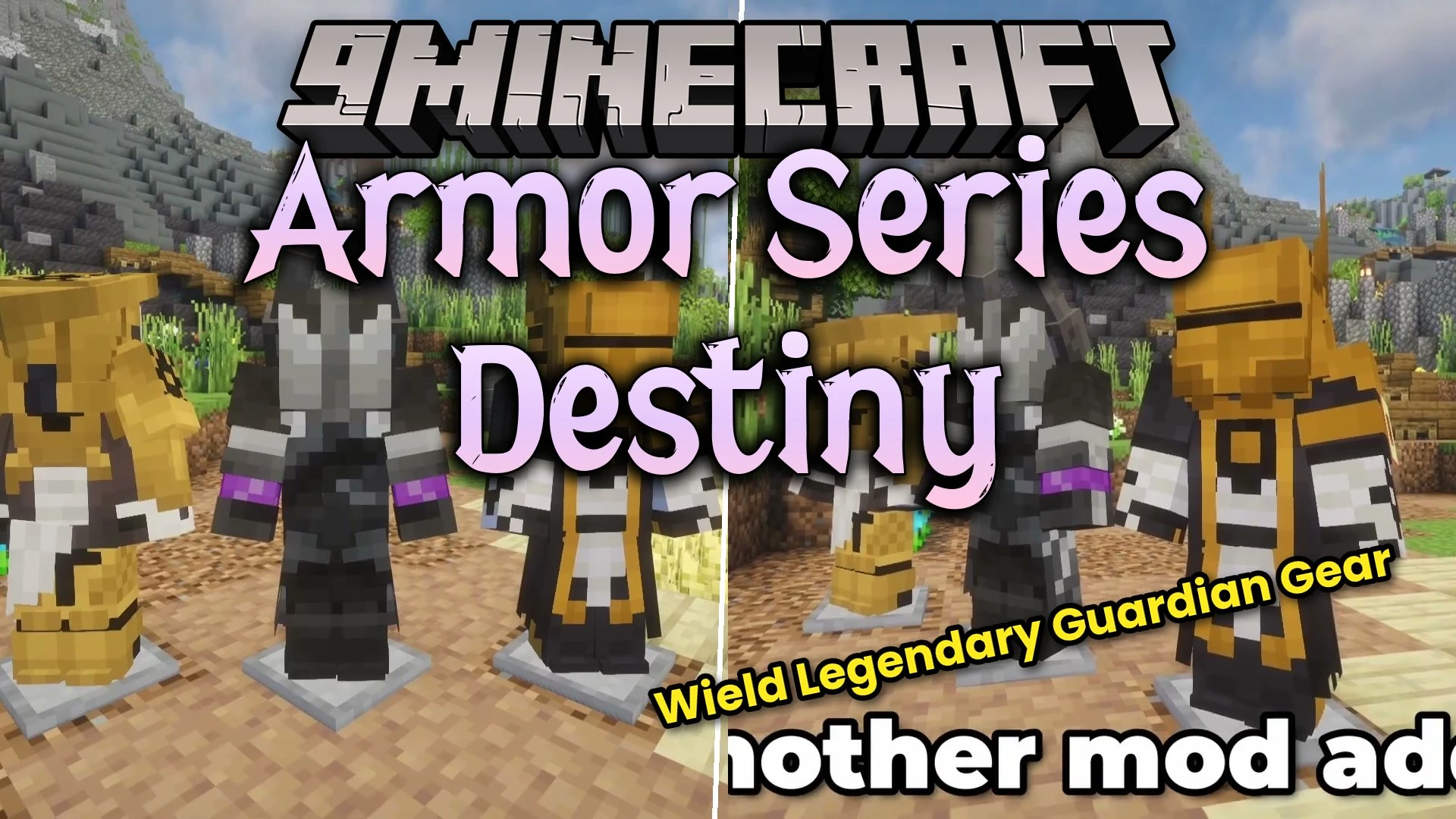
Armor Series Destiny Mod brings gear sets inspired by the Destiny universe directly into Minecraft. Every armor piece is craftable in survival mode by using a standard smithing table. These armor sets inherit defense values based on their recipe materials, giving sets like the Exile armor full diamond protection. You can wear them as main combat armor or equip them in cosmetic slots to show off your guardian look.
Features:
Adds multiple armor pieces and class sets themed after Destiny gear.
Crafts all custom items directly inside standard smithing tables.
Matches the defensive strength of standard armor materials such as diamond.
Works alongside cosmetic equipment mods to customize your character appearance.
Armor Series Destiny Mod – Video Showcase
Your browser does not support the video tag. Download the video.
Armor Series Destiny Mod (1.21.1, 1.20.1) – Forge Iconic Guardian Battle Gear Video Showcase – Armor Series Destiny Mod brings gear sets inspired by the Destiny universe directly into Minecraft.
Available Armor Sets:
Warlock Exile Set: outfits your character in stylized robes modeled after the Warlock class.
Titan Exile Set: equips you with heavy armored plates based on the Titan class.
Lightkin Robes and boots: adds themed chest and footwear gear to wear into battle.
Nezarec's Sin: provides the distinctive exotic helmet piece for your character.
How to Use:
Place a smithing table in your world.
Look up the specific ingredient recipes using a recipe viewer mod.
Combine your base armor piece and crafting items inside the smithing table slot.
Equip the finished Destiny armor piece into your inventory or cosmetic slot.
Screenshots:
Warlock Exile set worn on a player character during explorationHeavy Titan Exile armor plates equipped on a player characterExotic Nezarec's Sin helmet worn alongside dark protective battle robesCrafting custom Destiny armor pieces at a standard survival smithing tableLightkin Robes and combat boots equipped on an active player character
Armor Series Destiny Mod Download Links
Quick facts
Edition: Minecraft Java
File type: .jar
Minecraft versions listed: 1.21.1, 1.20.1
How to install: Install the matching mod loader (Forge, Fabric or NeoForge) for your Minecraft version. → Download the .jar. → Put it in the .minecraft/mods folder and launch that loader profile.
Where to get it: In MC Java Mods, or directly above on this page.