Living World (RU)
Java data pack listed for Minecraft 26.x. Downloads from the MC Java Mods app on Android.
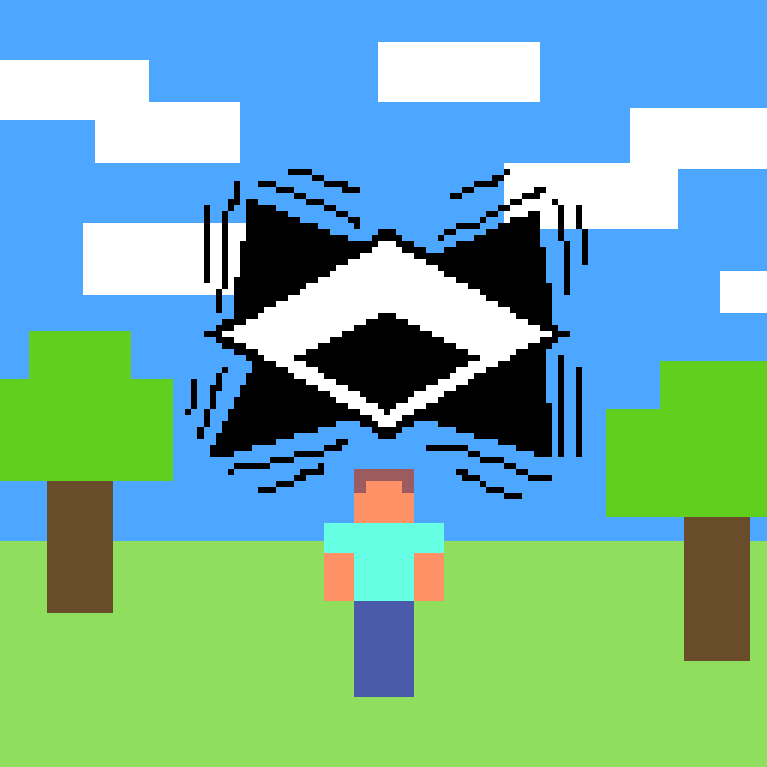
The world seems to be watching you: it reacts to deaths, jumps, sprinting, achievements, and your first join — with jokes and comments.
⬇ Download on Modrinth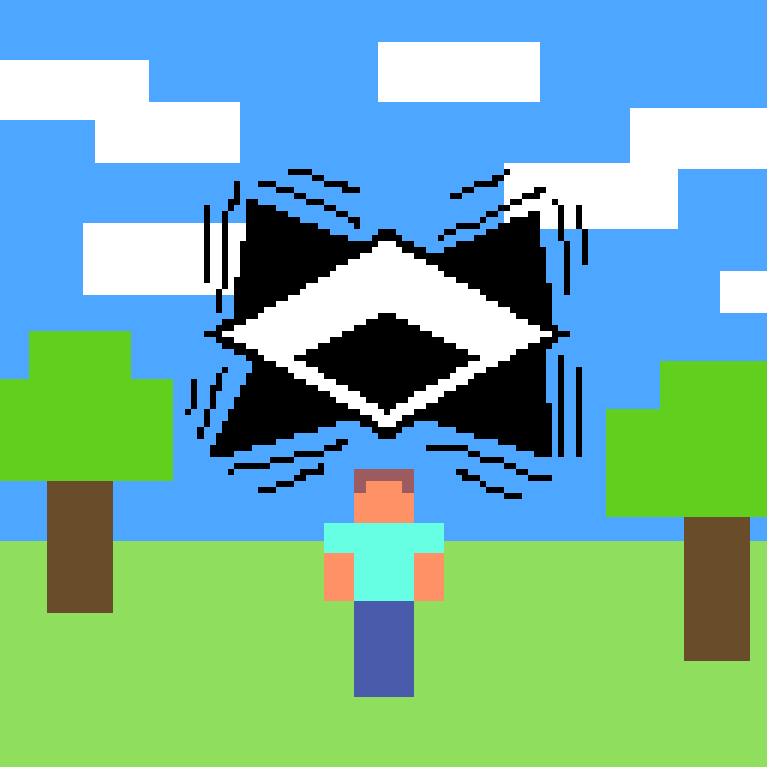
Описание
Living World — чистый ванильный датапак (без модов, без плагинов), который добавляет "характер" миру через простые, но живые реакции на действия игрока.
⚠️ Это альфа-версия. Основной функционал протестирован, но возможны баги или неучтённые ситуации. Если найдёшь что-то странное — пиши в комментариях.
Что умеет:
💀 Реакция на смерть Причина смерти определяет текст сообщения:
Падение, огонь, утопление, заморозка, молния, взрыв, урон от другого игрока — у каждой свой комментарий Всё остальное (мобы, голод, пустота и т.д.) — случайная фраза из общего пула
- 🏆 Комментарии на достижения Мир не молчит, когда находишь алмаз, впервые заходишь в Нижний мир или в Энд.
- 🦘 Реакция на прыжки 5+ прыжков подряд — и получаешь ехидный комментарий (один из нескольких вариантов).
- 🏃 Реакция на бег Бежишь без остановки дольше 5 секунд — тоже не останется незамеченным, и продолжит комментировать каждые следующие 5 секунд.
- 👋 Приветствие Случайная фраза при первом столкновении с миром.
Совместимость
Версия Minecraft: 26.2 Тип: датапак (не требует модов на клиенте или сервере)
Установка Скачай архив Положи в папку
world/datapacks/
твоего мира
(или saves/[название мира]/datapacks/)
/reload
или перезайди в мир
EN🌍 Localization An English version with its own jokes, references and memes is coming soon — separate download, I'll post it here once it's ready.
Description
Living World is a clean vanilla datapack (no mods, no plugins) that adds "character" to the world through simple but lively reactions to player actions.
⚠️ This is an alpha version. Core functionality has been tested, but bugs or unforeseen situations may occur. If you find something odd — let us know in the comments.
Features:
💀 Death reactions — the cause of death determines the message:
Fall, fire, drowning, freezing, lightning, explosion, damage from another player — each has its own comment Everything else (mobs, starvation, the void, etc.) — a random phrase from the general pool
- 🏆 Achievement comments — the world doesn't stay silent when you find a diamond, or enter the Nether or the End for the first time.
- 🦘 Jump reactions — 5+ jumps in a row, and you get a snarky comment (one of several variants).
- 🏃 Sprint reactions — run without stopping for over 5 seconds, and it won't go unnoticed either, with a new comment every 5 seconds you keep running.
- 👋 Welcome message — a random phrase the first time you encounter the world.
Compatibility
Minecraft version: 26.2 Type: datapack (no mods required, client or server)
Installation Download the archive Place it in your world's
world/datapacks/
folder
(or saves/[world name]/datapacks/)
/reload
or rejoin the world
- Edition: Minecraft Java
- File type: .jar
- Minecraft version listed: 26.2
- How to install: Install the matching mod loader (Forge, Fabric or NeoForge) for your Minecraft version. → Download the .jar. → Put it in the .minecraft/mods folder and launch that loader profile.
- Where to get it: Opens on Modrinth — not every file is mirrored on our own servers.
Install steps are the general flow for this file type — see the MC Java Mods guides for the full walkthrough.
- Downloads as Living World.zip
- Download size: 18 KB
- Download link checked 14 Oct 2026 — working
These come from our own check of the pack file, not from the source page.