
ResourcepacksJava
No splashes
Java resource pack listed for Minecraft 26.x. Downloads from the MC Java Mods app on Android.
⬇ Download on Modrinth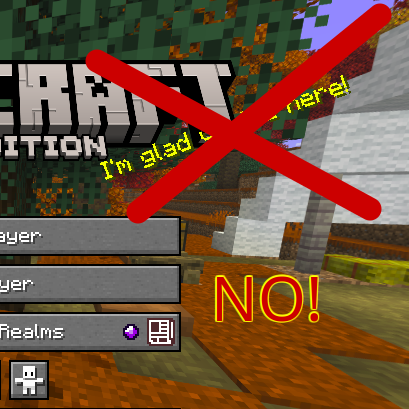
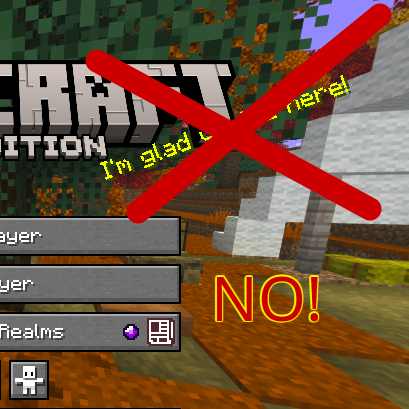
This very lightweight resource pack completely removes the yellow text that appears on the Minecraft main menu (the "splashes").
INSTALLATION To install correctly:
- Download the pack.
- Cut the pack file (Ctrl + X).
- Open Minecraft.
- Click on "Options".
- Click on "Resource Packs".
- Click on "Open resource pack folder".
- Paste the pack (Ctrl + V).
- The pack can now be enabled or disabled at will from the resource pack settings.
All rights reserved.
Quick facts
- Edition: Minecraft Java
- File type: .zip (resource pack)
- Minecraft versions listed: 26.1, 26.1.1, 26.1.2
- How to install: Download the .zip resource pack — do not unzip it. → Put it in .minecraft/resourcepacks. → Enable it in Options → Resource Packs.
- Where to get it: Opens on Modrinth — not every file is mirrored on our own servers.
Install steps are the general flow for this file type — How to install Minecraft Java resource packs walks through it step by step.
File checked by MCModsHub
- Downloads as §4no_Slpashes.zip
- Download size: 177 KB
- Download link checked 5 Nov 2026 — working
These come from our own check of the pack file, not from the source page.