Pebbles & Twigs Mod (26.3, 1.21.11) – Scatter Rocks and Fallen Wood
Java mod listed for Minecraft 1.21. Downloads from the MC Java Mods app on Android.
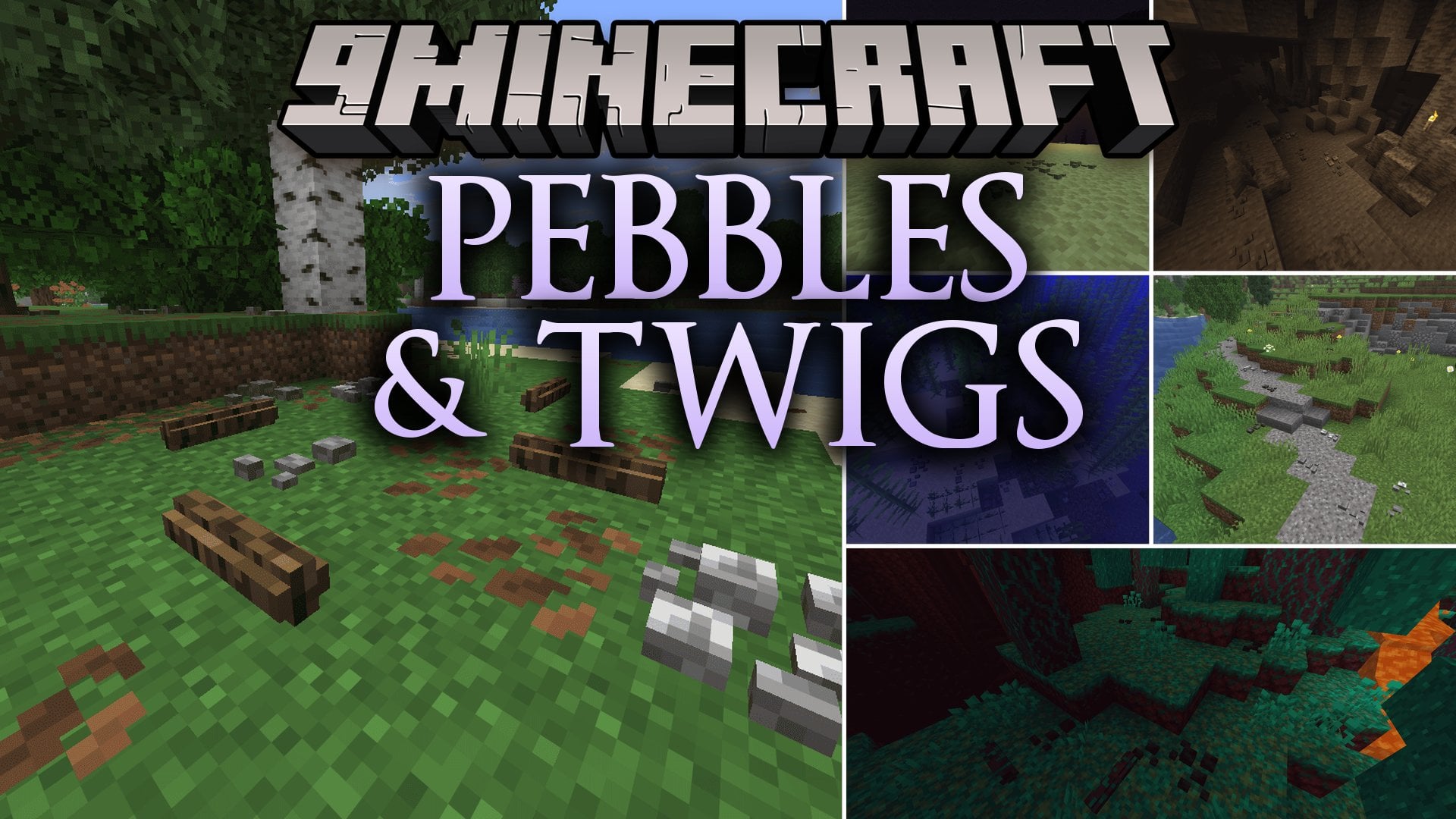
Pebbles & Twigs Mod populates empty ground with small stone rocks and fallen tree debris. Forest floors gain scattered wood pieces, dark caves fill with…
⬇ Download


Pebbles & Twigs Mod populates empty ground with small stone rocks and fallen tree debris. Forest floors gain scattered wood pieces, dark caves fill with rocky rubble, and ocean beds receive natural stone clusters. You can stack stones up to four times in one spot, throw them at targets, or use them to decorate custom paths. The mod brings extra charm to every biome while keeping everything craftable in survival mode.
Features:
The Pebble System:
- Stone Types: Includes Andesite, Diorite, Granite, Stone, Deepslate, Tuff, Sandstone, Red Sandstone, Blackstone, and End Stone.
- Players can stack up to four pebbles in a single block space to adjust terrain density.
- Every pebble can be thrown to deal damage or loaded into Dispensers for automated traps.
The Twig System:
- Wood Varieties: Includes Oak, Spruce, Birch, Jungle, Acacia, Dark Oak, Mangrove, Cherry, Pale Oak, and Nether wood types.
- Twigs stand upright when placed on top of blocks or lie flat when placed on block sides.
- Stripping a placed twig with any axe creates a clean stripped version.
World Generation and Utility:
- Generates pebbles in caves, riverbeds, ocean floors, and deserts, while twigs scatter across forests and Nether biomes.
- All twigs are flammable and all pebbles are waterloggable for underwater decorating.
- Crafts pebbles from stone blocks and crafts them back into full blocks in survival mode.
- Crafts twigs from logs, wood, and stripped wood blocks.
How to Use:
- Right-click an existing placed pebble with matching stone to stack up to four rocks.
- Click the top or bottom of a block to place a vertical twig, or click the side of a block for a flat horizontal twig.
- Target the upper half of a block’s side to place a twig high, or target the lower half to place it low on the ground.
- Right-click a placed twig with an axe to strip its bark.
- Right-click while holding a pebble to throw it as a weapon, or place pebbles inside a Dispenser.
Screenshots:

Pebbles & Twigs Mod Download Links
- Edition: Minecraft Java
- File type: .jar
- Minecraft version listed: 1.21.11
- How to install: Install the matching mod loader (Forge, Fabric or NeoForge) for your Minecraft version. → Download the .jar. → Put it in the .minecraft/mods folder and launch that loader profile.
- Where to get it: In MC Java Mods, or directly above on this page.
Install steps are the general flow for this file type — How to install Minecraft Java mods & modpacks walks through it step by step.
- Downloads as 515405.mcaddon
- Download size: 308 KB
- Download link checked 25 Sept 2026 — working
- Mirrored on our own servers — the download does not depend on the original host
These come from our own check of the pack file, not from the source page.